User’s Manual
Published on February 2017 UMn°154 – rev.05 37
This document and any information disclosed herein are the property of Keopsys and constitutes and contains proprietary information.
Receipt or possession of this document does not confer or transfer any right to duplicate, use disclose any information
Alarm pop up
When an alarm rises or when you turn ON the
key whereas an alarm is present a pop up
appears to list all activated alarm on the device.
Alarms
Power Input : ALA
Back
7.4. Use of Interlock
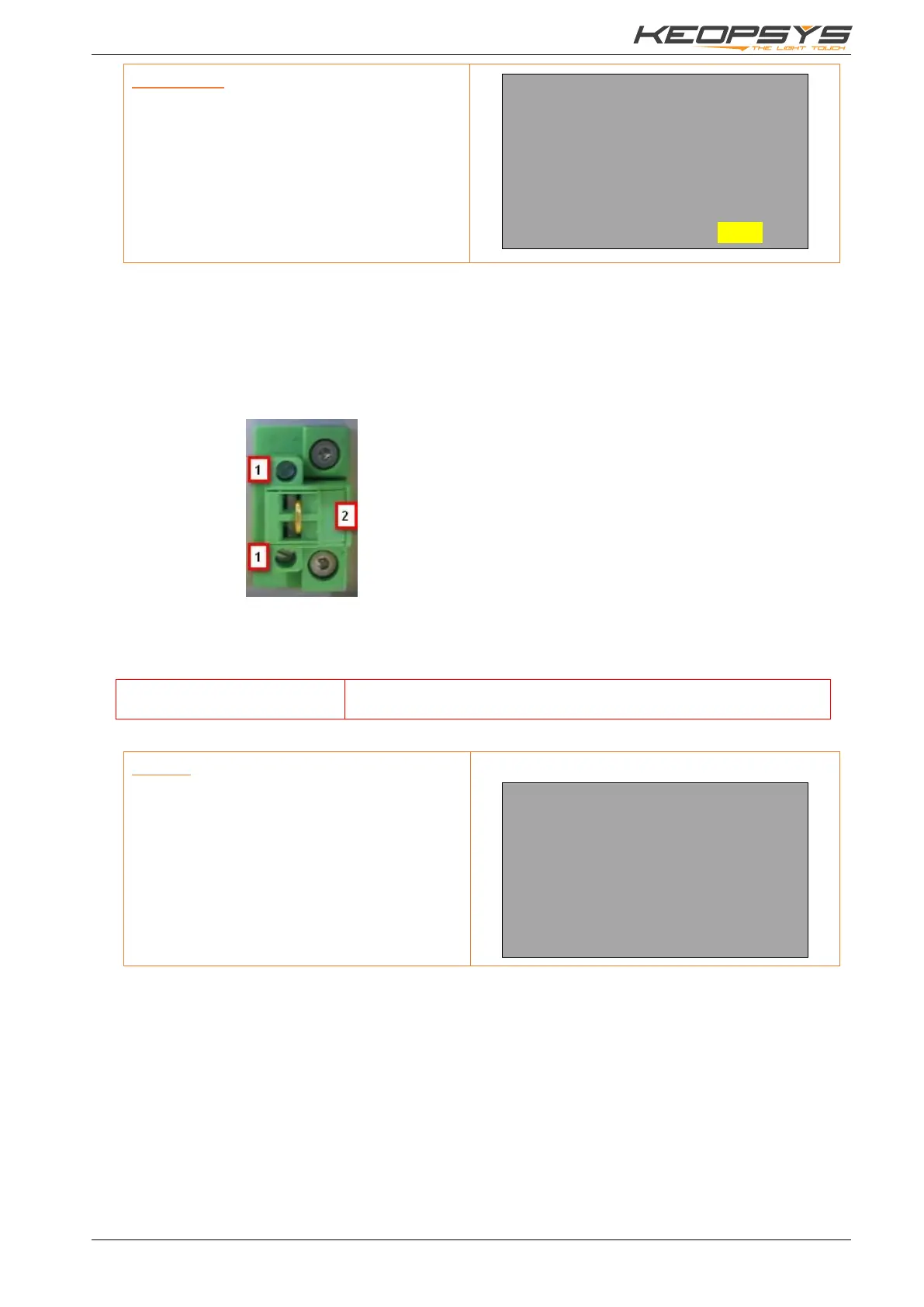
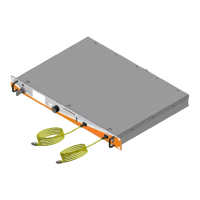
The device is equipped with a safety interlock, located on the rear panel. When the interlock circuit is
open (interlock connector removed), pump power is disabled as well as the ON/OFF key. Use the interlock
according to your local regulations.
To remove the interlock connector :
1. Remove the two small screws
2. Remove the strap
The interlock is an electrical closed contact which allows the device to run. When the contact is broken,
laser current decrease to 0 A.
Open the interlock contact in set up menu will not display the message
Interlock
After an interlock shutdown, Press ‘Exit’ and ‘Enter’ to reset the device.
Interlock
As long as the interlock is disconnected, an
alarm window is displayed and the pump
current is switched OFF.
>>>>ALARM<<<<<
INTERLOCK REMOVED


 To Next Page