User’s Manual
Published on February 2017 UMn°154 – rev.05 36
This document and any information disclosed herein are the property of Keopsys and constitutes and contains proprietary information.
Receipt or possession of this document does not confer or transfer any right to duplicate, use disclose any information
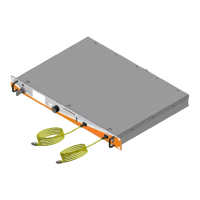
When the key is switched ON, the first led on front panel lit to warn that laser emission is now allowed
and can but started with the front panel, or WSI or remotely (RS232, Telnet, SSH).
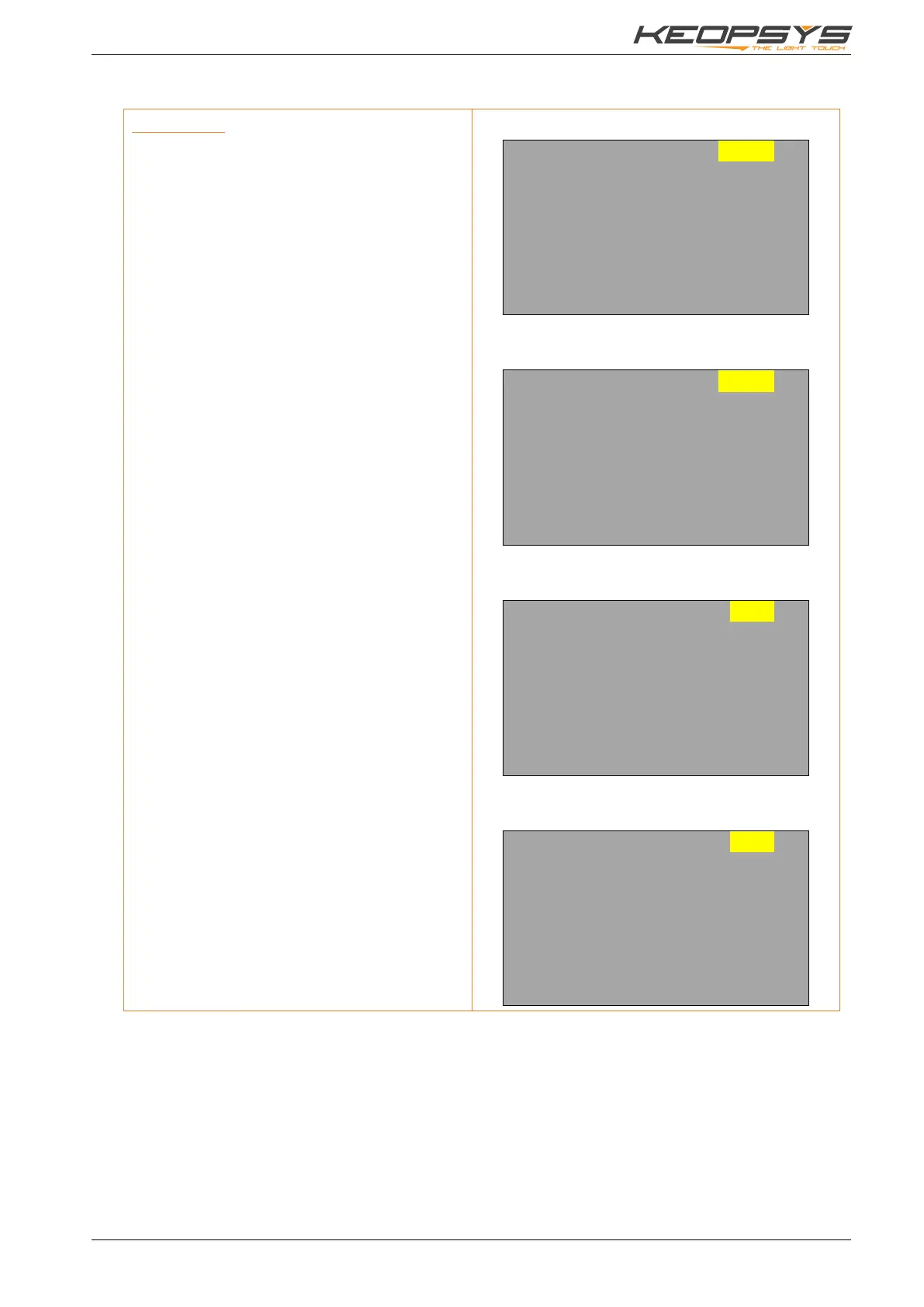
Control mode
The control mode selection is only available
when KEY is OFF.
To change the corresponding set point, turn the
knob to select the value, push the knob on the
actual value and select the new set point by
turning the knob. New set point is saved by
pushing the knob.
Power monitoring are displayed only if they are
available on the device.
The Alarm Status panel as well as the Options
menu can also be selected when highlighted
(see below).
To start the laser emission, select START field
and push the knob.
In START mode, displayed current are now the
current measured not the set point.
In ACC mode, to see the set point and change
it, select the corresponding value turning the
knob, push it, the label change and the value
become the set point. To validate the new value
just push the knob.
The second led on front panel should now blink.
To stop laser emission, just select the STOP
field and push the knob.


 To Next Page