KN-4006 series UV Radiation Treatment System
Setup
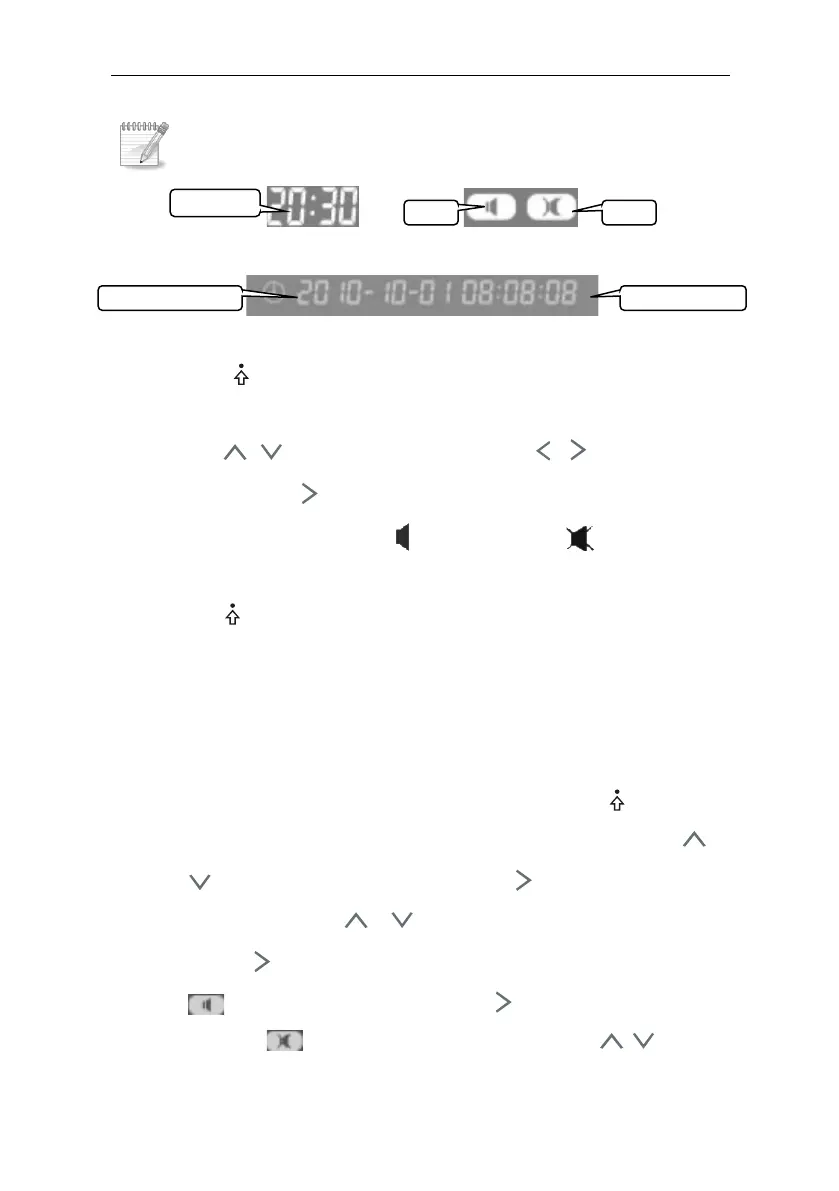
Figure Pic 4-5irradiation time Figure 4-6 Speaker status
Figure 4-7 System time
Press ” /OK” key to enter the setup of irradiation time,
speaker on/off and system time, and the edit light is flashing.
Press , key start to modify, press , key to change
edit content. Press key to modify content as follows: irradiation
time (min:sec) →speaker on → speaker off →system time
(year-month-date hour:min:sec)
Press ” /OK” to finish the setup.
For example: Setting the system irradiation time: 20min
30sec; Speaker: on; System time: 2011-01-20 12:30:45;
Setting methods are following:
1. System irradiation time setting: Press ” /OK” key,
irradiation time “minute” start to flashing, then press ,
key and set it as ”20”. Press key to set the time
“second”, press , key to set it as ”30”.
2. Press key to set speaker. Open the speaker botten, If
(on) mark is flashing, press key to set the system
time; if (off) mark is flashing, press , key to



 To Next Page