KN-4006 series UV Radiation Treatment System
4.3 KN-4006A/KN-4006B Soft operation
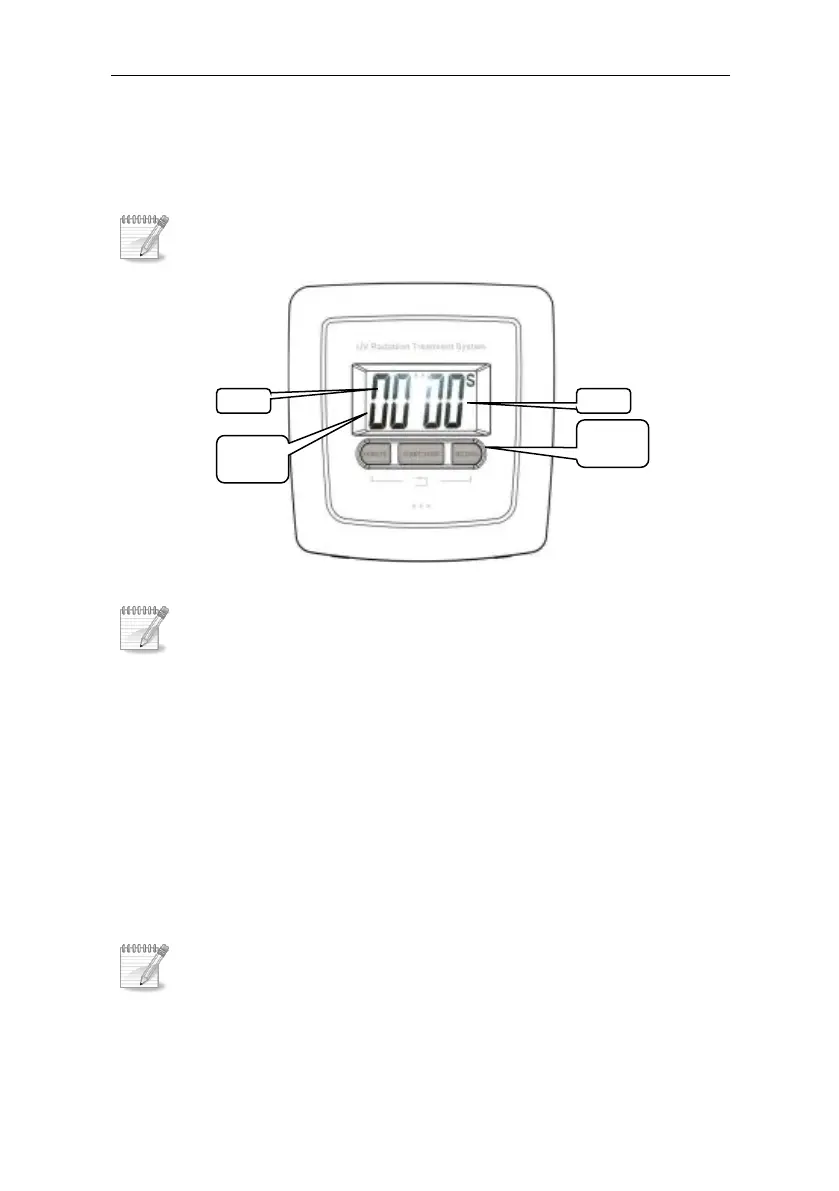
Operation panel
Figure 4-8 operation panel
setup
Press“MINUTE”key to adjust the minute,press it once,
and add to one minute. Press more, more minutes.
Press “SECOND” key to adjust the second,press it once,
and add to one second. Press more, more seconds.
Simultaneously press“MINUTE”key and “SECOND”key
to return to zero
Treatment process
Ø start treatment
After setting the Irradiation time, press“ START/STOP”



 To Next Page