2. Exercising with pulse-rate settings
Manual pulse settings
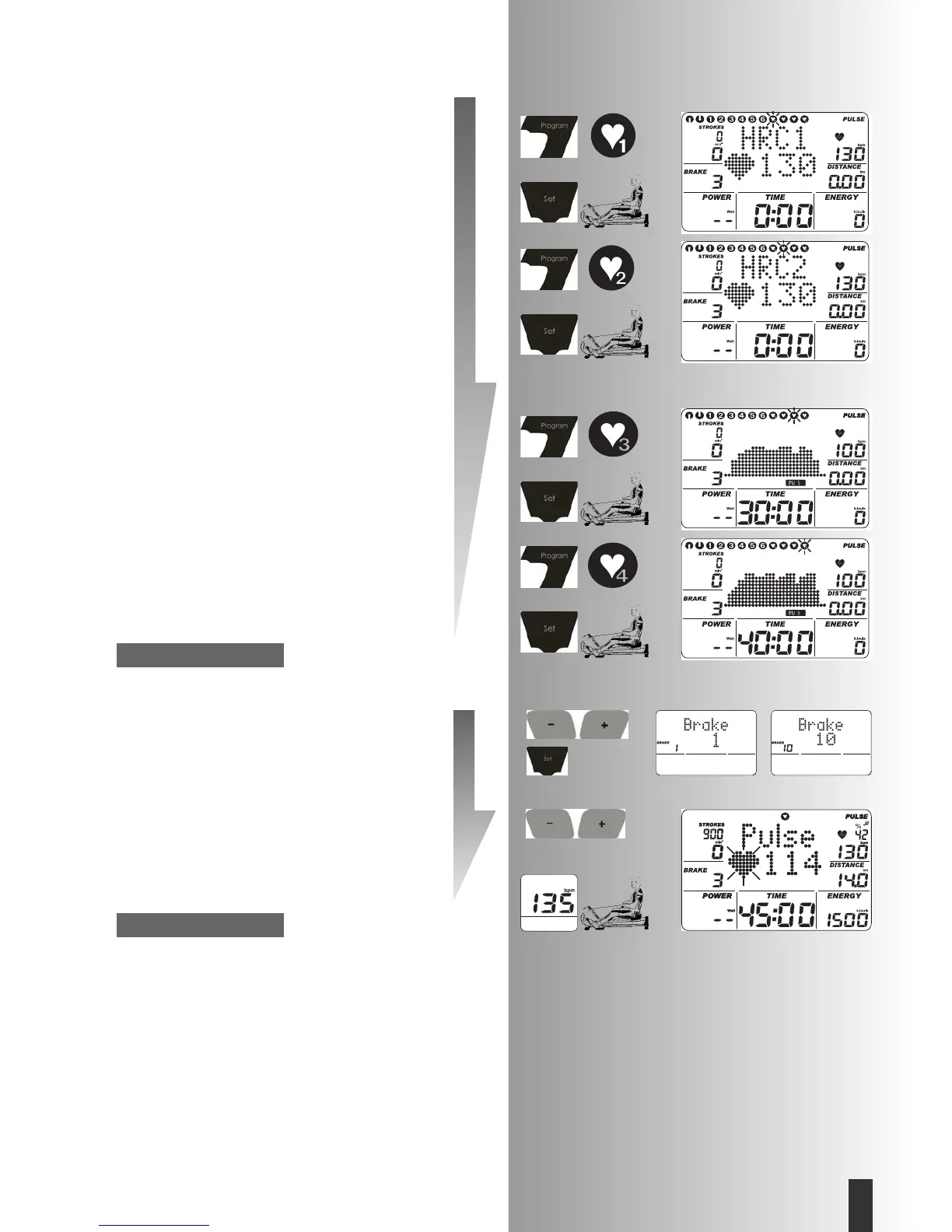
(PROGRAM) “HRC1” Count Up”
• Press “PROGRAM” until: Display: HRC1
• Press “SET“: Setting zone
Or
Start exercising. All values count upward.
The resistance is increased automatically until the target
pulse is reached (e.g. 130).
(PROGRAM) “HRC2” Count Down
• Press “PROGRAM“ until: Display: HRC2
• Press “SET“: Setting zone
The entries and setting possibilities are similar to the
program item “Count down“
• Start of exercising
The resistance is increased automatically until the target
pulse is reached (e.g. 130).
(PROGRAM) “HRC3” Travel game 30 min.
• Press “PROGRAM“ until: Display: HRC3
• Press “SET“: Setting zone
• Start of exercising
The resistance is increased automatically until different
target pulse rates are reached.
(PROGRAM) “HRC4” Extensive interval training 40 min.
• Press “PROGRAM“ until: Display: HRC4
• Press “SET“: Setting zone
• Start of exercising
The resistance is increased automatically until different
target pulse rates are reached.
Initial resistance
In HRCR programs, an initial resistance can be set from
stage 1-10 in the setting zone.
• Enter values (e.g. 10) with “Plus“ or “Minus“.
The resistance is increased automatically from stage 10
until the target pulse rate is reached (e.g. 130).
Pulse rate
• Using “Plus“ or “Minus“ it is possible to change the
pulse setting at this point and during exercising,
e.g. from 130 to 135.
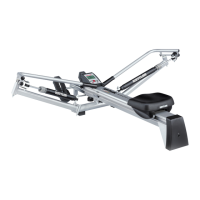
Start exercising by rowing.
Possible settings: see table on page 13.
• EIn HRC programs, the resistance is adjusted for diffe-
rences of +/– 6 heartbeats.
Note:
Note:
29
GB







 To Next Page