42
Once the destination has been iden-
tified either by POI name, address,
or coordinates, the map screen will
be displayed.
From this screen you can set the
destination or add a waypoint, or
add the displayed destination to your
address book.
Address
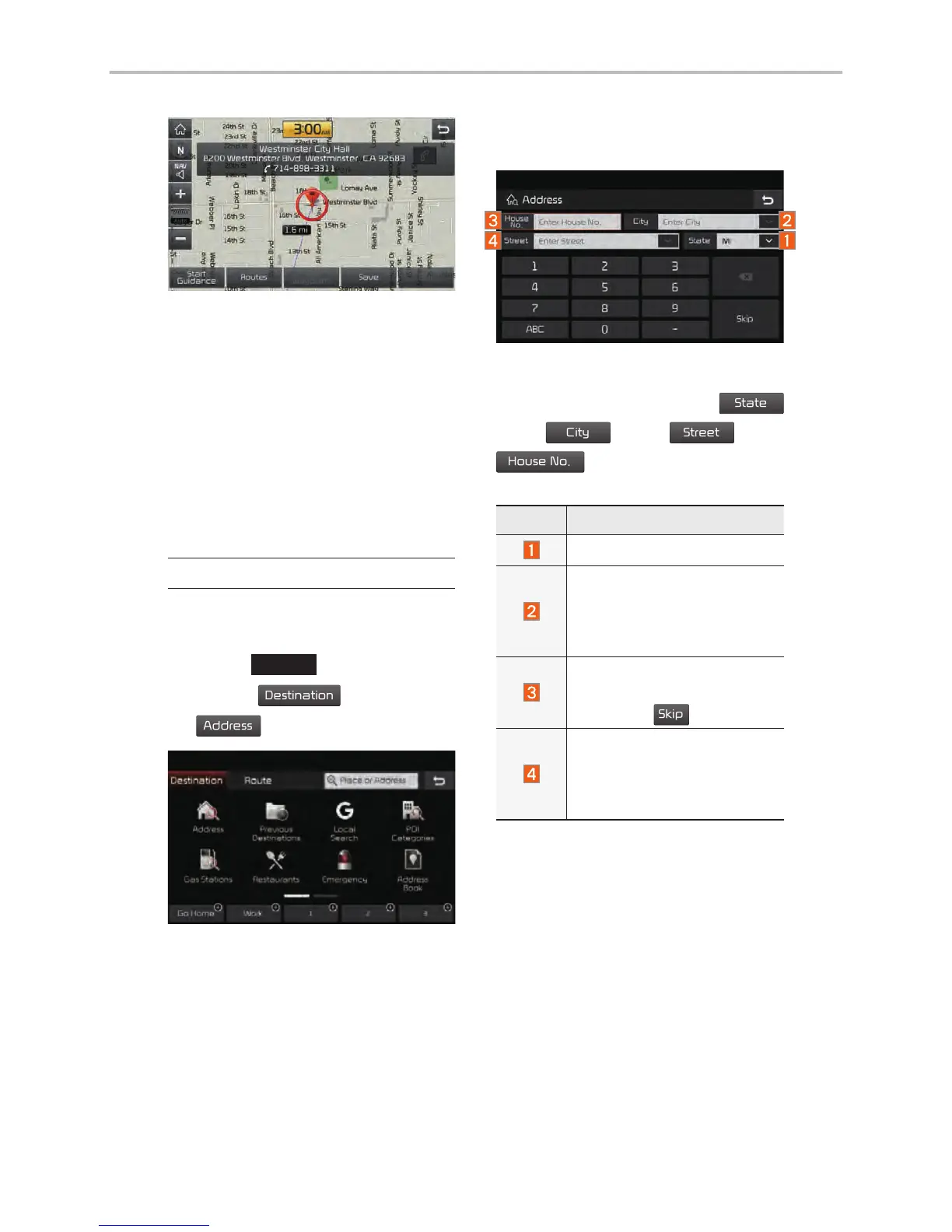
Set destination by address search.
Press the
NAV
head unit key.
▶
Select the
.
Name Description
Select state to search.
Select a city before
entering the street name.
Addresses are searched
only from the selected city.
Enter house number. If you
don’t know the house num-
ber, press
button.
Enter a street name. If
same street names exist in
other cities, the list of cities
will be displayed.
Navigation



 To Next Page