17
Bluetooth Connection
Pairing a New Device
Before you can use the Bluetooth
feature, you must first pair/connect
your mobile phone to your car.
Up to 5 Bluetooth devices can be
paired.
Only one Bluetooth device can be
connected at a time.
Pairing a New Device by Selecting
Phone/Call
Press the key on the steer-
ing wheel control.
▶
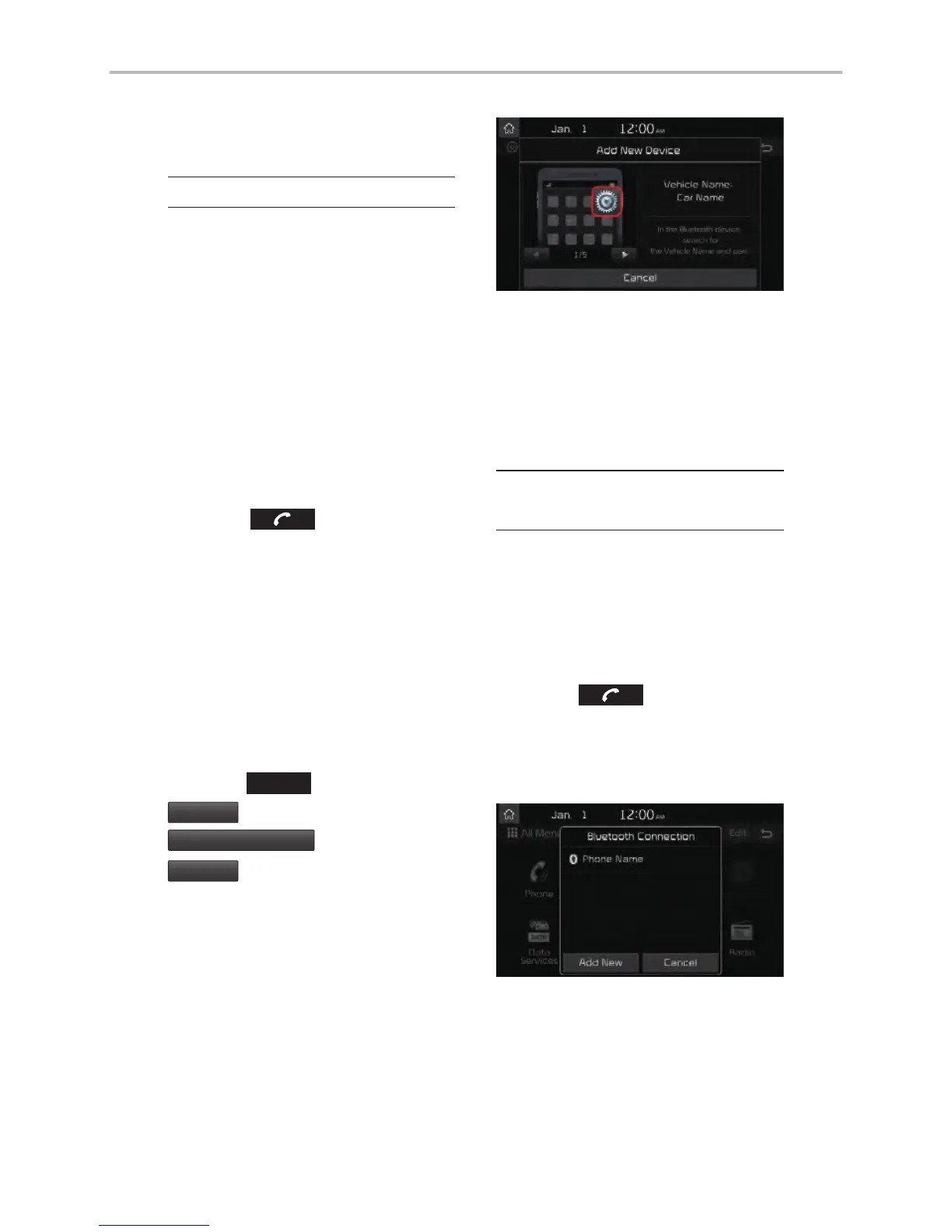
Pair your car
after your mobile phone detects
the Bluetooth device.
▶
Enter the
passkey or accept the authorization
popup.
▶
Connect Bluetooth.
Pairing a New Device Through the
Phone Settings
Press the
SETUP
key.
▶
Select
Bluetooth
.
▶
Select
Bluetooth Connection
.
▶
Select
Add New
.
▶
Pair your car after your
mobile phone detects the Bluetooth
device.
▶
Enter the passkey or
accept the authorization popup.
▶
Connect Bluetooth.
The default passkey is 0000.
The vehicle name above is an exam-
ple. Check the actual information on
the product.
Connecting Bluetooth
Devices
Connects the Bluetooth devices that
you add.
Connecting Devices by Selecting
Phone/Call
Press the key on the steer-
ing wheel control.
▶
Select the name
of the device to connect.
▶
Connect
Bluetooth.
Bluetooth



 To Next Page