41
Destination Search
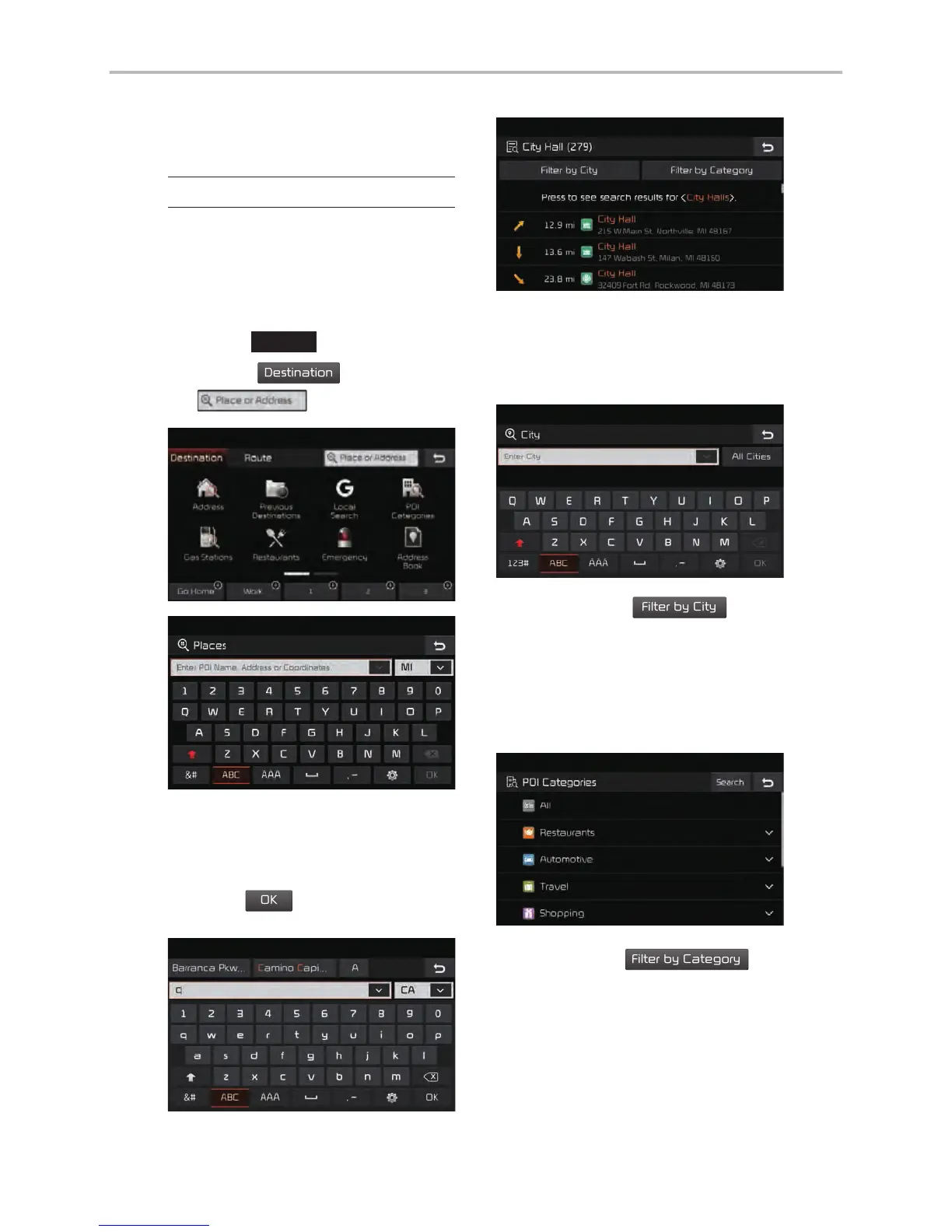
Places
You can enter POI Name, Address
or Coordinates that you wish to
search by.
Press the
NAV
head unit key.
▶
Select the
tab.
▶
Select
the
Search Bar.
Enter the POI Name, Address and
Coordinates of the location you
want in the input window above, and
press the
button.
If you select a location from the
search result list, it will bring you to
the point.
If you press the
button
on the search result screen, it will
bring you to the City search screen
where you can filter the search
results by city names.
If you press the
but-
ton from the search result screen, it
will bring you to the POI Categories
screen where you can filter the
search results by POI Categories.



 To Next Page