7
Home Screen
Controls Menu Configuration for the Home Screen
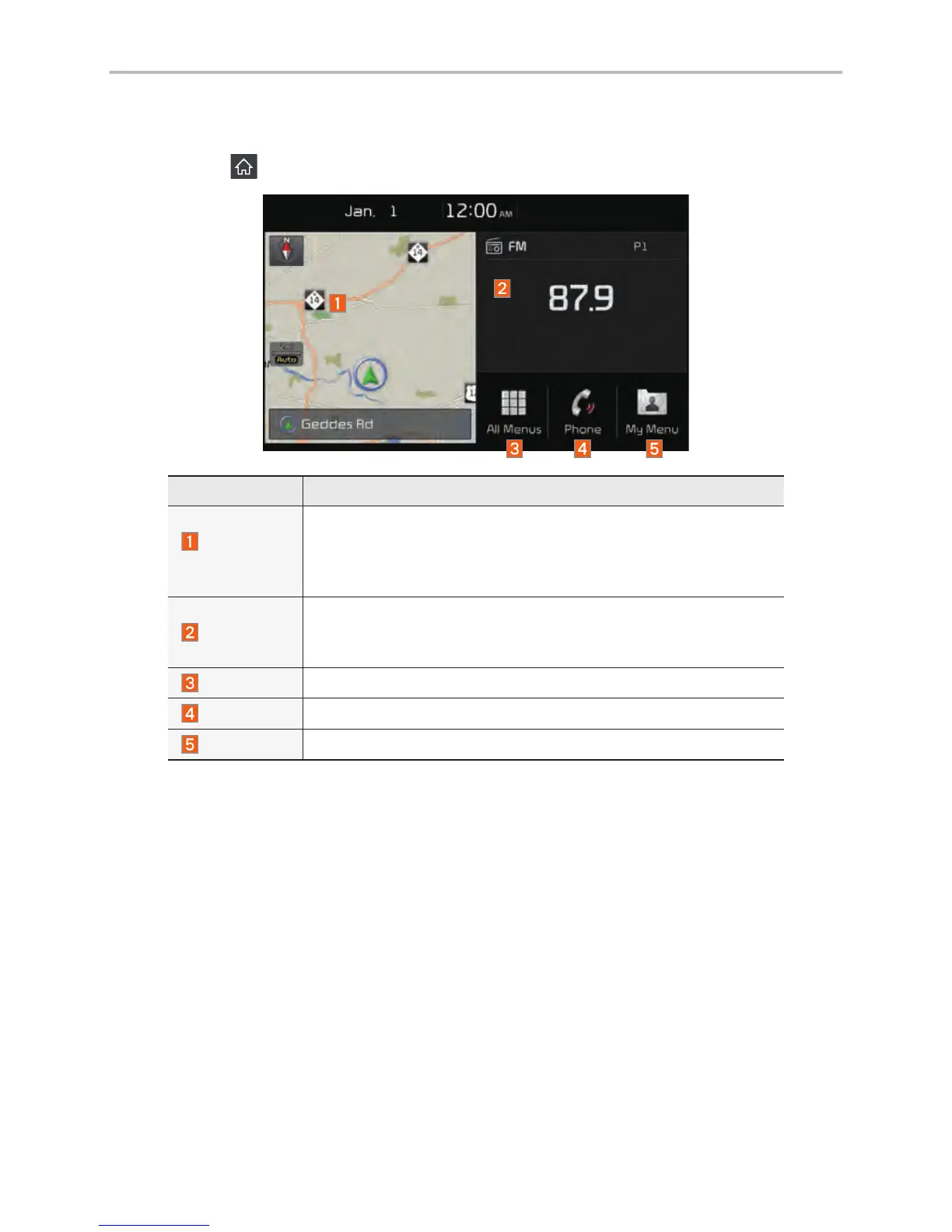
Tap the icon on any screen to display the Home Screen below.
Features Description
Navigation
Widget
• Provides a brief view of the navigation map and the route
screen.
• Touch any area on the screen to move to the navigation
screen.
AV Widget
• Shows brief information on the radio or media that is now
playing.
• Tap the area to move to the mode that you are listening to.
All Menus
Shows all of the items in the system menu.
Phone
Displays user to phone screen.
My Menu
Add your favorite menus to have quick and easy access to them.



 To Next Page