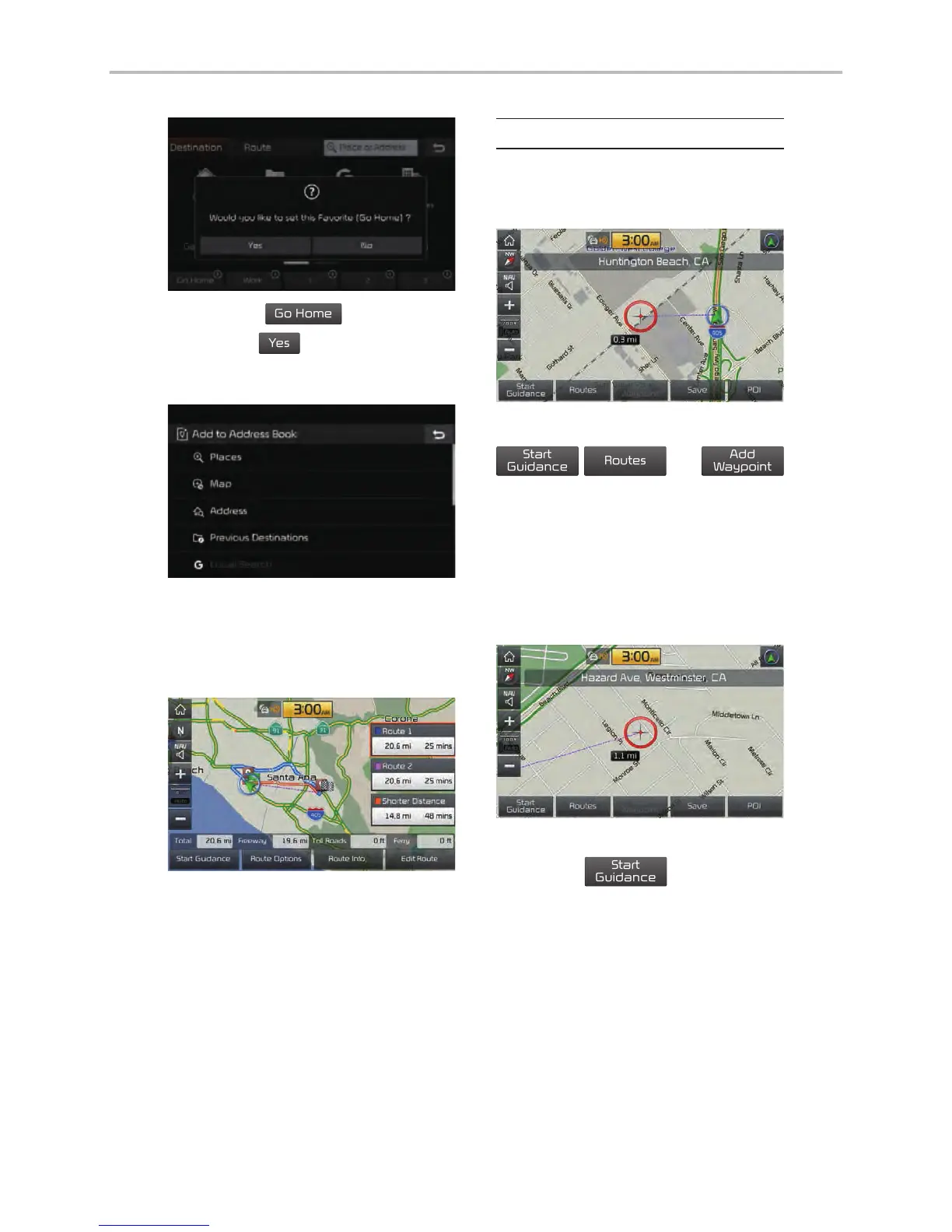
button to set the
Favorite ‘Go Home’.
Work, Special 1, Special 2, and
Special 3 can also be set as a
Favorite using the same steps.
Pressing any of the Favorite Place
buttons will start the route guidance
to the saved Favorite address.
Route Setting
The route can be set after searching
for a destination.
While the destination is set, the buttons
appear.
Press the desired button to change
a destination or add a waypoint.
Destination Setting
After searching the destination,
press the



 To Next Page