30 Panel Operations TOS8030
Chapter 5 Panel Operations
Describes procedures for testing.
5.1 Turning the POWER Switch On
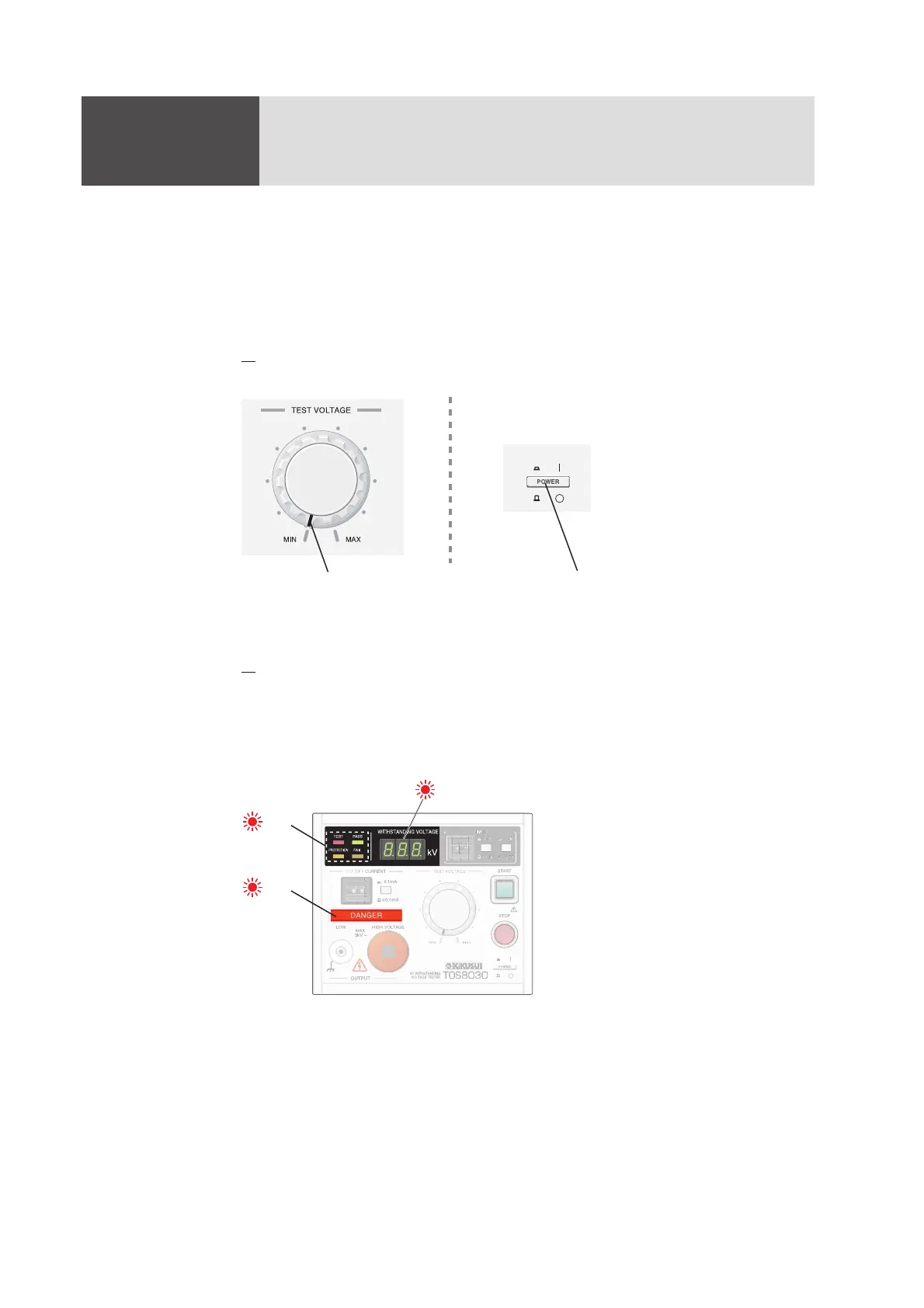
1. Turn the TEST VOLTAGE knob all the way counterclockwise (to the MIN
position), then turn the POWER switch on.
Fig.5-1 Check when Turning the POWER Switch On
2.
Check that all display units and indications light appropriately.
If for any reason you fail to check their status, turn the POWER switch off,
wait several seconds, then turn on once again.
After all the display units and indications light, the tester changes to display
the test conditions currently set.
Fig. 5-2 Indications Displayed After POWER Switch is Turned On
With the knob turned all the way
to the MIN position
Turn the POWER switch on.
Lit
Lit
Lit (8.8.8.)



 To Next Page