38 Remote Control TOS8030
Chapter 6 Remote Control
Gives the procedure for operating the tester from a remote location using the
REMOTE connector and the INTERLOCK terminal.
6.1 Using the REMOTE Connector
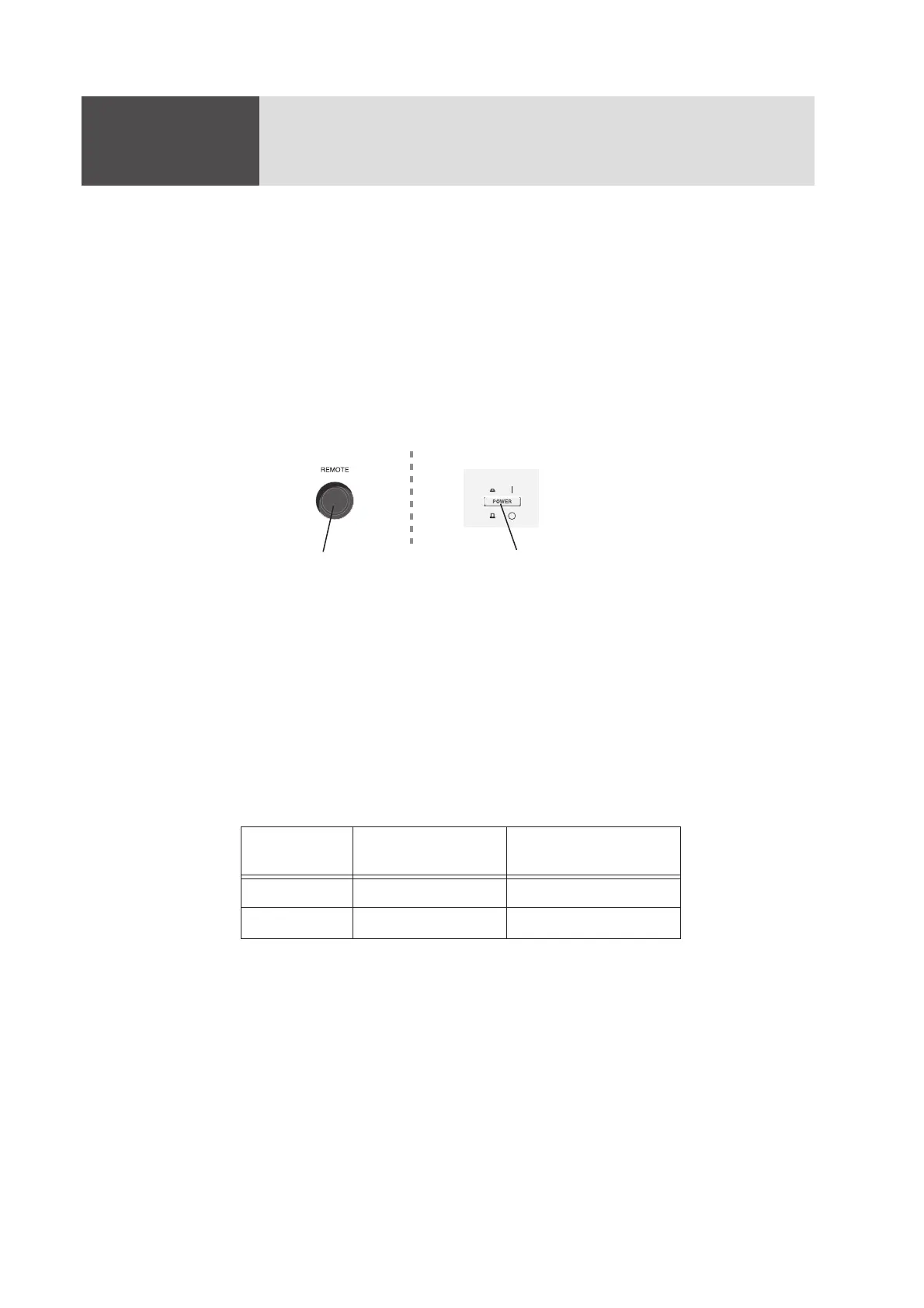
Always turn the tester POWER switch off before connecting or disconnecting an
optional remote control box or other device to or from the REMOTE connector on
the front panel.
Fig. 6-1 REMOTE Connector and POWER Switch
6.1.1 Remote Control with the Optional Remote Control Box
The TOS8030 can be controlled from a remote location using an optional remote
control box to start or stop testing.
Connecting the remote control box to the REMOTE connector on the front panel
switches the tester from front panel control to remote control. Remote-controlled
testing can be started or stopped as shown below:
For information on the optional remote control boxes, see “1.3 Options” (page 12).
Front panel operation
Operations using
the remote control box
Start testing Disabled START switch
Stop testing STOP switch STOP switch
When connecting or
disconnecting a device from
the REMOTE connector
First, turn the POW
switch off



 To Next Page