Kinco-MK
User Manual
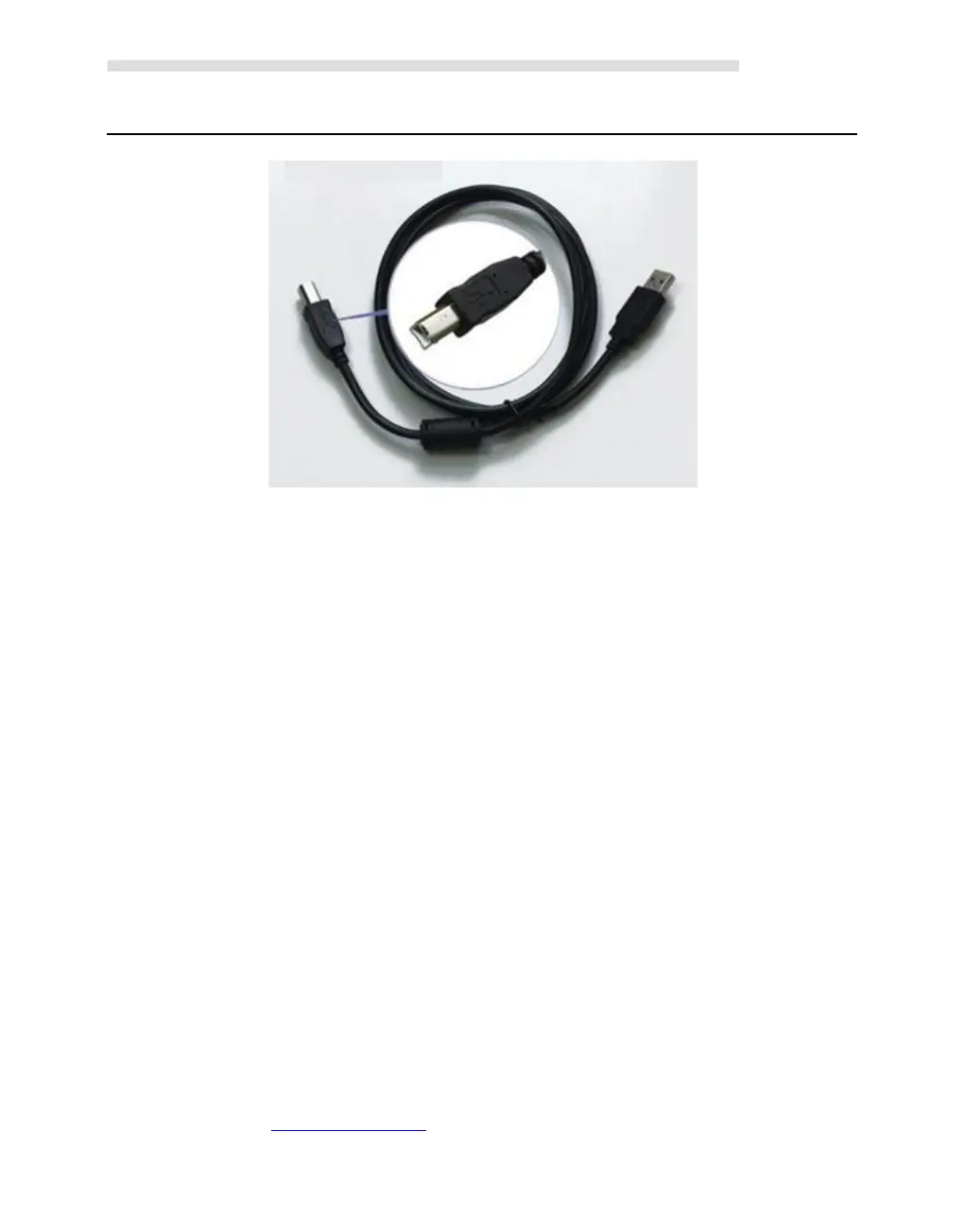
In PC, the programming port of HMI-PLC will be a virtual COM port, you must install the
driver for it when using in PC first time. After finishing installing software Kincobuilder ,
there will be different drivers in the path “\Kincobulider V***\Drivers\” for different versions
of Windows system. Right now it can only support Windows XP, Windows 7,Windows 8 and
Windows 10. When connecting programming cable to HMI-PLC and PC first time, Windows
system will detect new hardware and mention installing driver, users can install the driver
according to the version of Windows.
When the first time using USB cable to download Program on MK series.The USB driver is
needed installation.The installation step please refer to Kinco HPbuilder [Help]-[User
Manual]--Chapter 2.10
2.1.3 Serial Communication Port
Kinco MK series providing 2*RS485 COM,which is Port1 and Port2,the Baudrated up to
115.2Kbps. Port1 could use as programming port,as well as Modbus RTU Master/Slave
protocol,and free communication. Port2 could use as Modbus RTU Master/Slave protocol,free
communication.
And please refers to 2.2 Wiring diagram to know about their pin assignment.



 To Next Page