Kinco-MK
User Manual
3.2.5 How to Use Position Control Instructions
3.2.5.1 How to Modify the Current Value of Position Control
Instructions
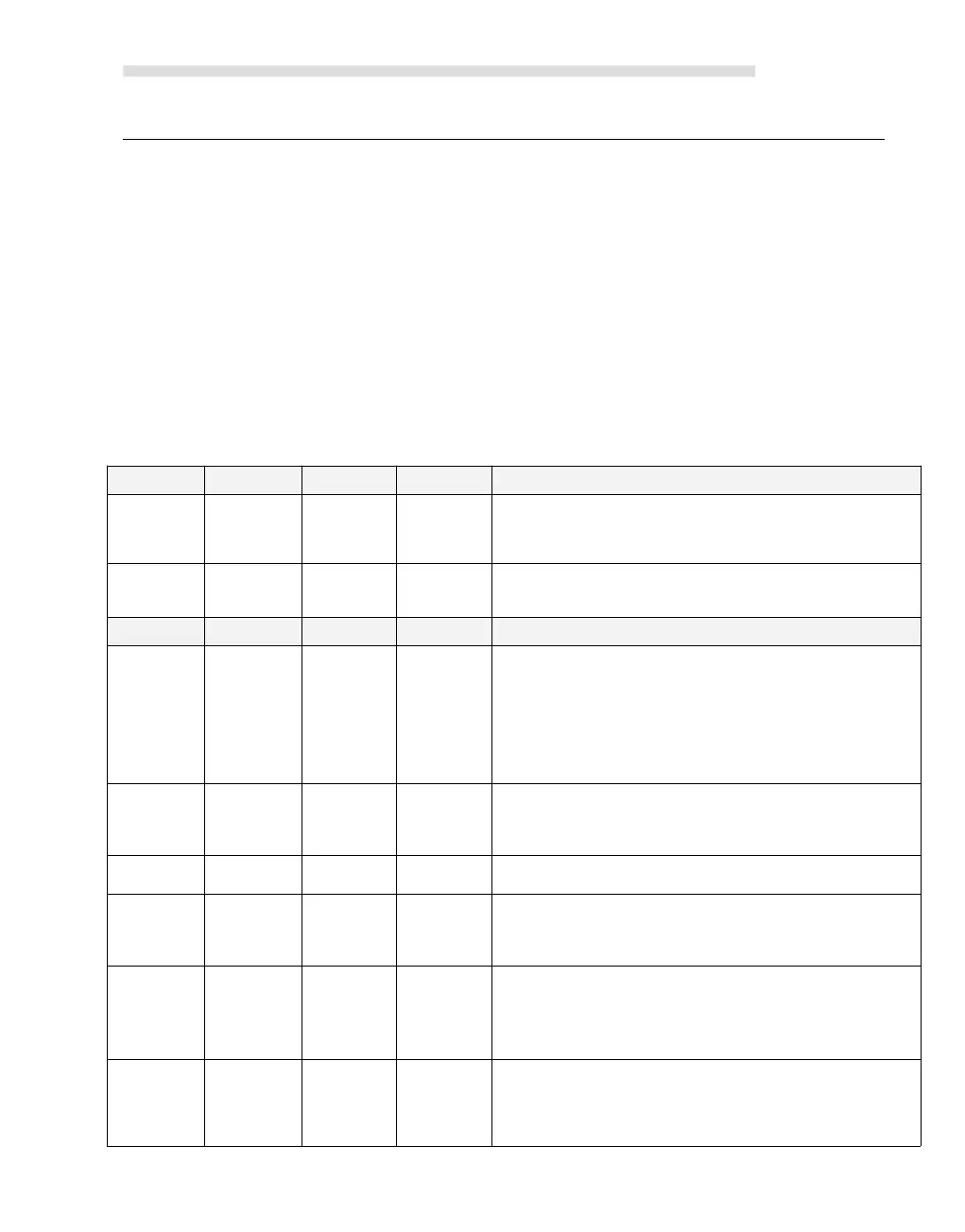
Control Registers and Status Registers
For the Position Control instructions,Kinco-K2 specifies a control byte for each high-speed
output channel to store its configurations. Besides, it assigns a current value register(DINT) to
store the pulse number which has outputted currently (This value will increase when run
forward and decrease when run reverse).The following table describes the control byte and the
current value.
Read only. Current value (Increase when run
forward, decrease when run reverse).It indicates
the pulse number which has already outputted.
Read/Write. New current value. Use to modify the
current value together with specific control bit.
Read/Write. Emergency-Stop bit.
If this bit is 1, no position control instructions can
be executed.
When executing the PSTOP instruction, this bit is
set to 1 automatically, and it must be reset in the
program..
Read/Write. Reset the current value or not
1 --- Clear the current value.
0 --- Maintain the current value.
Read/Write. Use to modify current value.
1 - Modify current value.
0 - Maintain the current value.
Read/Write. Direction control bit.
1 --- Disable the direction output channel, it will be
used as normal output.
0 --- Enable the direction output channel.



 To Next Page