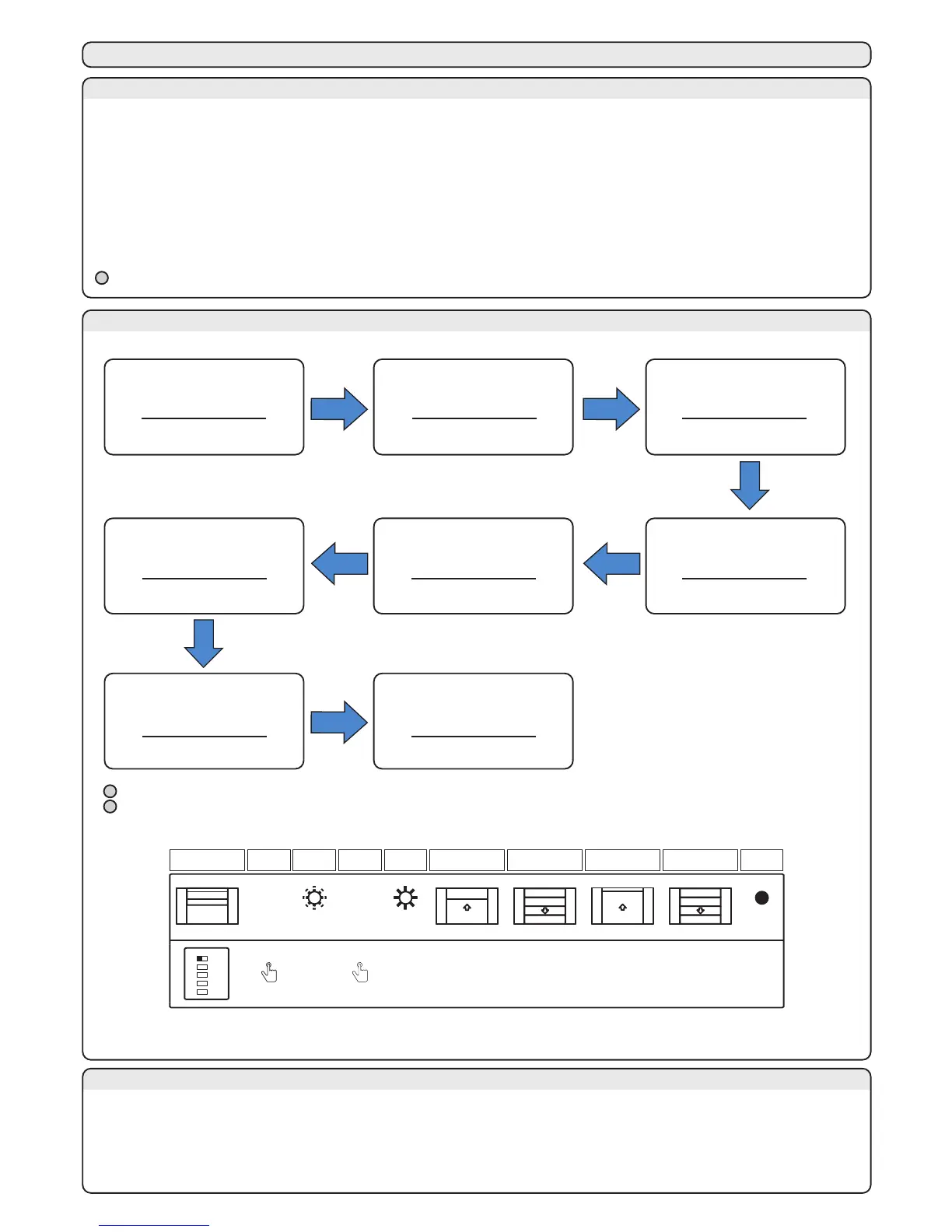
It is necessary to perform the learning procedure to program the travel (see paragraph 9B for the standard proce-dure, or
paragraph 9D for the professional procedure).
There is also a learning procedure for the pedestrian opening (see paragraph 11D, it is not necessary).
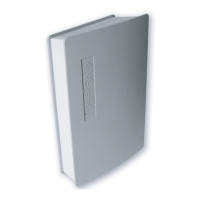
The control unit is programmed by the buttons, and the control unit status is shown during the programming procedure by the
yellow led “SET”. When the control unit begins the programming procedure, the yellow led “SET” switches on. It stays on until the
end of the programming procedure, or until an anticipated quit (by pushing SET and RAD simultaneously), which stops the
programming procedure and the motors.
To having a better travel regulation, it could be necessary to intervene during the programming procedure, at the end of opening
and closing cycles (points 5, 6, 7 for the standard programming procedure, and points 5, 9B, 12B for the professional program-
ming procedure), by pushing the SET button to stop them at the end of the opening/closing.
9 - TRAVEL PROGRAMMING PROCEDURE
9A - PROGRAMMING WARNINGS
After the programming procedure verify that:
- The motor shut down a few seconds after the end of the programming procedure.
- The control unit respond to the inputs received by wire: “START” and “STOP” (terminal 14).
- The control unit respond to the inputs received by transmitter.
- The safety devices connected to “PHO1” intervene while the gate is closing and prevent the closing when the gate is opened. If
the DIP 1 is set to OFF, prevent the opening when the gate is closed.
9C - WARNINGS BEFORE STARTING
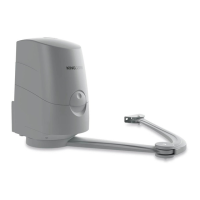
The installer set the manoeuvre time and the workforce of the motors by this procedure.
9B - STANDARD LEARNING PROCEDURE
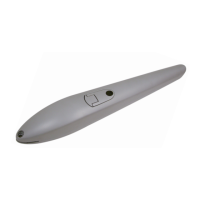
During the programming procedure, every safety device is disabled, to let the installer moving through their range
led SET
SET
2 s
SET
1 s
led SET led SET
1. Put the door
in a middle position and
set the DIP 1 to OFF
All the leds are in
standby mode
2. Push the
SET button
for 2 seconds
The yellow led flashes
3. Push the
SET button for 1 second
within 5 seconds
The yellow led switches on
4. The control unit performs
a little opening cycle
at low speed
Yellow LED lights up
5. It closes the door at low
speed. Intervention of
the mechanical stop
Yellow LED lights up
6. It opens the door.
Intervention of the
mechanical stop
Yellow LED lights up
7. It closes the door.
Intervention of the
mechanical stop
Yellow LED lights up
7. END of the
learning
procedure.
Yellow LED switches off
The installer can set the beginning point of the slowdown through this procedure. The beginning point is
customizable in opening and closing.The installer can set the beginning point of the slowdown through this procedure. The
beginning point is customizable in opening and closing.
9D - PROFESSIONAL LEARNING PROCEDURE
After the programming procedure, see also paragraph 6C for the starting.
During the standard functioning the carriage will stop about one centimeter before the opening mechanical stop to
reduce the mechanical stress
9b. It executes the full
opening by looking
for the mechanical
stop
12b. It executes the full
closing by looking
for the mechanical
stop
8. Do you want
deceleration during
opening?
11. Do you want
deceleration during
closing?
9a. Choose the point of
slow-down with the button
SET or the button
of the transmitter
12a. Choose the point of
slow-down with the button
SET or the button
of the transmitter
7. The control unit
performs the
opening
13. END of the
learning
procedure.
NO
SI
SI
NO
led SET
SET
2 s
RAD
1 s
led SET led SET
SET
1 s
SET
1 s
SET
1 s
SET
1 s
1. Put the door
in a middle position and
set the DIP 1 to OFF
All the leds are in
standby mode
2. Push the
SET button
for 2 seconds
The yellow led flashes
3. Push the
RAD button for 1 second
within 5 seconds
The yellow led switches on
4. The control unit perform
a little opening cycle
at low speed
Yellow LED lights up
5. It closes the wing at low
speed. Intervention of
the mechanical stop
Yellow LED lights up
6. Push SET
button or a button
of the radio transmitter
Yellow LED lights up
10. Push SET
button or a button
of the radio transmitter
Yellow LED lights up
Yellow LED lights up
Yellow LED switches off
Yellow LED lights up
Yellow LED lights up
“MEMO PROG” (For the symbols, see paragraph 18)
The slowings down are set to the 15% of the total motion, both in opening and in closing.
During the standard functioning the carriage will stop about one centimeter before the opening mechanical stop to
reduce the mechanical stress
1 2 3 4 5
OFF
1 2 3 4 5
OFF



 To Next Page