1)Throttle lock value adjustments:
Switch IDLE to "N", TC switch to 1. On the screen display you will see "THR-FRE" , at the
same time, by holding down both the and keys so that the key to THR-FRE blinking
characters, said Into the "lock throttle to set the value of the" state of throttle push rod
engine to idle operation, the number of field observation showed that at this time of the
stroke volume. Speed in an appropriate value, the TC will switch hit 2 (THR-HOD) position,
the current value of the gas output was down memory, the process can be repeated until a
satisfactory value of the throttle lock, the final press ENT button to confirm , Set from the
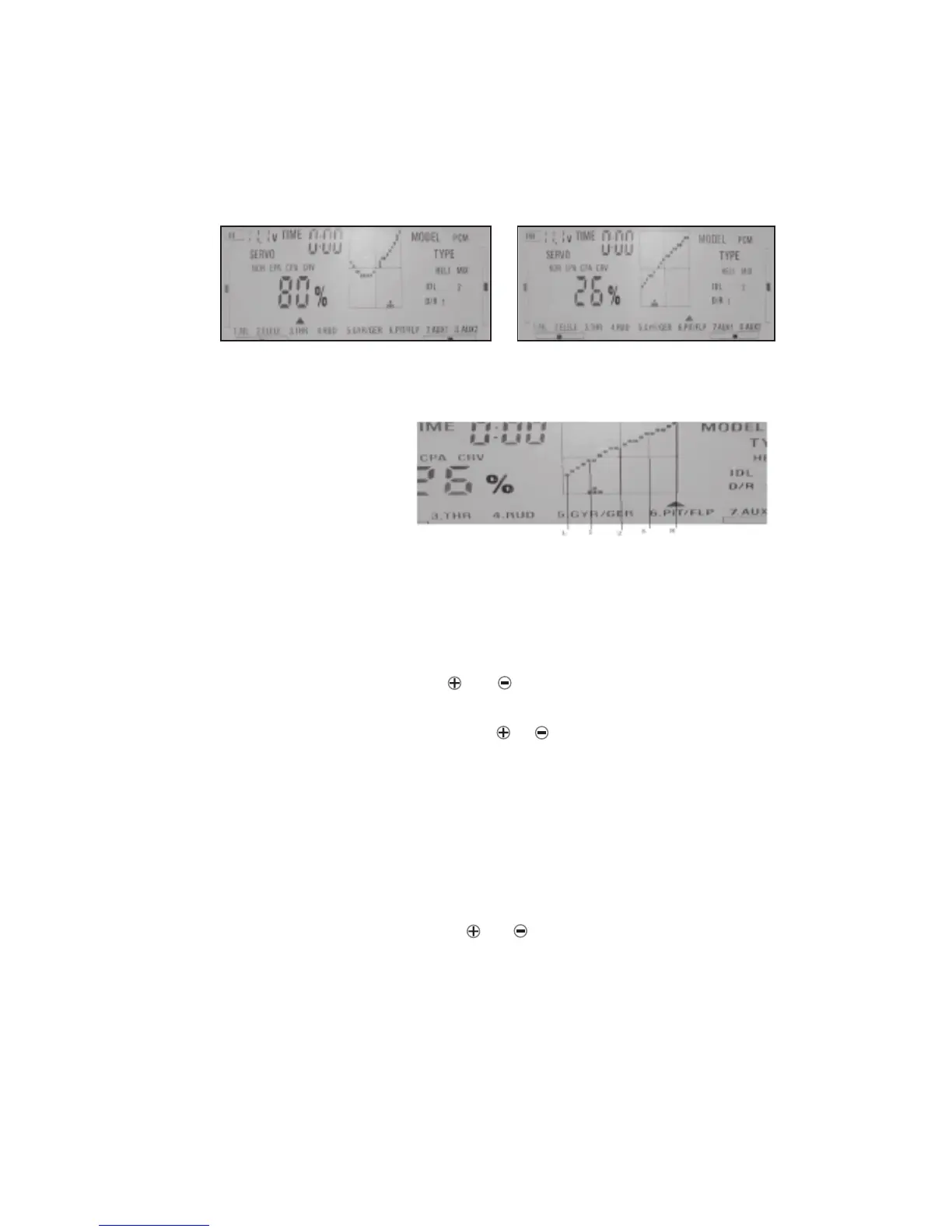
Normal user can set a shape of 5 point curve by edition of linear curve. If the user needs
any arbitrary curve’s shape he need to proceed as follow.
You need to be in CRV submenu (press Enter at moment when you see the CRV blinking).
In that moment you need to press and key at the same time. In this manner you enter
to the menu in which you can make the adjustement more points. Pressing SET key you
can select each of this point and using the or key you can adjust its position.
In addition to the throttle and pitch channel, all channels 1-8 curves can be set up to
improve quality of control. Each channel can be set up to 3 different curves in relation to
position of D / R switch in order to change the flight pattern.
10. ARBITRARILY SHAPE CURVE SETTING
page 11
Flight Model 2
Throttle Curve
Pitch Curve
5)You can see the curve of each Flight Model on screen moving the stick after finishing
the setting.
11. THROTTLE AND GYRO SENSITIVITY LOCK



 To Next Page