page 6
2. OPERATION READY
1) Befor turning on your transmitter, make sure the throttle on the lowest position, switch D/R
to position “1” and IDLE to position “N”.
2)After power ON , using the or key you can adjust the screen brightness.
3) Check the battery voltage to ensure that the voltage is normal. If the battery symbol is
flashing and accompanied by the sound alarm , you need to replace the battery.
4) Check "PCM (PPM)" Modulation, type, model and his name accordingly to the guidelines in
section 3.
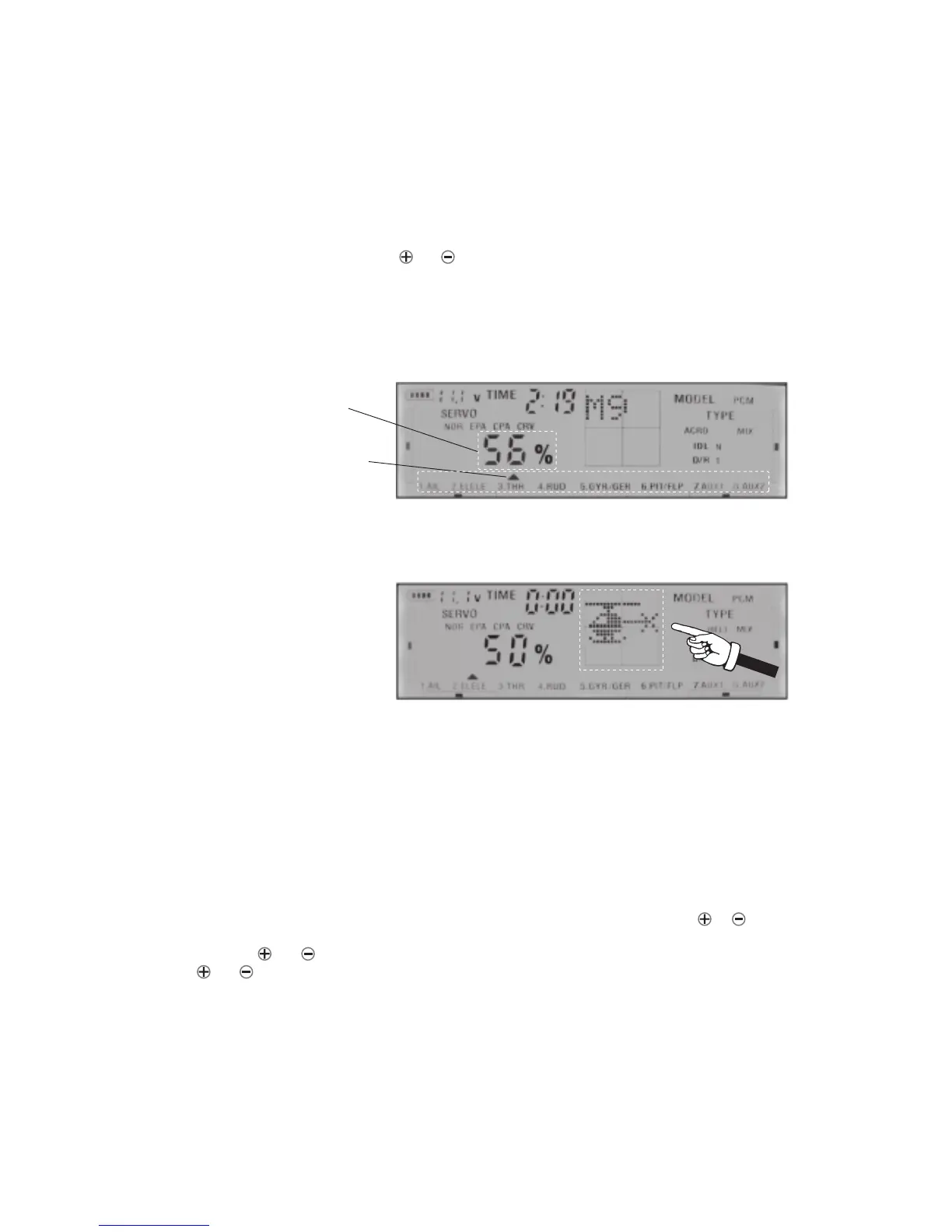
5)Observe the screen, the radio columns will be changed continually according to the movements
of the control stick and the controlled channel is indicated on the screen with cursor as below.
3. FLYING TIME SETTING,MODEL AND MODULATION(PCM/PPM) SELECTING
6) Press SET key 3 times, the display graphics in the middle of the region will show the aircraft
picture . Pushing the control sticks you can observe the flying actions on display according
your movements. First user must know how to use the control stick to control the helicopter!
7) At the beginning, switch TC to 0 position (throttle cut ) before connecting power to the
model. After finishing checking, switch to position 1 for ready to fly.
8) Power On the receiver and check if the receiver indicator light is on. If the receiver light does
not shine, press the receiver SCAN button . Diode will start flashing, and then press SCAN
button on RF Module of transmitter. The diode of the RF module will start flashing as well.
If the both light are continuosly ON (on transmitter and receiver) you can use your radio.
Pushing SEL key you will see on display top blinking menu item in order TIME, MODEL,
PCM (PPM). Blinking menu item is selected. When TIME is blinking, pushing or button you
can adjust the actual flight time. Use the ENT key to confirm your selection! If MODEL is blinking,
using the or key you can select models. Seeing the PCM (PPM) item blinking, using the
or you can change type of modulation from PCM to PPM and inversely.
NOTE: When you fly a model,you must select PCM mode as PPM mode is only for the
use of simulator .
Radio Columns
The controlled channel



 To Next Page