Select the control mode after the press ENT button to confirm that there will be a menu asked
"YES/ NO?", With or button to select "YES" (to "YES" flashes) can be recognized!
In the adjustment, or to see the type of aircraft, from promoting the stick on the screen to see
the aircraft control surface dynamic presentation.
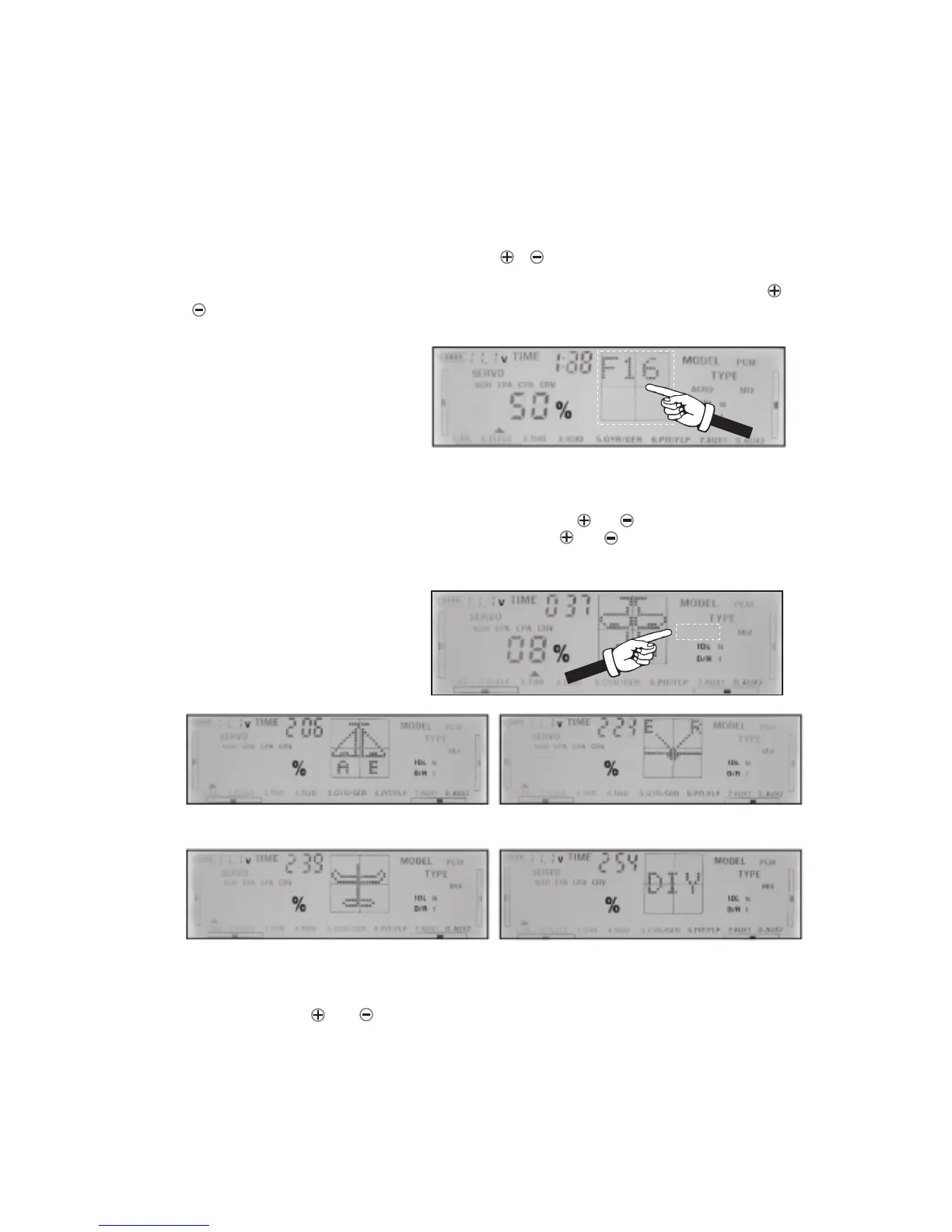
Press the SET button until TYPE is blinking. Next using or key select ACRO .
Use ENT button to confirm. In the next step pressing or you can make a choice
between different configuration of airplane like V-tail, delta and so on. If your airplane
doesn’t belong to this categories of airplane use DIY and set up your own mixed-control
configuration.
page 15
4.MODEL NAME FUNCTION
Press SEL key to MODEL blink, then press the or keys to select a model name storaged
in system(9 mode names storaged in the memore). To renamed the model, Press CH+SEL
key when MODEL blink. Choose a character for the first letter of model’s name by using or
key. Press SET key to choose next character in the same way. You can use up to 6
character for the name. For example for three letter name : F16
5.SET THE TYPE OF AIRCRAFT
Delta wings and flying wings
CH1:aileron, CH2: elevator
Glider
CH1:left aileron, CH7:right aileron
V-tail
CH2:elevator, CH4:rudder
ACRO
ACRO
ACRO
ACRO
ACRO



 To Next Page