Normal user can set a shape of 5 point curve by edition of linear curve. If the user needs
any arbitrary curve’s shape he need to proceed as follow.
You need to be in CRV submenu (press Enter at moment when you see the CRV blinking).
In that moment you need to press and key at the same time. In this manner you enter
to the menu in which you can make the adjustement more points. Pressing SET key you
can select each of this point and using the or key you can adjust its position.
In addition to the throttle and pitch channel, all channels 1-8 curves can be set up to
improve quality of control. Each channel can be set up to 3 different curves in relation to
position of D / R switch in order to change the flight pattern.
10. ARBITRARILY SHAPE CURVE SETTING
page 17
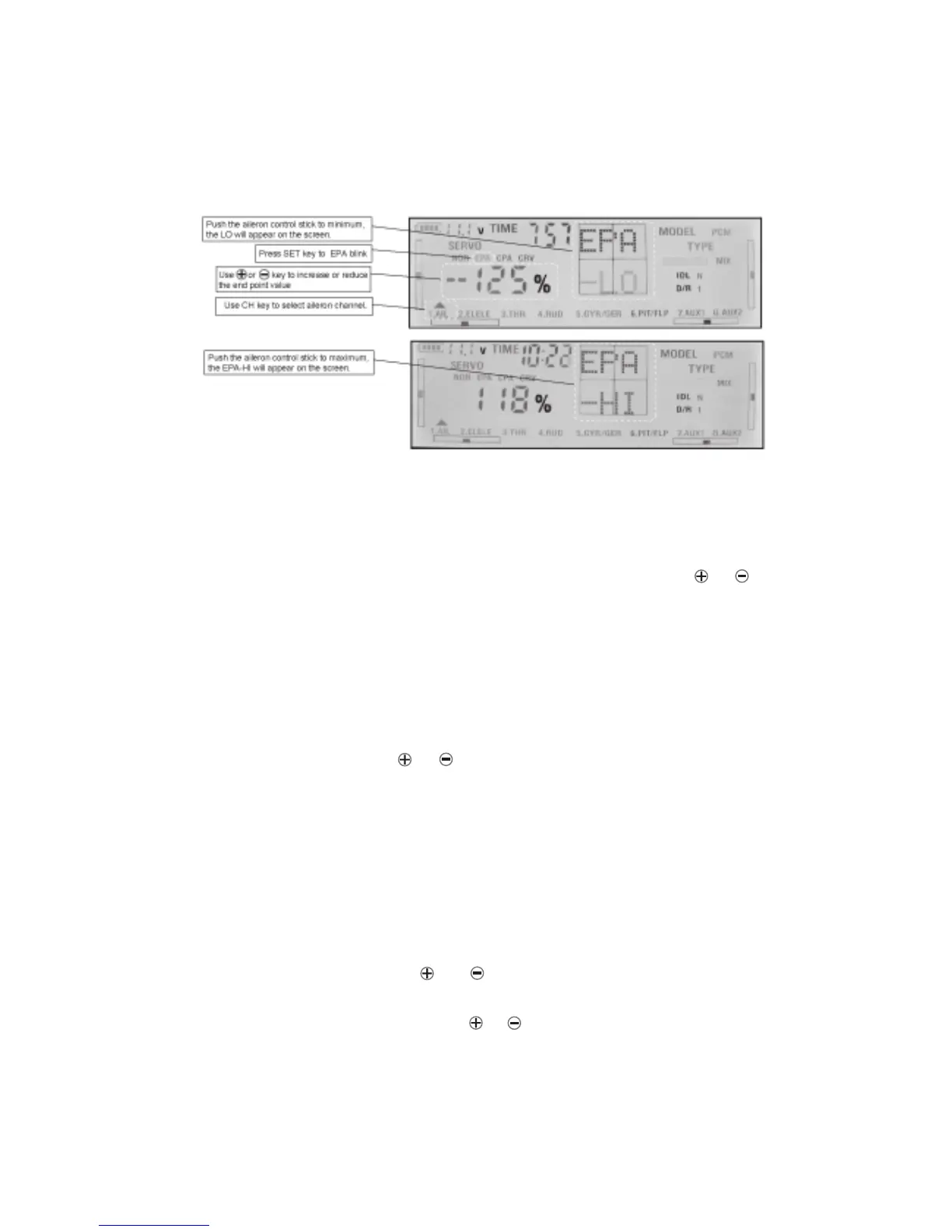
5) Switch D/R to position 2 or 3, you can set the EPA rate(%0-100%) separately of aileron,
elevator, rudder, gyro sensitivity and AUX1, AUX2. You can change this amount of servo ’s
travel in-flight. For D/R2 and 3 you don’t need put the sticks to maximum/minimum position.
Do the same way as steps above to select EPA, When the EPA is blinking, D/R-2 or D/R-3
will appear on the screen , use CH key to select the channel you want, use or key
to set the value and press ENT key at the end to confirm.
9.ADJUSTMENT OF THROTTLE FUNCTION’S CURVE
1)Before adjustemt wwitch IDLE to N and TC to 0.
2)Press SET key and next press ENT key. SERVO will be blinking.Next press SET key until
CRV start to blink.Use CH key to select THR channel. The screen graphics display area will
display throttle curve. Press ENT key into the curve adjustment function. The middle-point
of the curve will blink. Using or key to change the middle-point range of curve.
Press SET key to select next of 5 point.
3)You can set different shape of curve for each position of IDLE switch 1,2 . At the end press
ENT key to confirm your choice Exactly in the same you can adjust pitch curve.
ACRO
ACRO



 To Next Page