KING-METER TECHNOLOGY CO., LTD
No.15, Chenchang Road, Beichen Dist.Tianjin,300134, CN
Fax:+0086 022 8478 0358 Tel: +0086 022 8478 0378
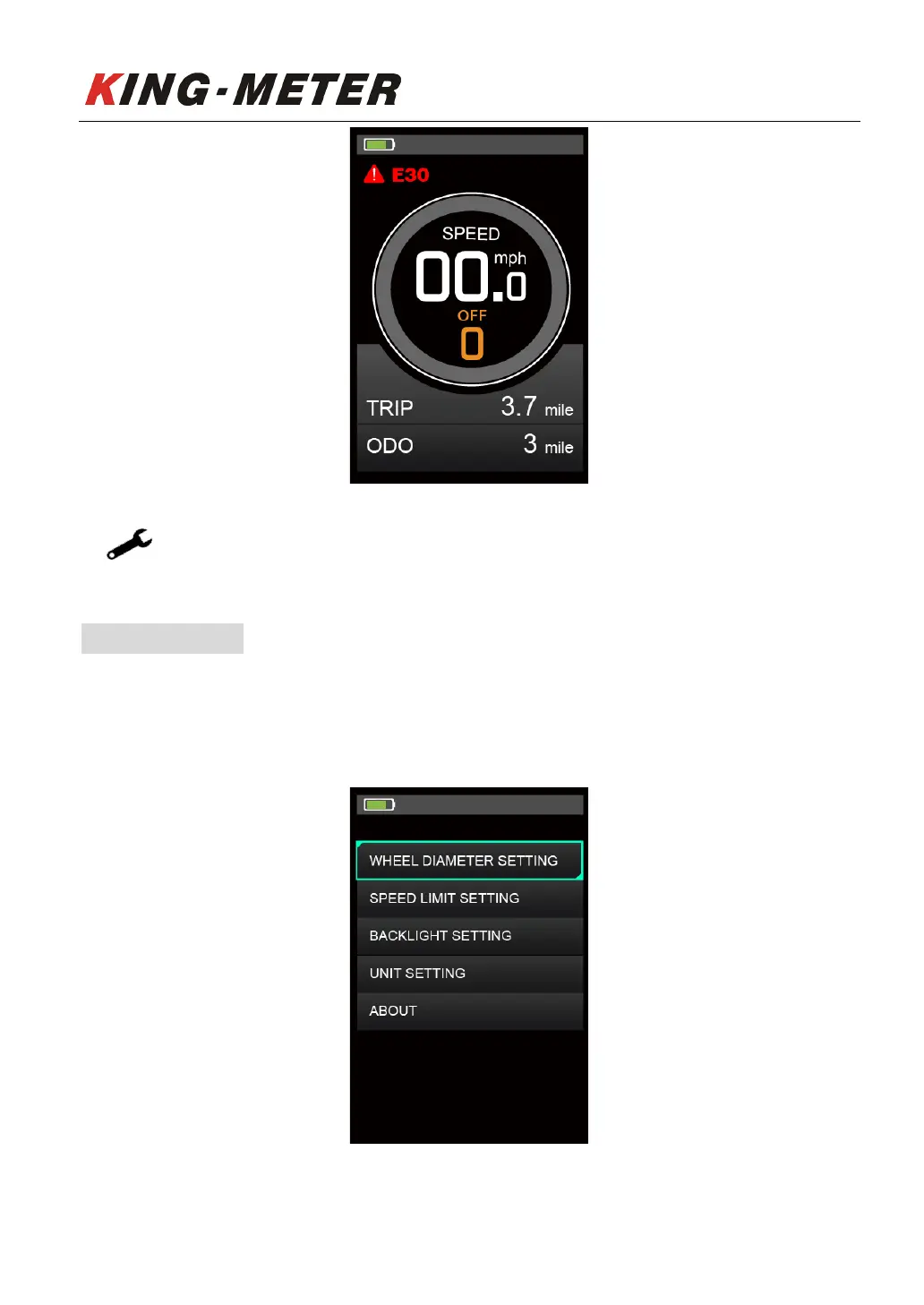
Error Code indicator
The fault can only be exited when the fault is eliminated, and the E-bike cannot continue
to drive after a fault occurs.
6. User Settings
When there is no speed in the power on state, press and hold the “UP” and “DOWN” button at the
same time for 2 seconds, and the display will enter the setting interface. Press “UP” or “DOWN” button
to select display settings.
Setting list interface













 To Next Page