7 Operation
Personnel:
n
User
7.1 Switching on the unit
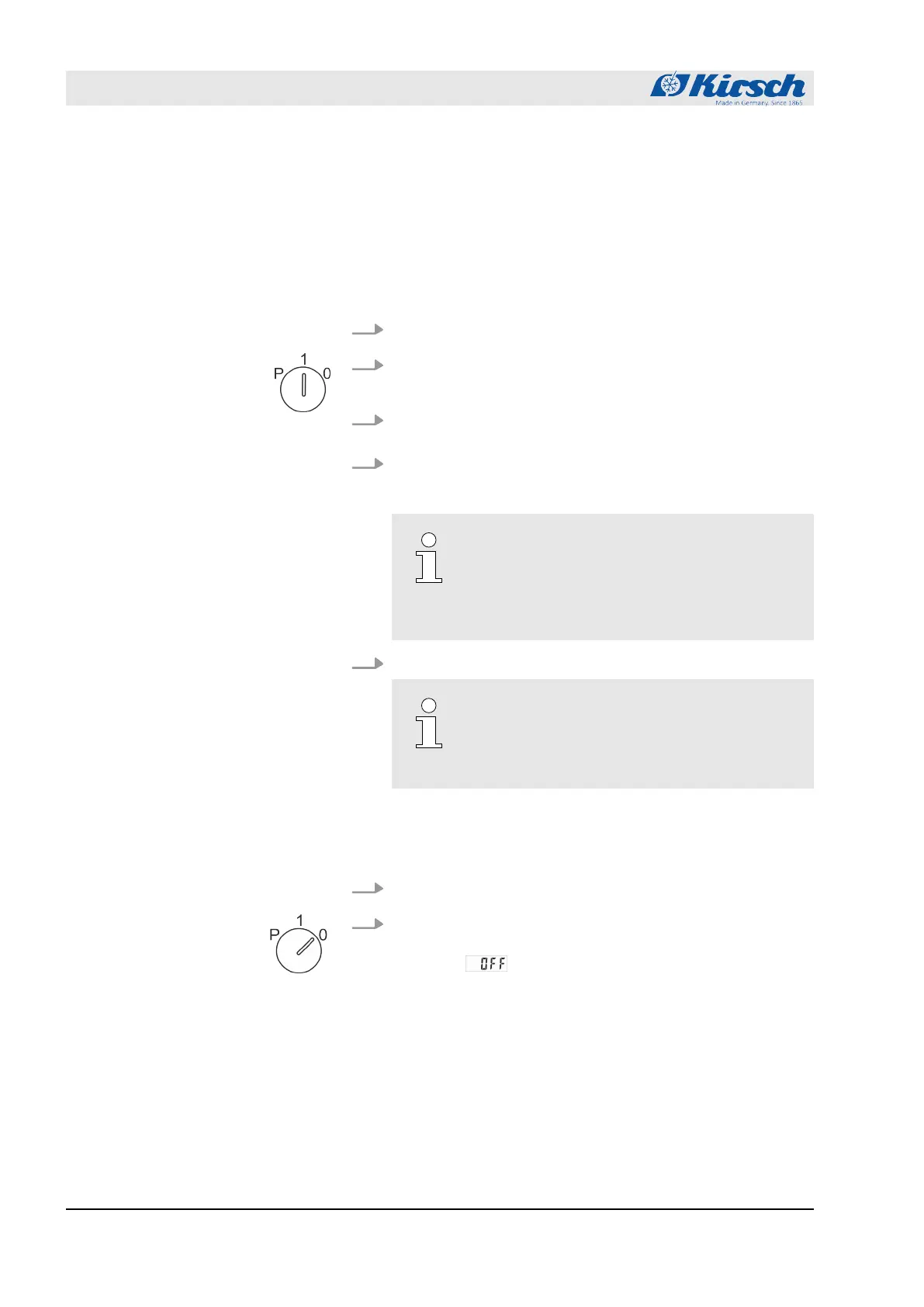
1. Insert the key into the key switch.
2. Turn unit key to position “1”.
ð
The Display shows the interior temperature.
3. Remove the key and store it so it is protected against unau-
thorised access.
4.
Check target temperature and adjust if necessary
Ä
Chapter
6.2.1.2 “Displaying and changing the target temperature”
on page 36.
Lead time of the temperature alarm!
The temperature alarm is active at the ear-
liest when the target temperature is reached,
and at the latest after two hours of unit ope-
ration.
5. Stock the unit when the target temperature is reached.
The door is stiff when it is first opened
Cooling creates a vacuum in the interior, so
you may require additional force when
opening the door for the first time.
7.2 Switching off the unit
1. Insert unit key in key switch.
2. Turn unit key to position “0”.
ð
The unit switches to standby mode and the Display
shows .
Operation
Switching off the unit
27.05.2021Refrigerator/freezer LABEX® series42



 To Next Page