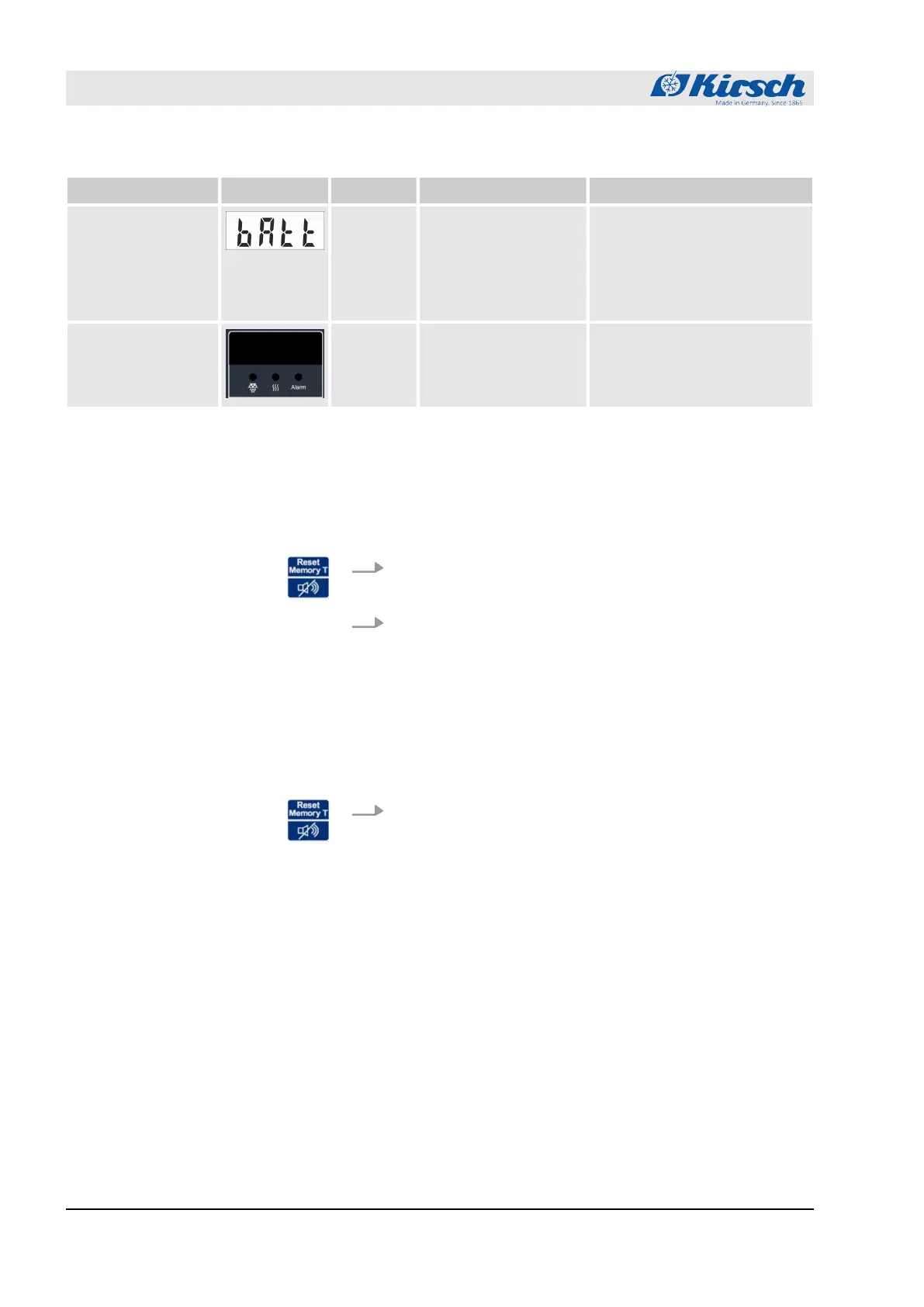
Alarm function Display Buzzer Cause Measure
Alarm in case of
defective battery
3
n The power supply
for the temperature
documentation has
failed.
n The alarm function
has failed.
n Inform the service depart-
ment.
n Replace the battery
Ä
“Service contact”
on page 4.
Alarm in case of
defective display
and control unit
3
n The display and
control unit is
defective.
n Unplug power plug.
n Inform the service depart-
ment
Ä
“Service contact”
on page 4.
10.2 Handling alarms
The buzzer sounds.
1. Press button [Reset].
ð
The buzzer is deactivated.
2. Determine cause of the alarm and rectify.
Otherwise the buzzer will sound again every 30 minutes.
The buzzer is deactivated, the alarm cause has been rectified, but
the alarm continues to appear on the display.
Press button [Reset].
ð
The alarm has been acknowledged. The display shows
the temperature of the chilled goods.
Deactivating the buzzer
Acknowledging the alarm
Alarms
Handling alarms
27.05.2021Refrigerator/freezer LABEX® series58



 To Next Page