Updating the TPU Software C-5
5. Enter the TPU IP address in the Enter TPU IP Address text box if it is different
than the default address, or click
Default Addr if it is the default. The default
address is 192.168.0.81. The address will already be displayed if it was
queried or changed as described in “Querying or Changing the TPU IP Address”
on page C-2.
6. Click Update TPU Software.
An dialog box opens that enables file selection.
7. Select and open the update file to download and install.
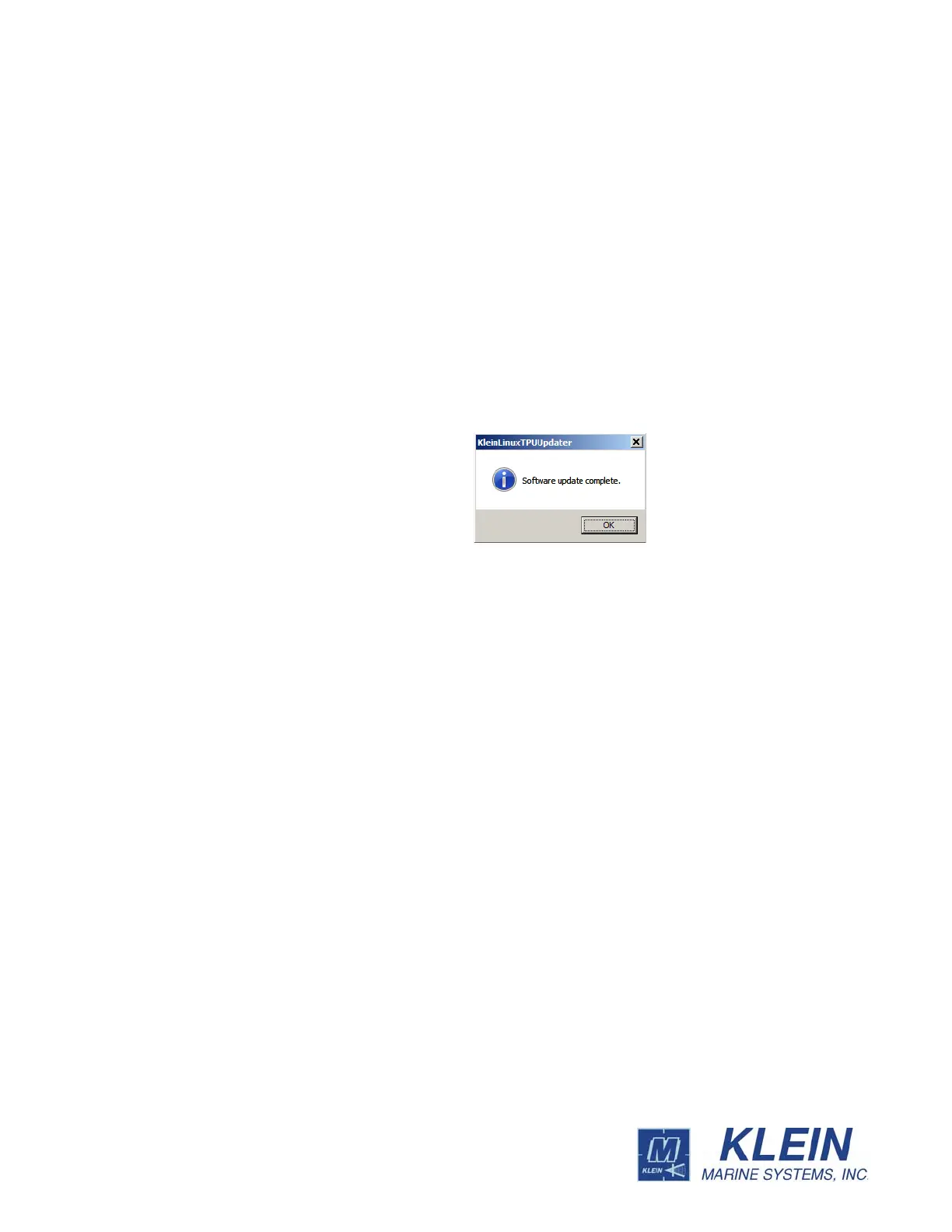
The file is downloaded to the TPU and installed, and the TPU software
restarts. In about two minutes, a window opens confirming the software
update:



 To Next Page