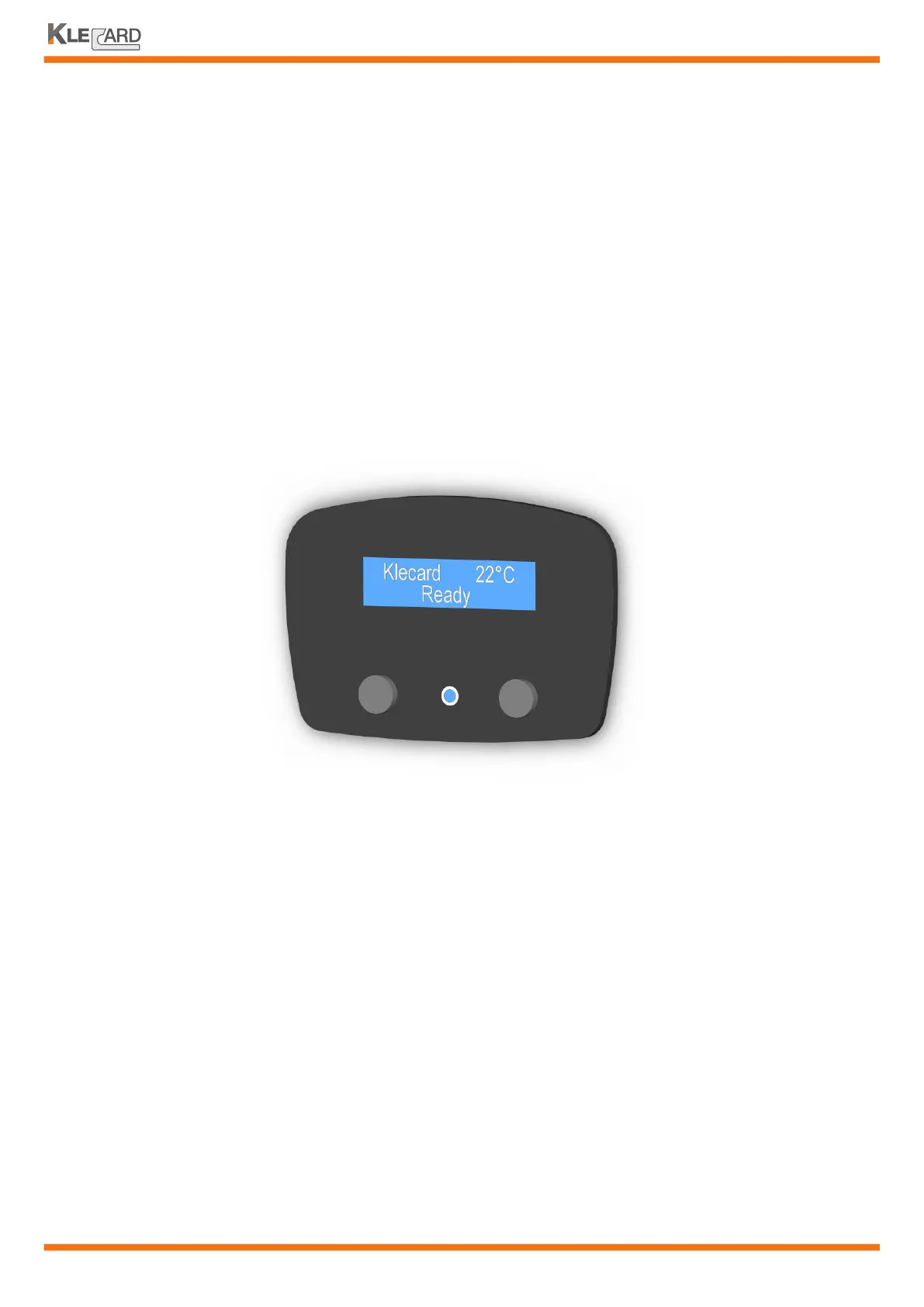
1. To power on the printer press the Power Button on the right side of the front panel.
The printer initializes. The display shows the name of the printer (Klecard) and
the temperature detected by the sensor placed on the printhead.
2 . Press the Operator Button on the left. The tray moves outward and the display
shows the status of the printer.
If plate or media are not installed, follow the instructions at the following page
3. To power off the printer press and hold for 2 seconds the Power Button again.
Anytime the user switches on the Klecard, a complete check of the printhead is done.
This test makes a full control of any heating element. If the printhead shows some problems
to the elements, a message will appear on the display.
1. Element down: the printhead could have some elements with non-performing status. In this
case the user does not see difference to the printing quality, but a warning message will appear
by telling that the printhead should be replaced soon.
The Klecard works anyway.
2. Broken element: the printhead has one or more elements broken. In this case the graphics
could show a white line.
The Klecard works anyway but the white line (or more than one) could
remain. In this case, the replacement of the printhead is recommended.
Powering on the printer
User Guide
14
When the printer shows the
message READY,
you can print your job
EOP retens
TPH integrity check


 To Next Page