Choosing a Good Location
Place the Klecard in a location with adequate air circulation to prevent internal heat build up.
You will need at least 20 cm of front space to fully open the tray.
Do not place the Klecard near heat sources such as radiators or air ducts, or in a place subject
to direct sunlight, excessive dust, mechanical vibration or shock.
Due to the low noise emitted during operations, Klecard can be placed in your workshop and
on your desk in the office as well.
While unpacking your Klecard, inspect the carton to ensure that no damage has occurred during
shipping. Make sure that all supplied accessories are included with your unit.
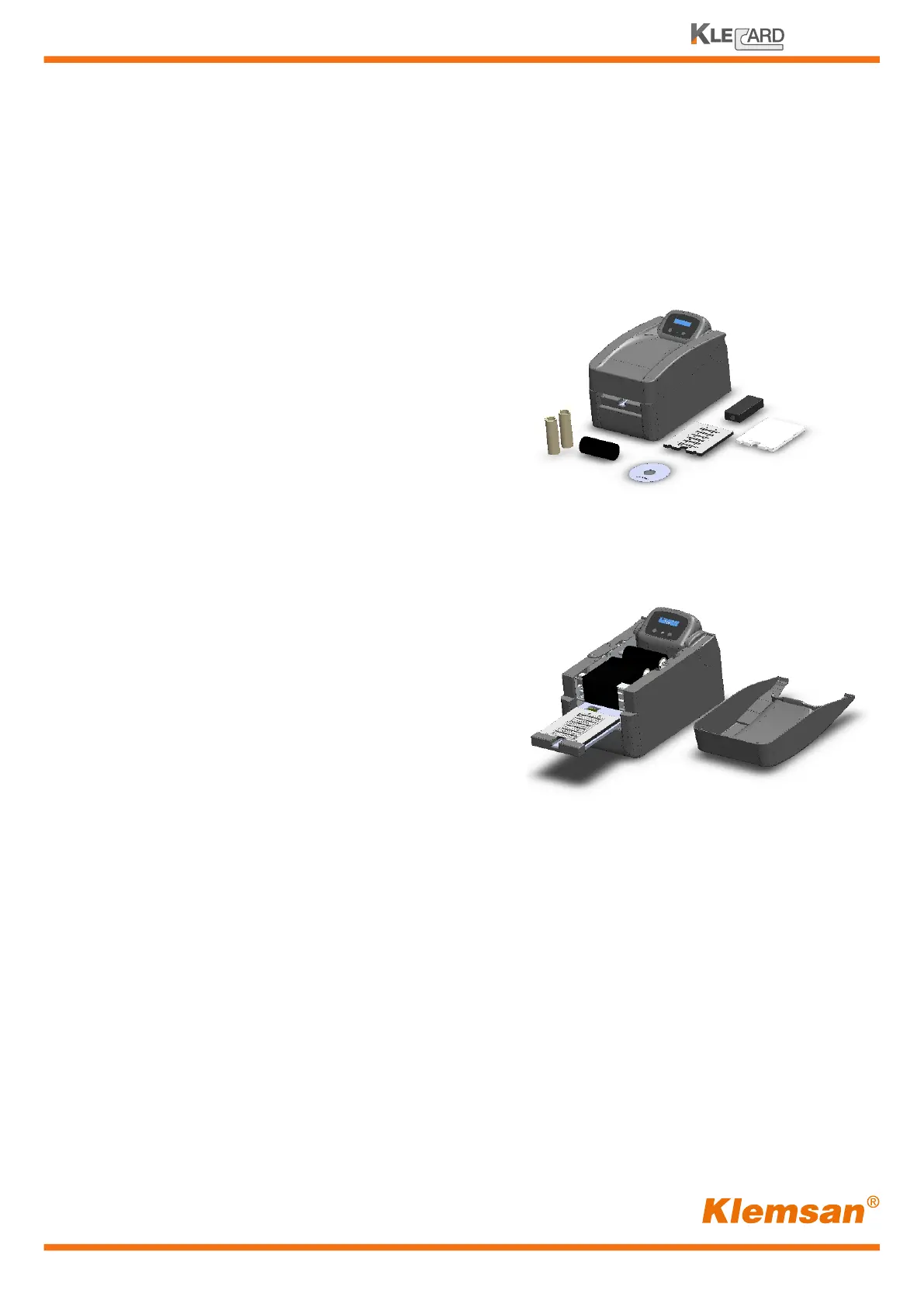
The following items should be included:
• Klecard printer
• Resin black ribbon
• Cardboard core for ribbon (2x) (one installed)
• Plate for terminal block tags
• Plate for cable markers
• Plate for flat media
• Power supply
• Power cord
• USB Cable
• CD with User Guide
Save the carton and packing materials. They will come in handy later if you ever need to
transport the Klecard and/or any of its parts and accessories.
Unpacking and Inspection.
7
User Guide
After connecting the Klecard (see page 13)
you will find already installed the following
parts:
• Black resin ribbon
• Cardboard core
• Plate for terminal block marker cards
Additionally, one terminal block marker card already
printed is placed on the plate.
This card shows the factory test made during the production of the Klecard.


 To Next Page