Introduction to Klecard
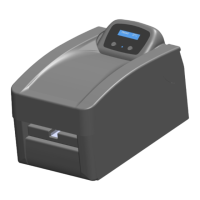
This manual provides the information needed to set up, install, and operate the Klecard
printer and to identify the parts.
Operating system requirements
The Klecard is compatible with Windows 7, Windows 8 and Windows 10 OS.
It requires one USB port on your computer.
Media requirements
You must use genuine cards from Klemsan that are made with materials which have
a surface designed for thermal printing.
Plate for media
Klecard can operate only with its original positioning plates, where you can allocate
the different kind of products.
Ribbons
The Klecard printer requires ribbons designed specifically for use with the printer.
The payout ribbon core and the take up ribbon core are made with special notches
for an easy insertion on the rollers.
The ribbon are made in premium resin quality, for the best printing output on the
consumables offered by the Klemsan range.
Software
Klecard can work with Klemark Pro software. The user’s manual for the label design
software is available on www.klemsan.com.tr
8
User Guide


 To Next Page