19
User Guide
Maintain the Klecard
Cleaning the exterior
Wipe the exterior of the printer with a lint free cloth.
Cleaning the printhead
Clean the printhead at every ribbon change, or more often if streaks start appearing or
the ribbon has torn.
The printhead has heater elements formed on a ceramic board using thin-film forming
technology.
Pay careful attention during the cleaning operations.
1 - Move out the tray (if it is inside) by pressing the Operator Button
2 - Power down the printer by pressing two seconds the Power Button on the right
3 - Remove the top cover
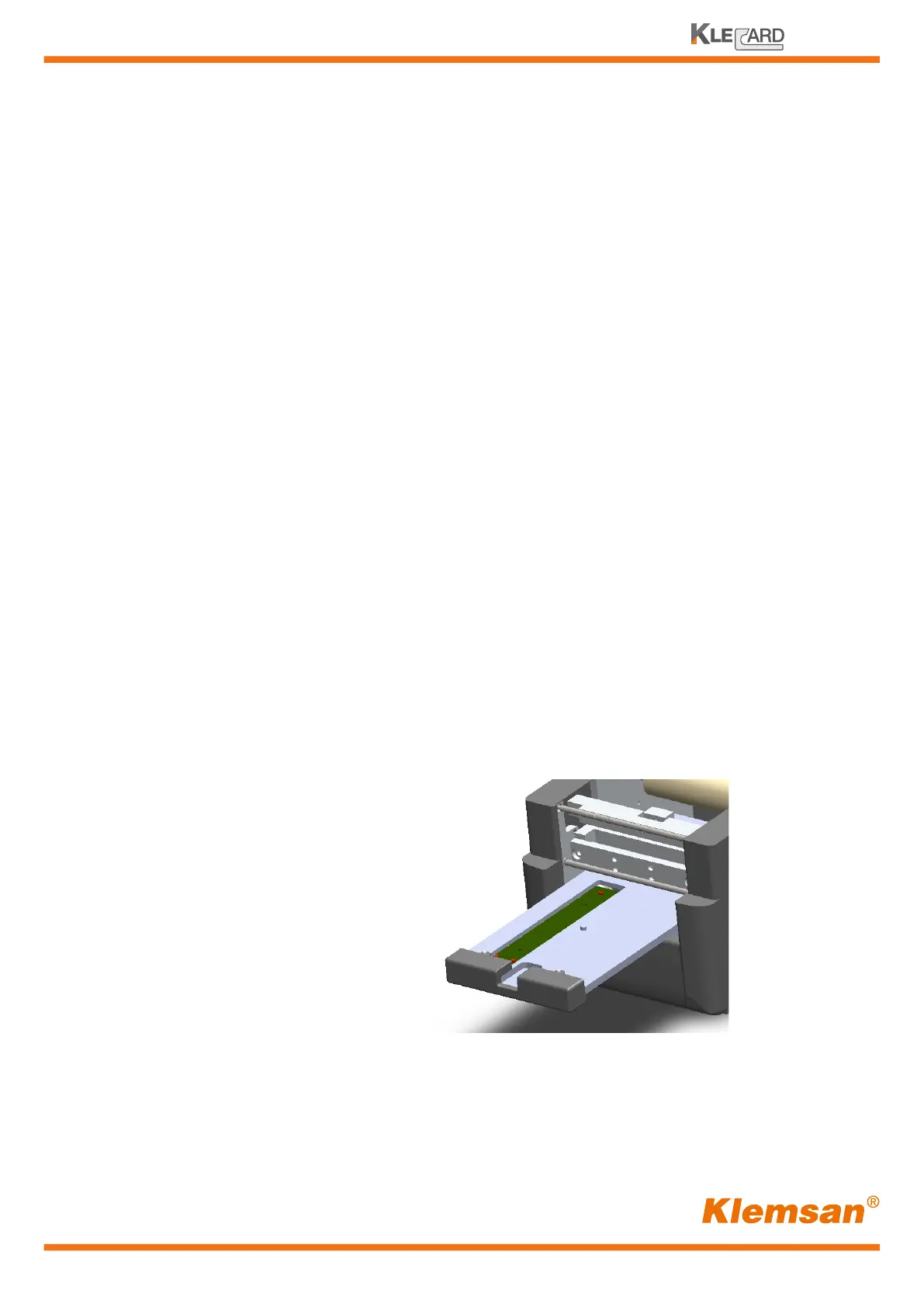
4 - Remove the plate from the tray
The ribbon should be
out as shown.


 To Next Page