TP- 7006 2/21 25Section 1 OnCue Plus Navigation
1.13.1 User Information
SelecttheUserlineinSettingstochangeyour
information. SeeFigure1-39.
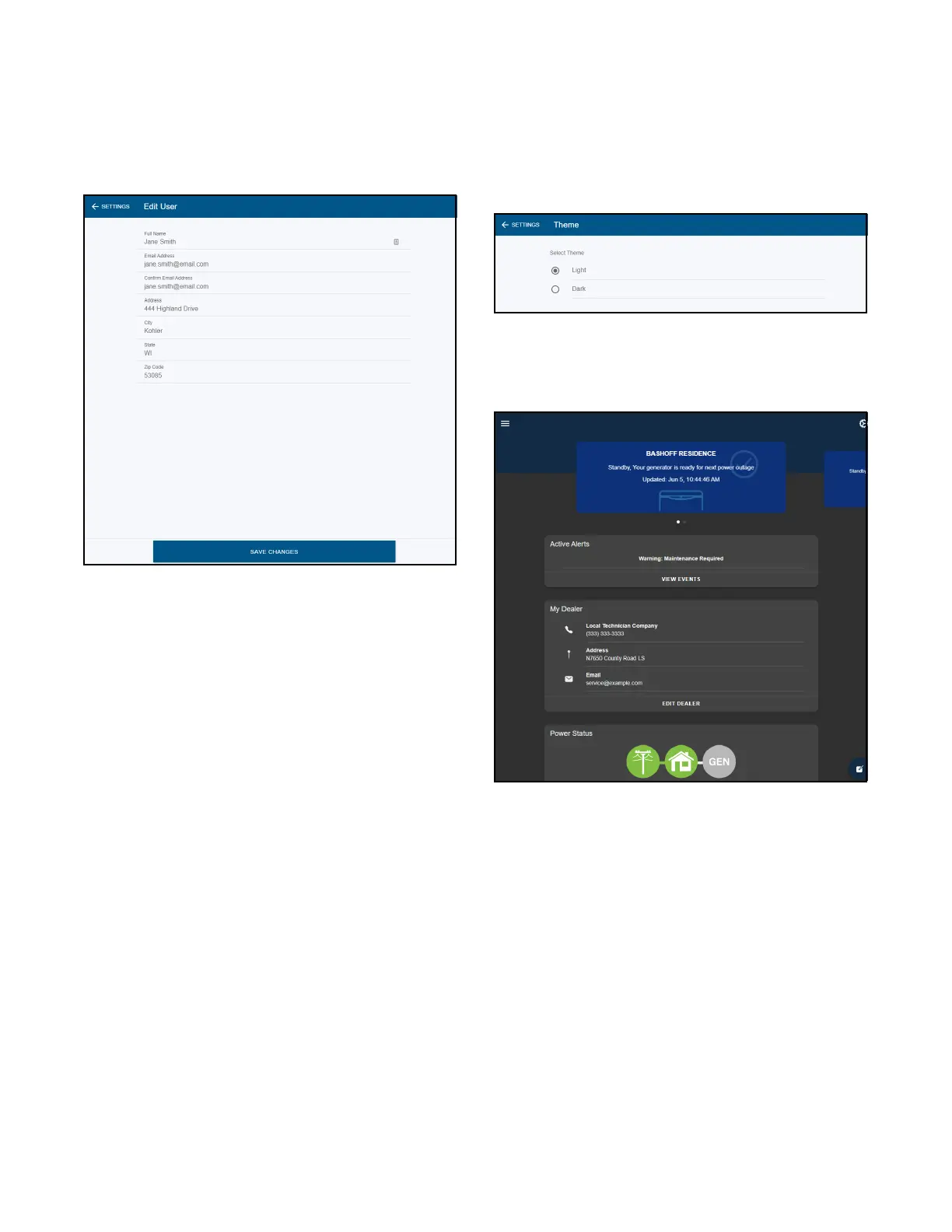
Edit the information and then select SAVE CHANGES.
See Figure 1-40.
Figure 1-40 Edit User Settings
1.13.2 Theme
OnCuePlusallowsyoutouseaLightTheme(asshown
in most examples in this document) or a Dark Theme. To
adjust, select the Theme line in Settings. See
Figure 1-39.
Select the desired theme color. See Figure 1-41.
Figure 1-41 Theme
Figure 1-42 is an example of OnCue Plus with the Dark
theme.
Figure 1-42 Dark Theme Example


 To Next Page