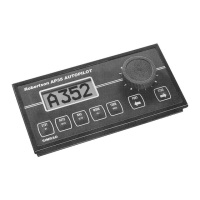
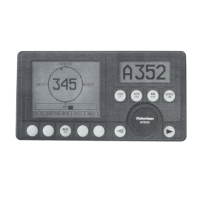
Simrad AP20 Autopilot
16 20220505H
If you prefer to use the rudder angle display when leaving the
dock, proceed as follows:
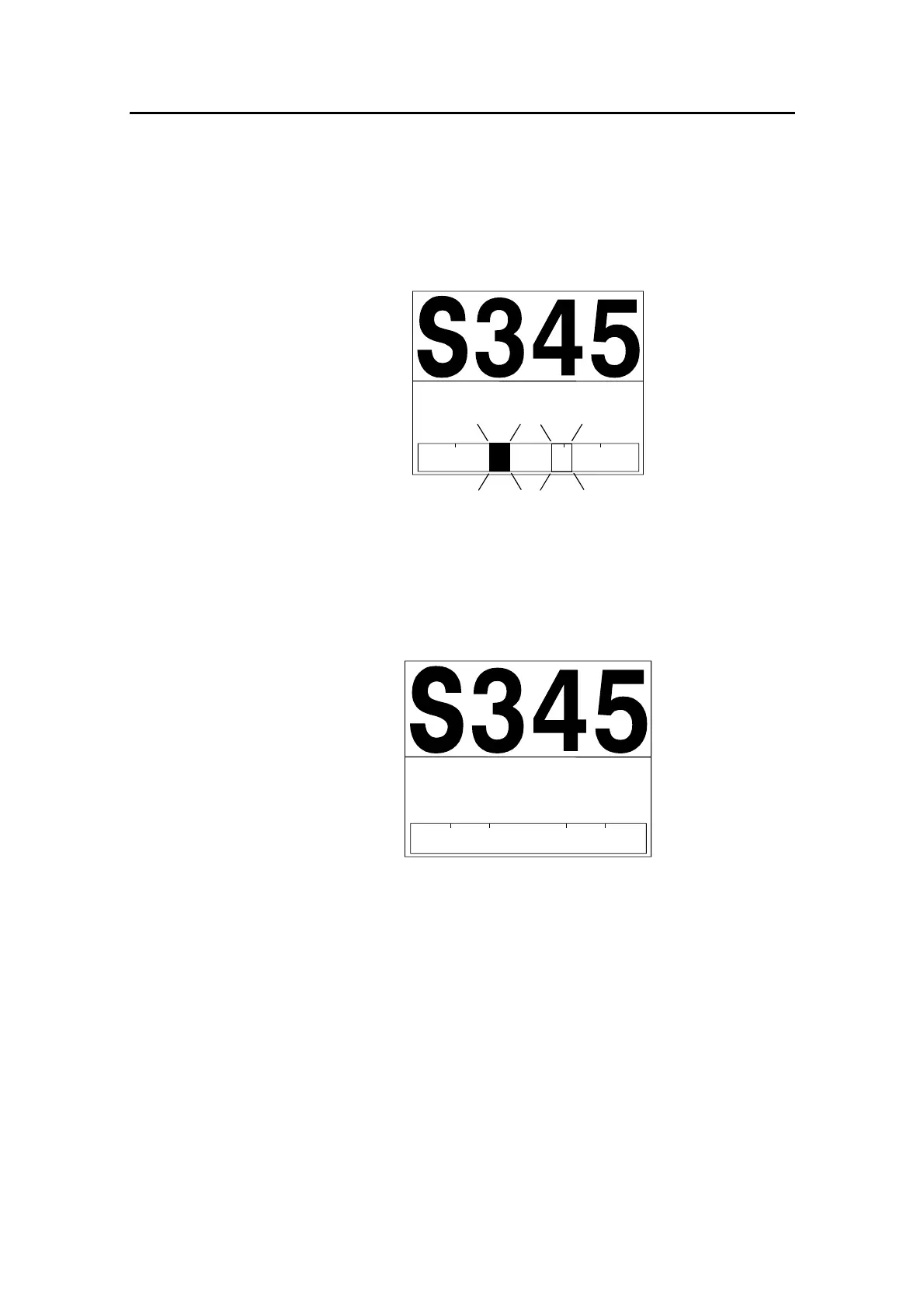
After turn on the rudder angle display will alternate between 10
degrees port and starboard to indicate that the "rudder" zero point
need be set.
P S
RUDDER
10
Use the wheel to bring the "rudder" to midship position. Turn the
wheel from lock to lock (H.O. to H.O.) and count the exact
number of turns. Then start from one lock position and turn the
half number of turns.
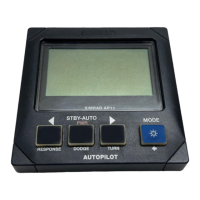
Press AUTO and then STBY. The zero point is now set and the
display will show:
P S
RUDDER
00
Operation
Follow the operating instructions on the following pages. There is
no further need for zero point settings until next time you turn the
autopilot on.
2.4 Follow-Up steering (FU)
When both the PORT and STBD push buttons are pressed
simultaneously the AP20 is set to Follow-Up steering mode and
rudder commands can be set by the course knob. One revolution
of the knob equals 44° rudder command. The commanded rudder



 To Next Page