6-14
Selecting a Remote Station
Selecting a Remote Station
The following methods can be used when selecting a remote station.
• Key Pad
• Program Dialing
• Abbr
• Abbr Dialing
For detail about the designation of Internet Fax address, see "Method for Specifying
Addresses" (p.2-27).
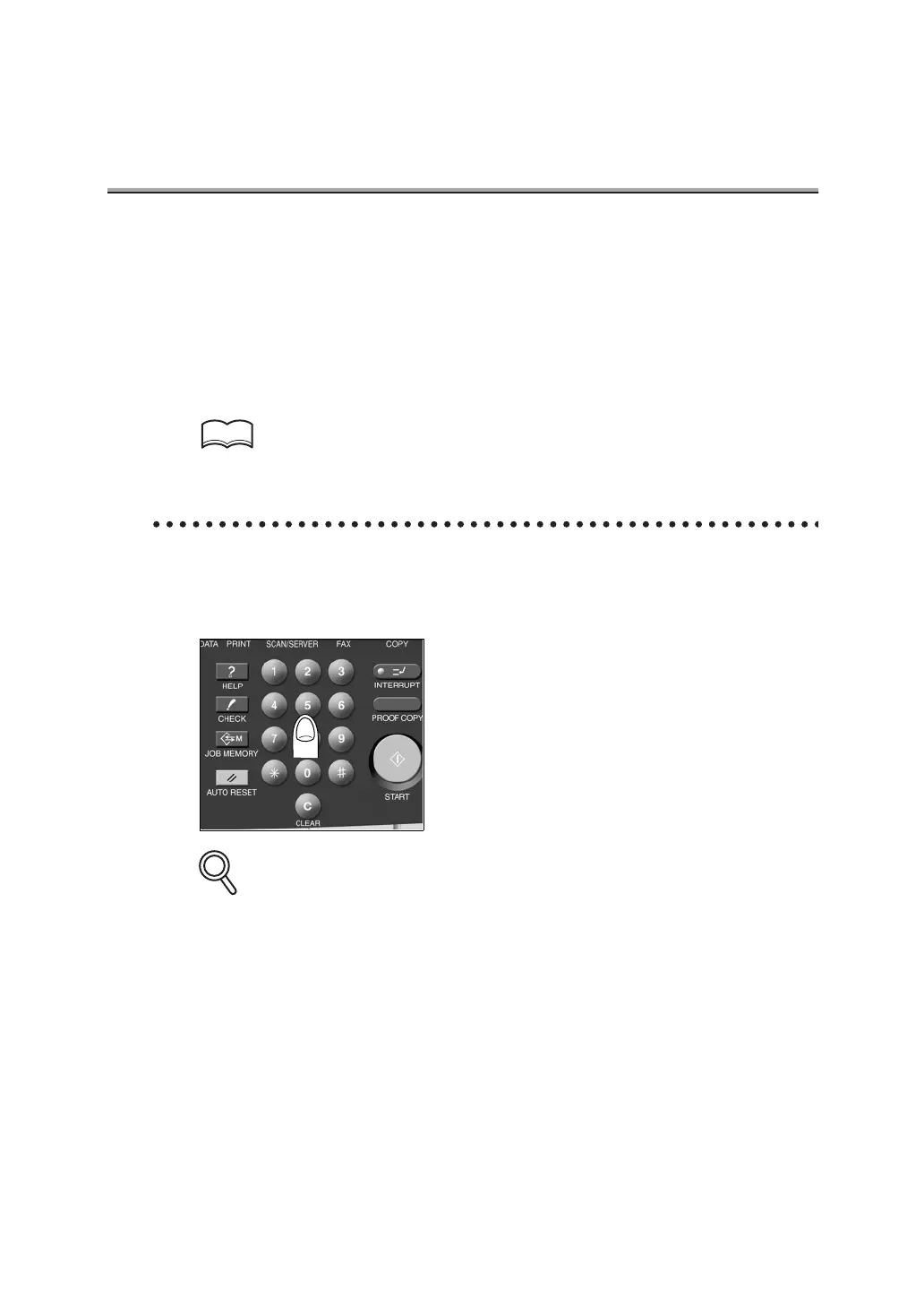
Key Pad
1. Enter the FAX number of the remote station where the FAX is
to be sent.
• Numbers containing up to 38 digits can be entered.
• Press DELETE on the FAX Basic screen if a mistake has been made in entering a single
number.
• Press [CLEAR] or [STOP] to clear the whole entry.
HINTS
DETAILS



 To Next Page