13-58
Registering the Internet Fax Subject
Up to 10 mail subjects including the E-Mail subjects of the scanner can be registered. Procedures
to register the subject, and change or delete the registered subject are described below.
Registering the Subject
1. Press [FAX ] on the control panel to open the FAX Basic
screen.
• Up to 10 subjects including those already saved as scan to E-mail subjects can be regis-
tered.
• Up to 63 characters can be registered as a subject.
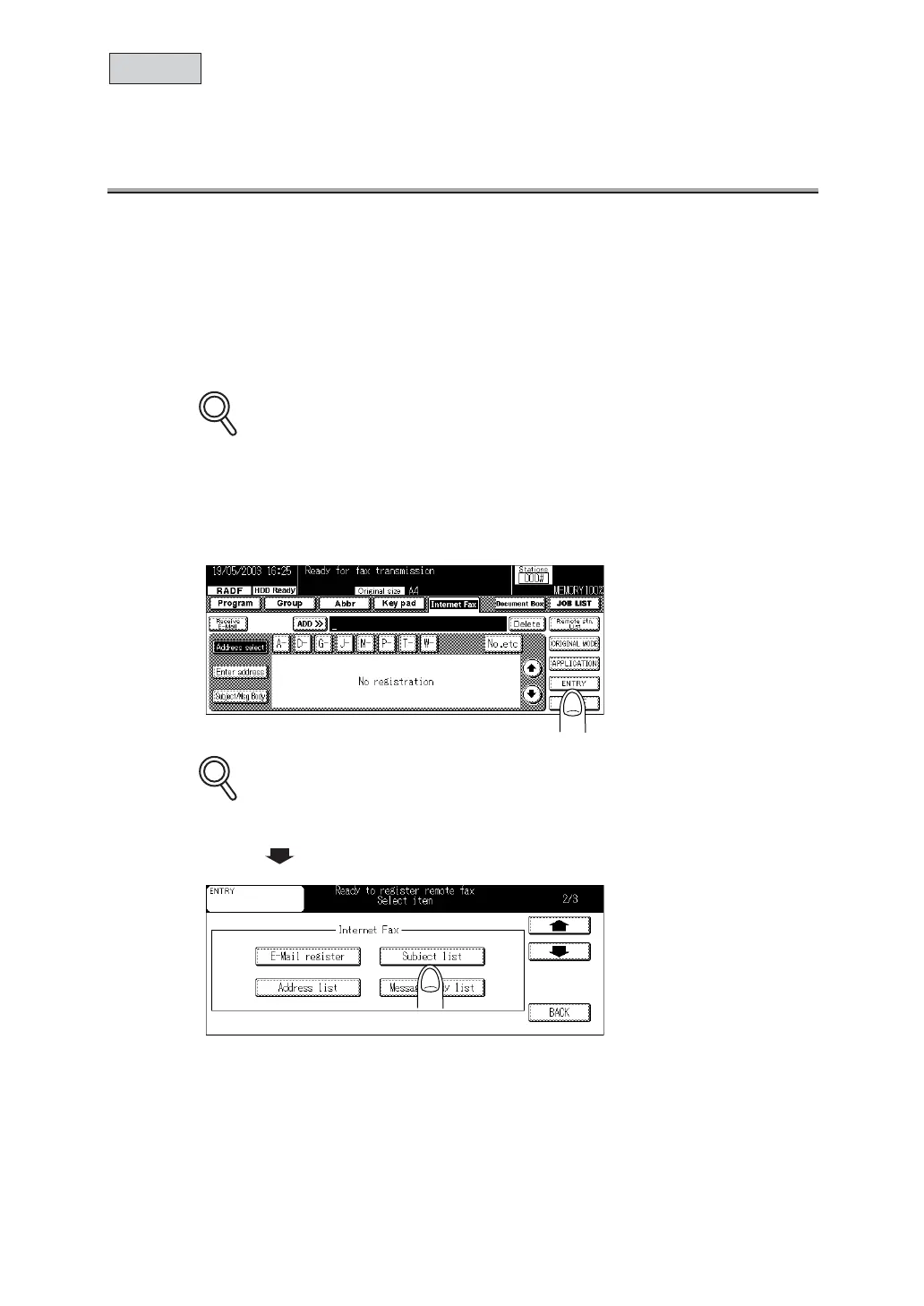
2. Press ENTRY.
Contents of registration can be checked in the i-FAX Entry List. For details, see p.15-41.
3. Press and then press Subject list of Internet Fax.
DETAILS
DETAILS
i-FAX



 To Next Page