Compulsory mem. Reception - (continued)
11-4
Deleting a Document Held in Memory
Perform the following procedure to delete the document received and held in memory.
1. Press [Fax] on the control panel to view the Fax Basic
screen, if it is not already displayed.
2. Press APPLICATION on the Fax Basic screen.
3. Press the File print.
4. Press Compulsory mem. Rx.
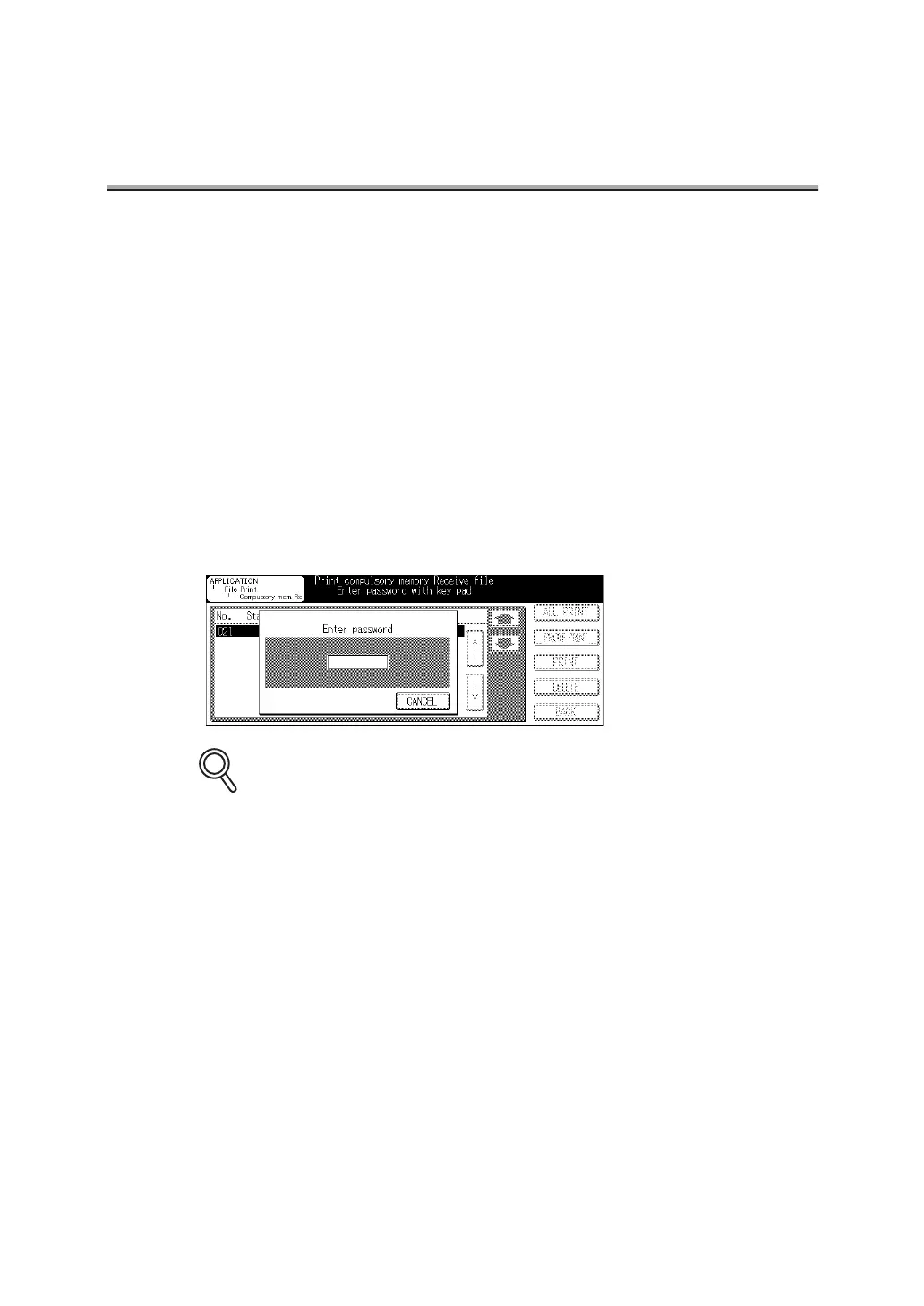
The password entry window appears in the Compulsory mem.Rx file print screen
appears.
5. Enter the password (4 digits) with the key pad.
• To interrupt operation, press CANCEL.
• If you press [CLEAR] or [STOP], the information you have entered will be deleted.
DETAILS



 To Next Page