Bulletin - (continued)
12-9
Print a Document Written to the Bulletin Board
Perform the following procedure to print the document placed on a Bulletin board.
1. Press [FA X] on the control panel to view the FAX Basic
screen, if it is not already displayed.
2. Press APPLICATION on the FAX Basic screen.
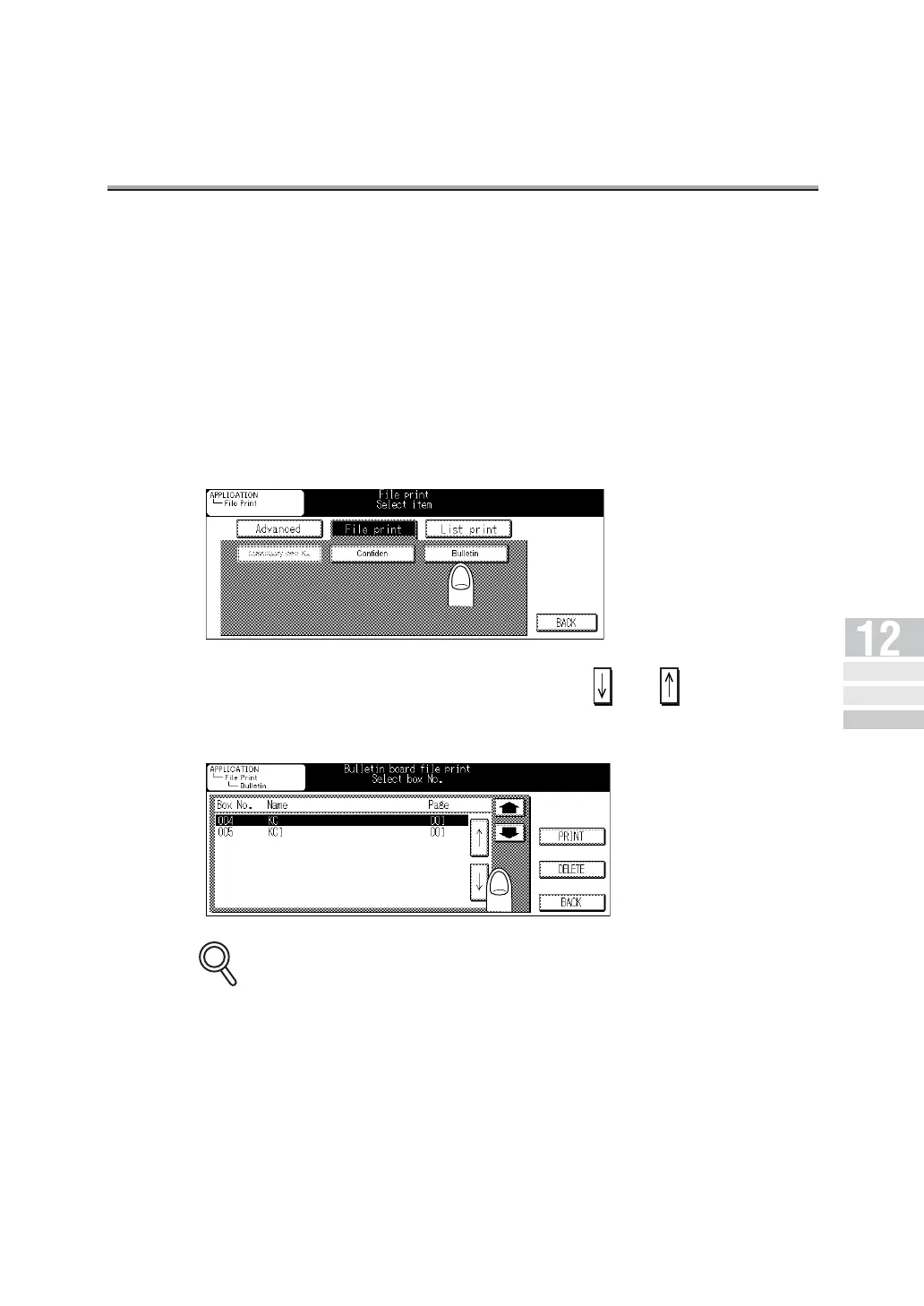
3. Press File print.
4. Press Bulletin.
5. Select the Bulletin board No. using or . Then press
PRINT.
The document placed on the designated Bulletin board will be printed out.
To interrupt operation, press BACK.
DETAILS
Polled
Transmission
Polling
Reception
Bulletin



 To Next Page