2-34
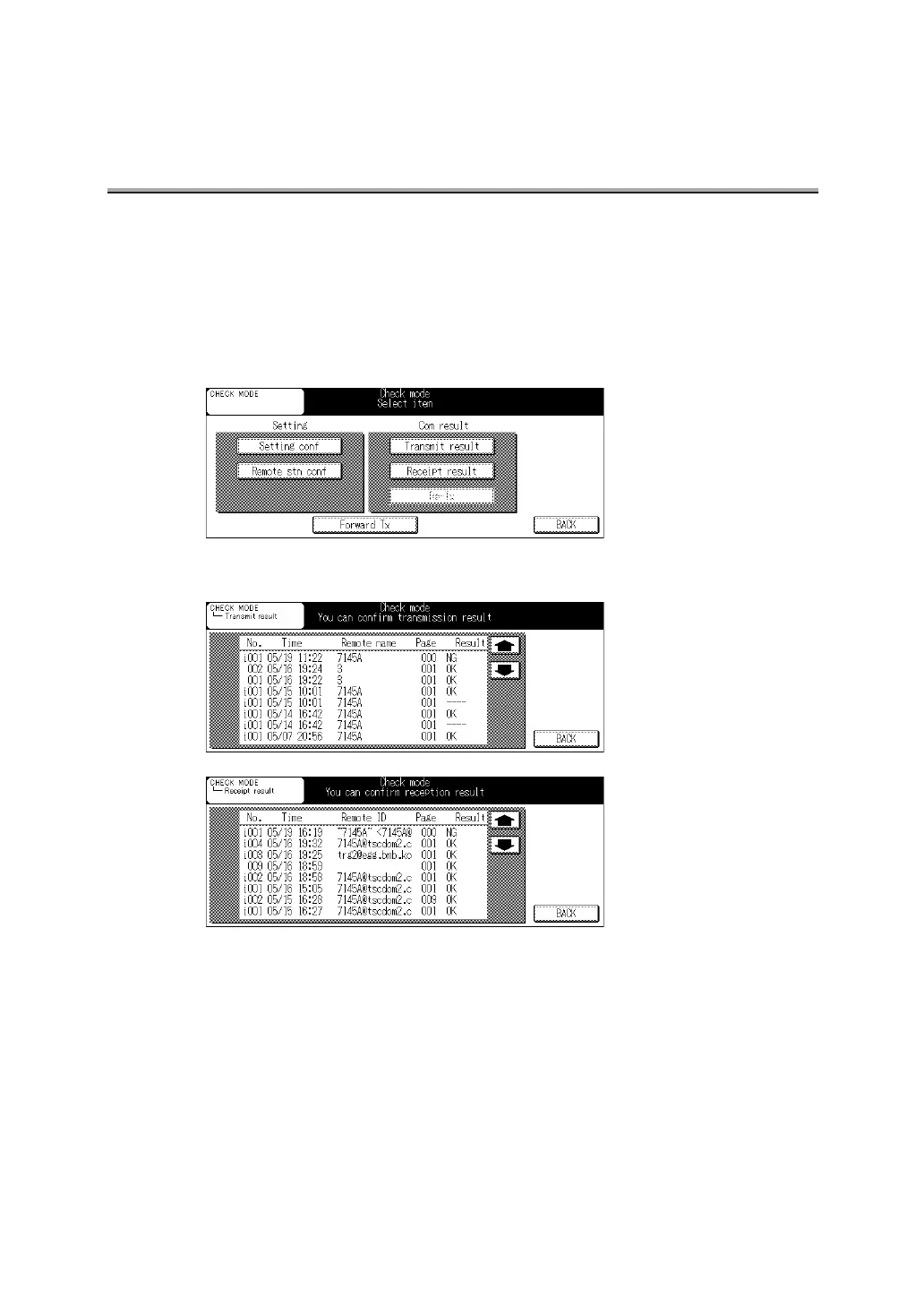
Confirming Communication Results
The communication results of the FAX Basic screen and FAX Application screen can be con-
firmed by using the Check button on the control panel.
1. Press [Check] on the control panel.
2. Press Transmit result or Receipt result.
3. Confirm the results.
• Messages of Internet Fax communication are prefixed by "i".
• Time: The date and hour when the transmission or reception is performed.
• Remote name: The name of the remote station registered with the abbreviated dial or the
telephone number of the destination.
• Remote ID: Mail address is the FAX ID of the remote station.
• Page: The number of pages being transmitted/received.
• Result: OK.........The transmission/reception was successful.
S-OK .....The transmission/reception is canceled.



 To Next Page