15-38
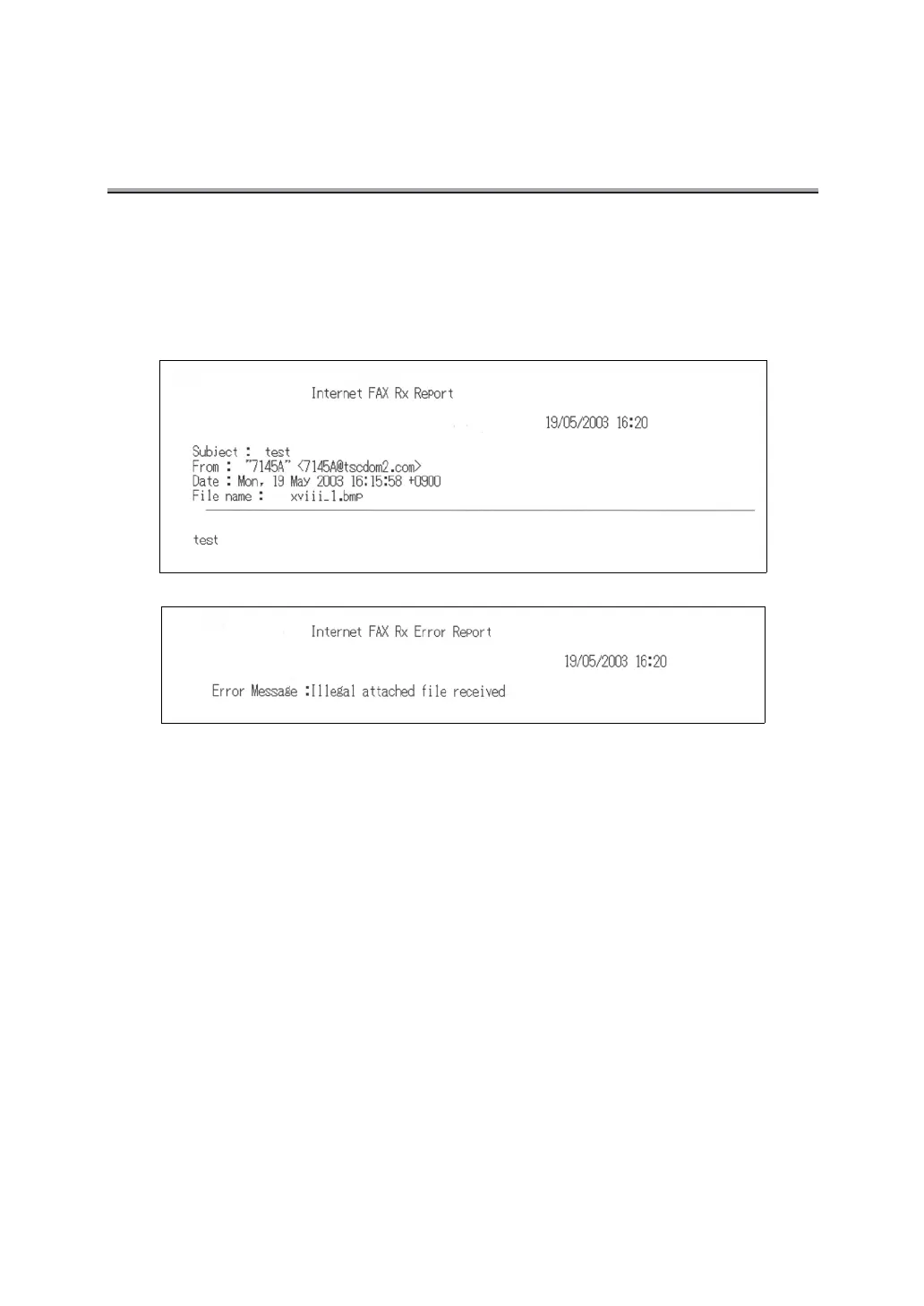
Internet FAX Rx Error Report
Internet FAX Rx Error Report is automatically printed together with an Internet Rx Report when
an attached file of a format other than TIFF-F or a file exceeding the capacity specified by binary
division is received.
Automatic printout can be set to ON or OFF with [Internet FAX Rx Err Report] at [Report Output
Set] of Key Operator mode. For detail, see "Report Output Set" (p. 14-30).
Subject: .......................Subject of the E-mail is indicated.
From: ...........................Mail address of the sender is indicated.
When the name is registered in the i-FAX entry list, also the name is
indicated.
Date:............................Date of reception is indicated.
File name:.................... File name of the attached file is indicated.
Error Message:............The following is shown.
• Illegal attached file received.



 To Next Page