Getting Started (FAX) - (continued)
xviii
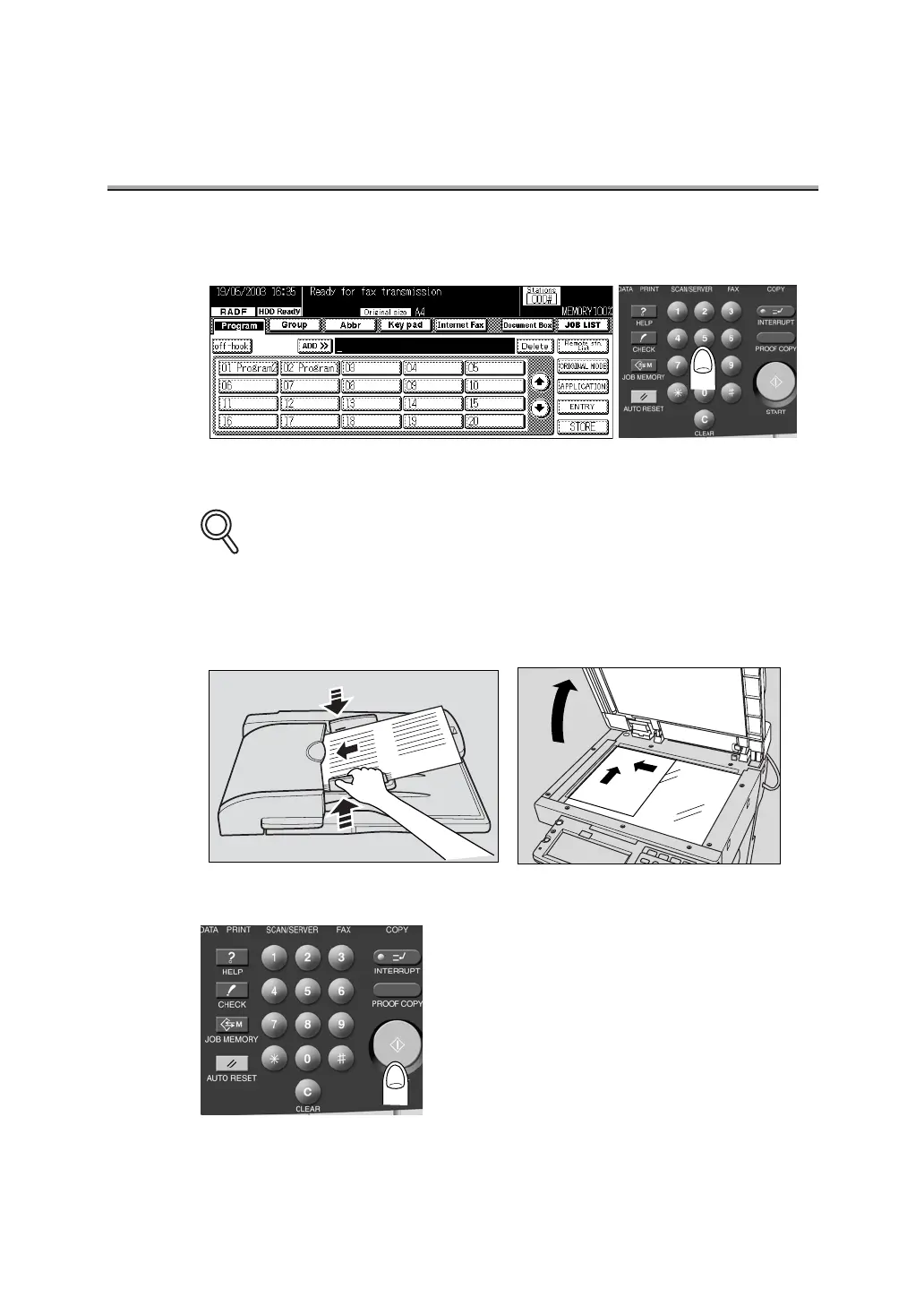
3. Use the keypad to enter the FAX number of the destination.
• If you make an incorrect entry, press DELETE to clear your entry.
• Press [CLEAR] or [STOP] to clear the whole entry.
4. Place the original on the machine.
5. Press [START] on the control panel.
DETAILS


 To Next Page