Confidential Communication - (continued)
10-36
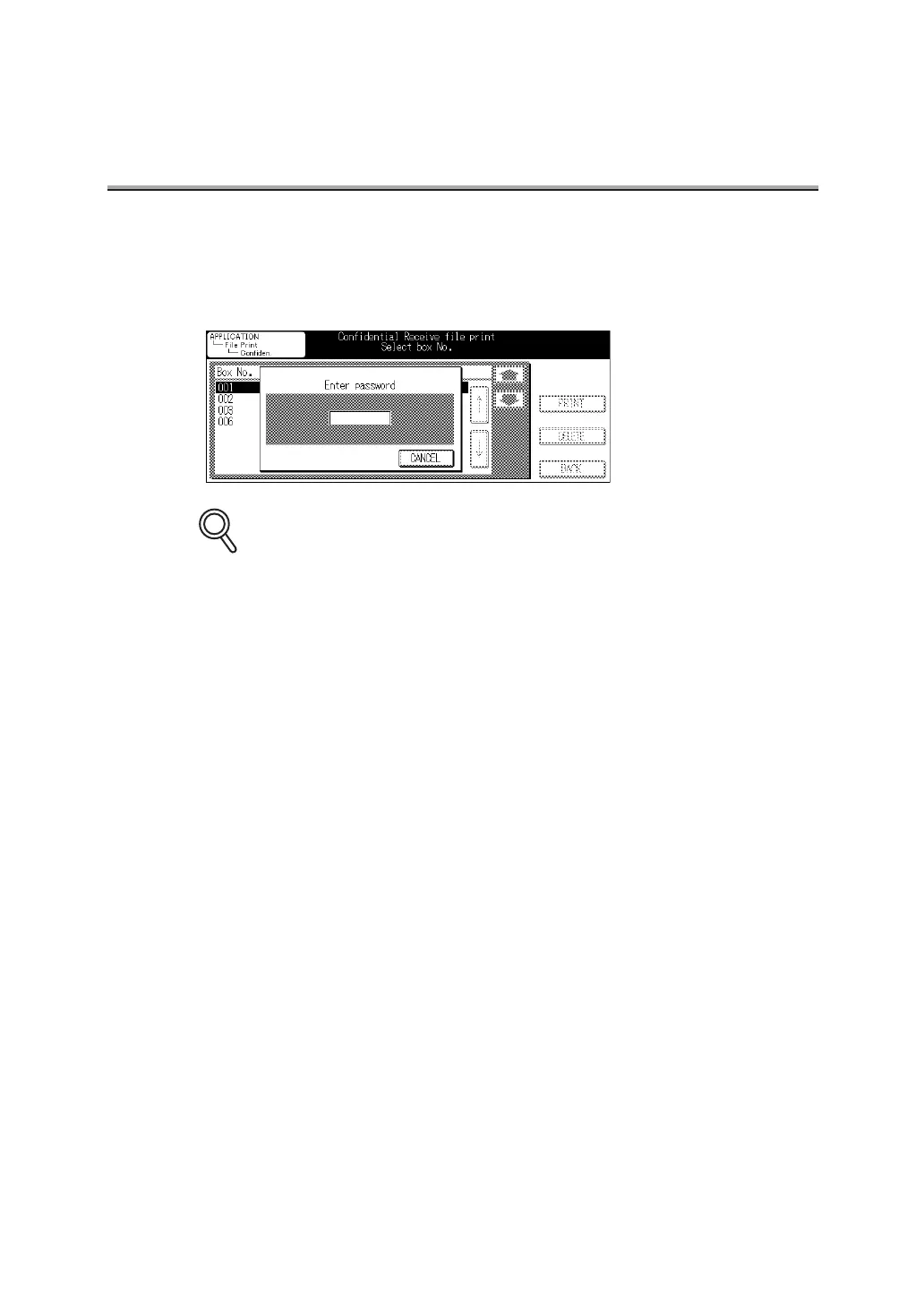
6. If the Access Protect No. is defined, the password entry
screen appears. Enter your password.
The document in the designated Confidential box will be printed out.
•
To interrupt operation, press CANCEL.
• Press [CLEAR] or [STOP] to clear the whole entry.
• After you print a document received in a confidential box, the document is erased.
DETAILS



 To Next Page