Setting the Confidential Boxes - (continued)
13-41
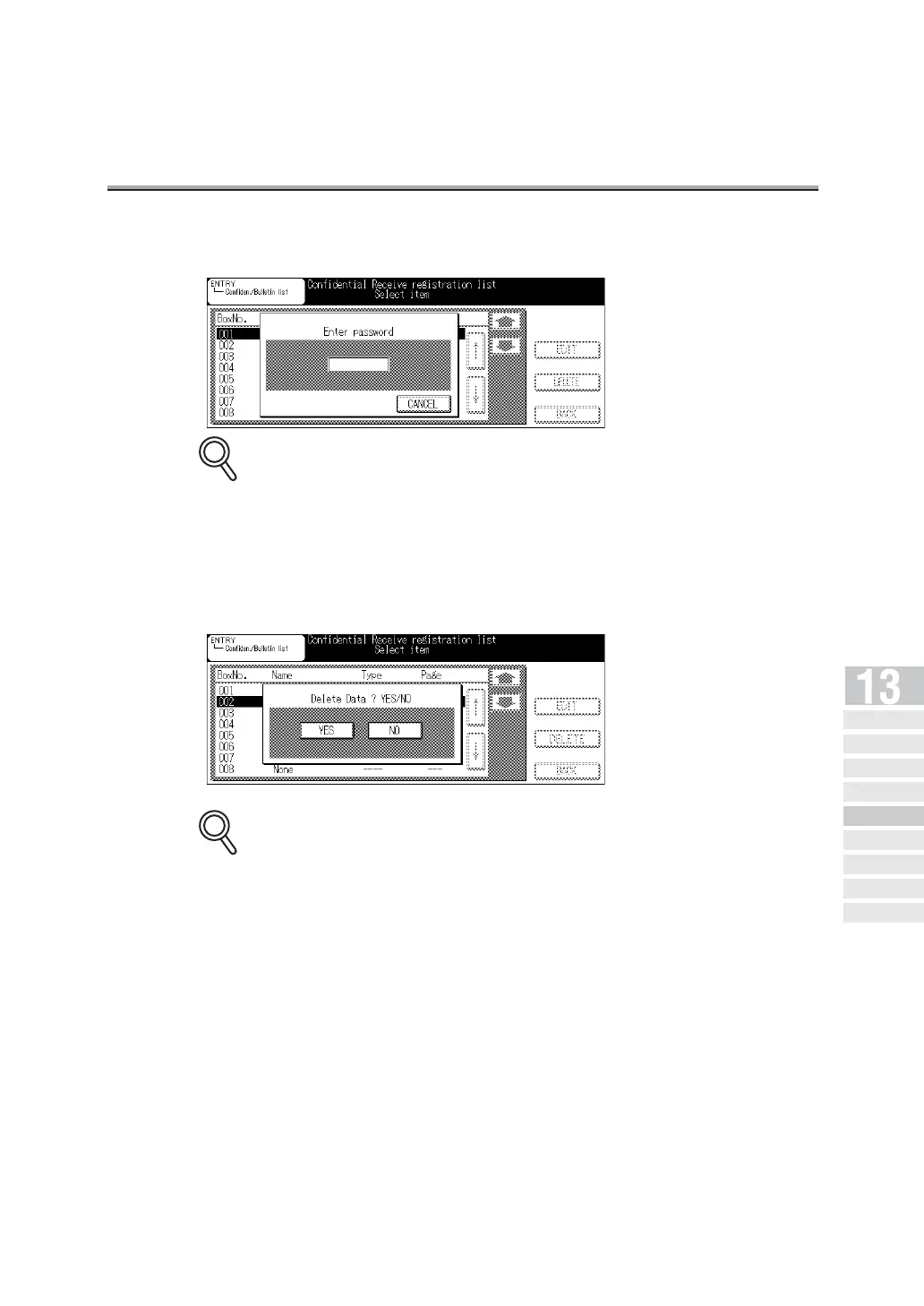
5. Enter the password (4-digit), if required.
• If you press [CLEAR] or [STOP], the information you have entered will be deleted.
• If you press CANCEL, you return to the confidential/bulletin list screen.
6. Press YES.
The confidential box designated is deleted and you return to the confidential/bulletin
registration list screen.
If you press NO, you return to the confidential/bulletin registration list screen.
7. Press BACK.
The remote station registration screen will be restored.
8. Press BACK.
The FAX Basic screen will be restored.
DETAILS
DETAILS
Setting Abbreviated
Di a l N umber s
Setting
Program Dial
Setting Dial
Groups
Setting Relayed
Transmission
Setting the
Confidential Boxes
Setting the
Bulletin Board
Registering Internet
Fax Mail Address
R egis ter i ng t h e
Internet Fax Subject
Re giste ring th e Int er net
Fax Mai l Mess ag e



 To Next Page