Simple Internet Fax Transmission - (continued)
2-4
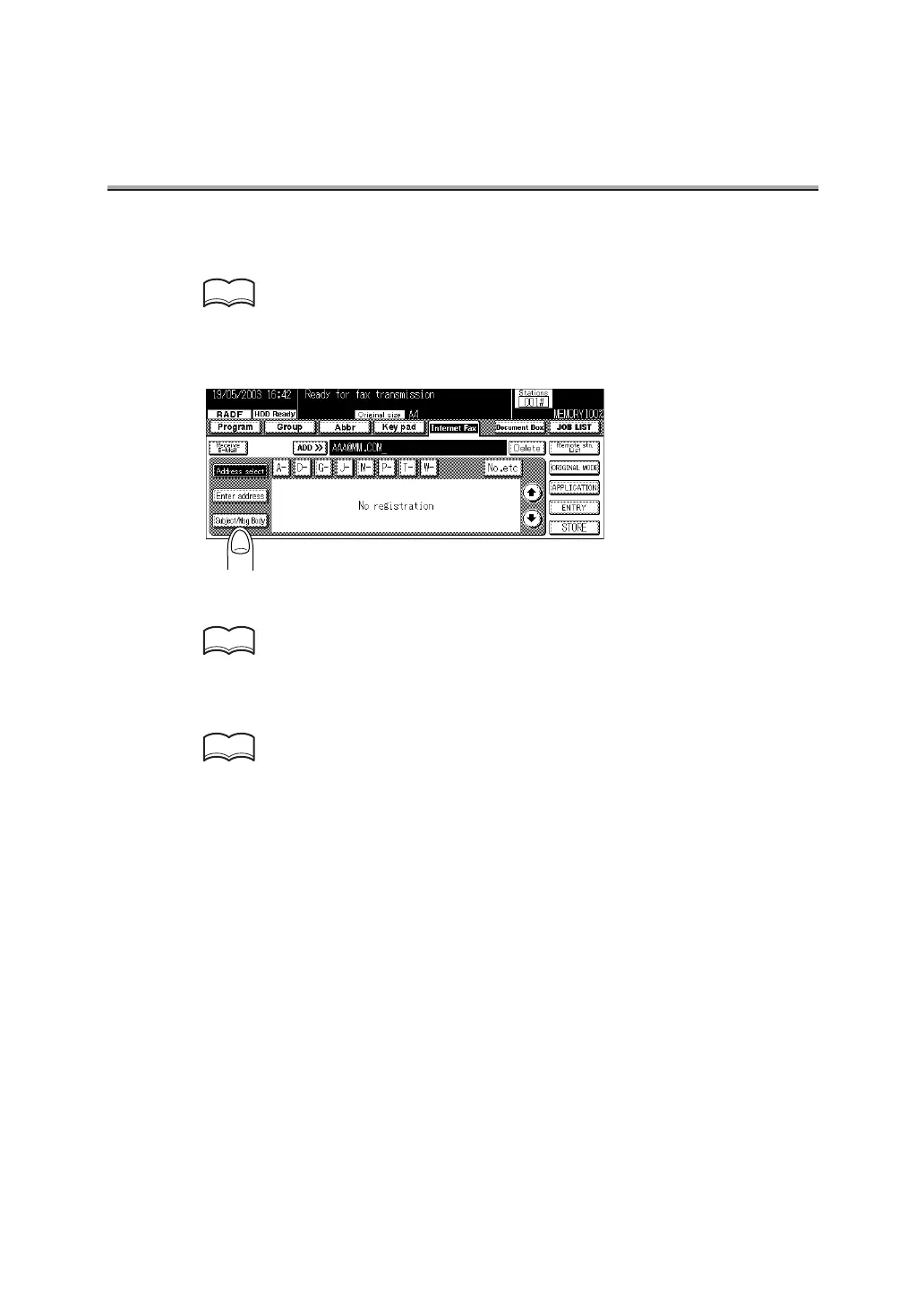
7. Specify the mail address of the remote station.
For mail information about entering the addresses, see p. 2-27.
8. Press Subject/Msg. Body.
9. Specify the subject of the mail.
For the information about entering the subjects, see p. 2-9.
10.Specify the mail message.
For information about entering the body, see p. 2-10.
HINT
HINT
HINT



 To Next Page