Transmitting Documents to Internet Fax/Computer - (continued)
2-8
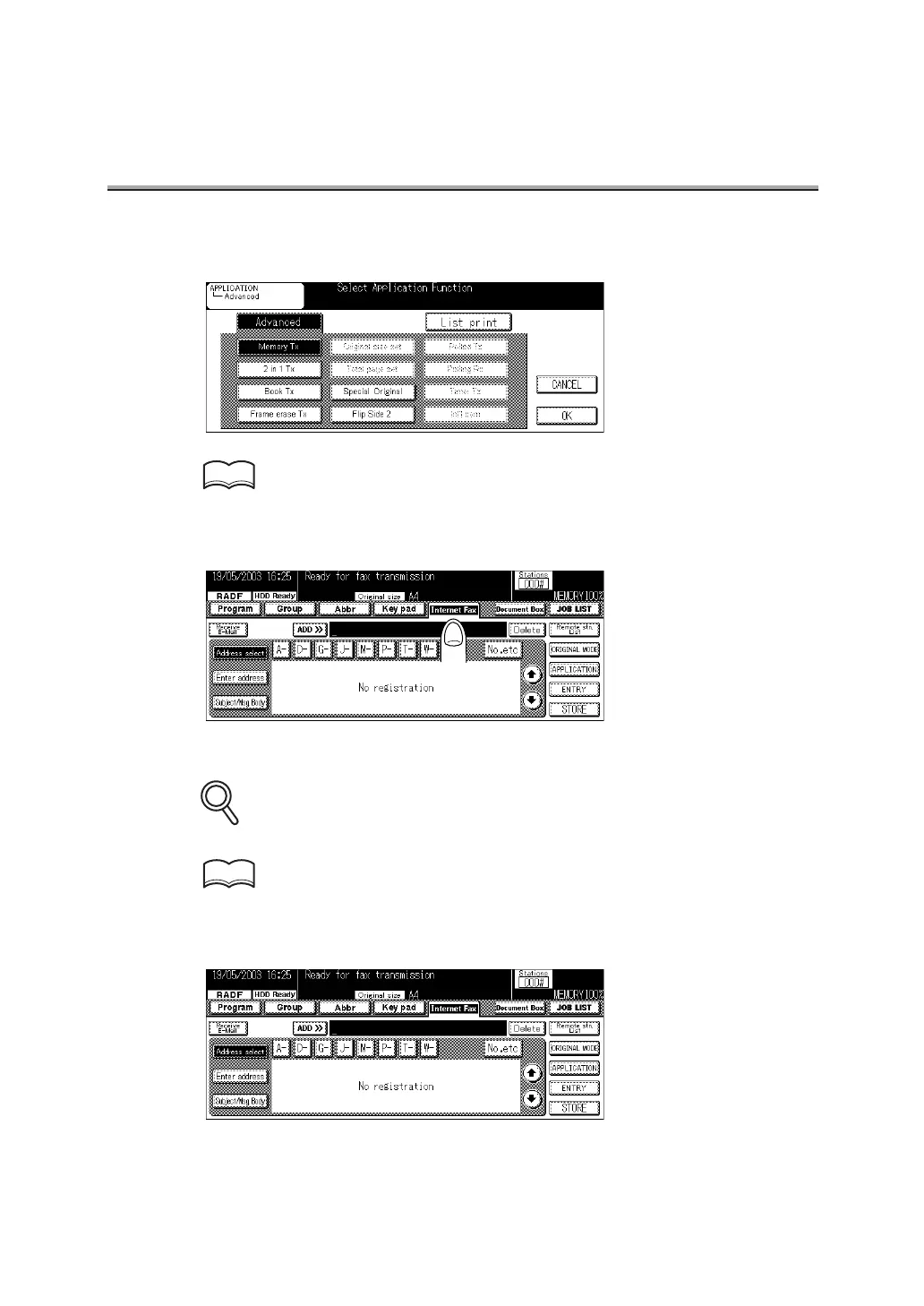
6. Set the items as required on the Application screen.
See p. 10-2 for details of the Application screen.
7. Press Internet Fax.
8. Specify the mail address of the remote station.
All the mail addresses are specified as "to". CC and BCC functions are not available.
See p. 2-27 for the mail addresses specifying method.
9. Press Subject/Msg. Body.
HINT
DETAILS
HINT



 To Next Page