Transmitting Documents to Internet Fax/Computer - (continued)
2-11
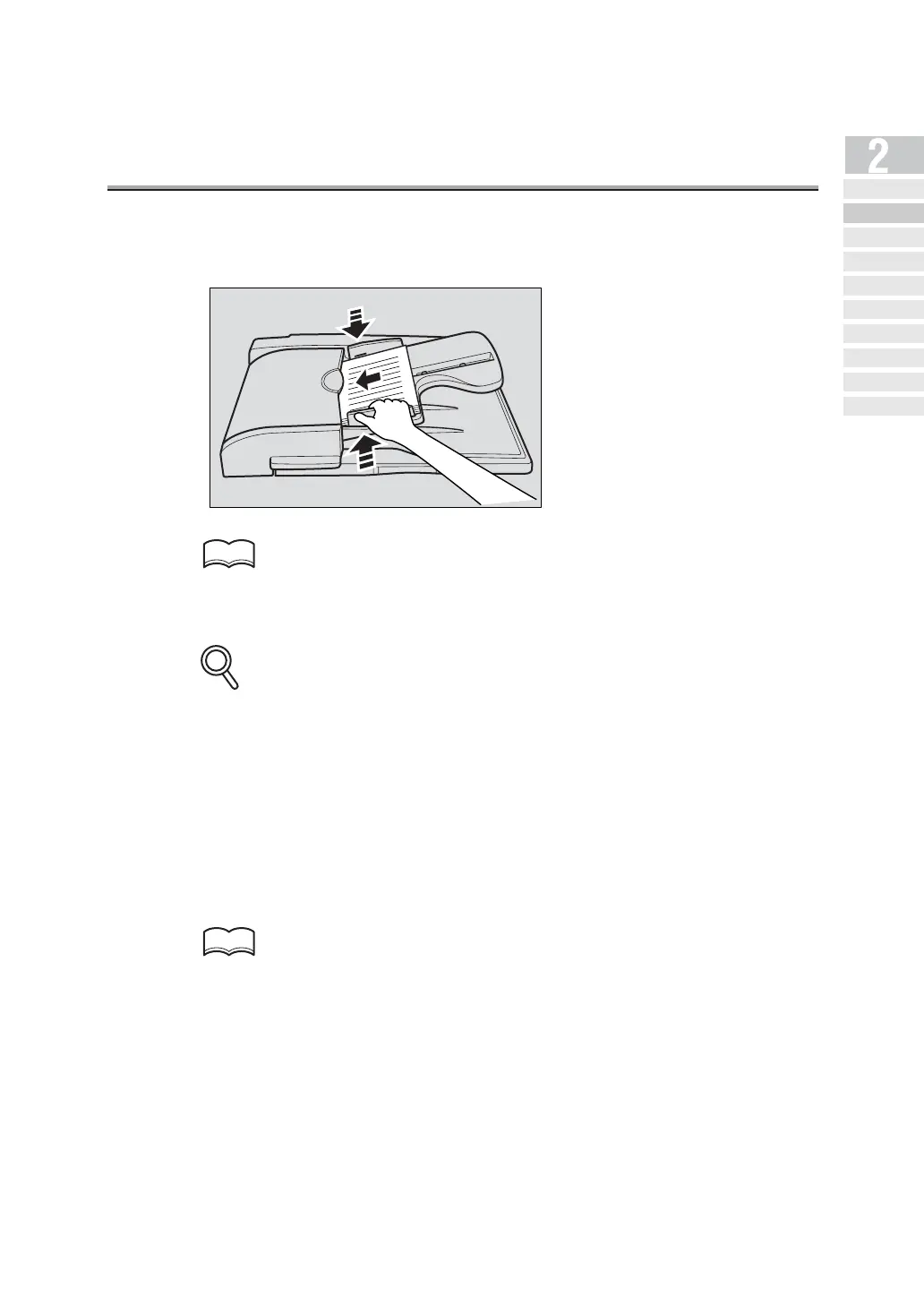
12.Place the original on the machine.
For detail, see "Placing the Original on the Machine" (p. 2-17).
13.Press [START].
• If a message cannot be correctly transmitted to the server, a Transmit report is printed.
See p. 15-36 for the Transmit report.
• File name of the attached file is "IFAXnnnn.TIF". (nnnn is a transmission No.)
• When binary division has been set for the network E-mail (SMTP setting), attached files
are divided and transmitted according to the size setting. Refer to "Konica 7145 User's
Manual (Network/Scanner Operations)" for details.
• When the SMTP server capacity has been set for the network E-mail transmission (SMTP
setting) and the set size is exceeded, an error results and the mail cannot be transmitted.
• Refer to "Konica 7145 User's Manual (Network/Scanner Operations)" for details.
• To stop transmission, press STOP.
If the document cannot be transmitted, see p. 4-2.
HINT
DETAILS
HINT
Simple Internet
Fax Transmission
Transmi tt ing Do cument s to
Internet Fax/Computer
Transmit tin g to Both
Co nv en tio na l F ax an d E- Mail
Placing the Original
on the Machine
Setting Transmission
Conditions
Method for Specifying
Ad dr ess e s
Scanning
Canceling
Transmission
Co nfi rming Re se rved
Do cum en ts
Co n f ir min g
Communicatio n Result s



 To Next Page