31
10.2 Statistics
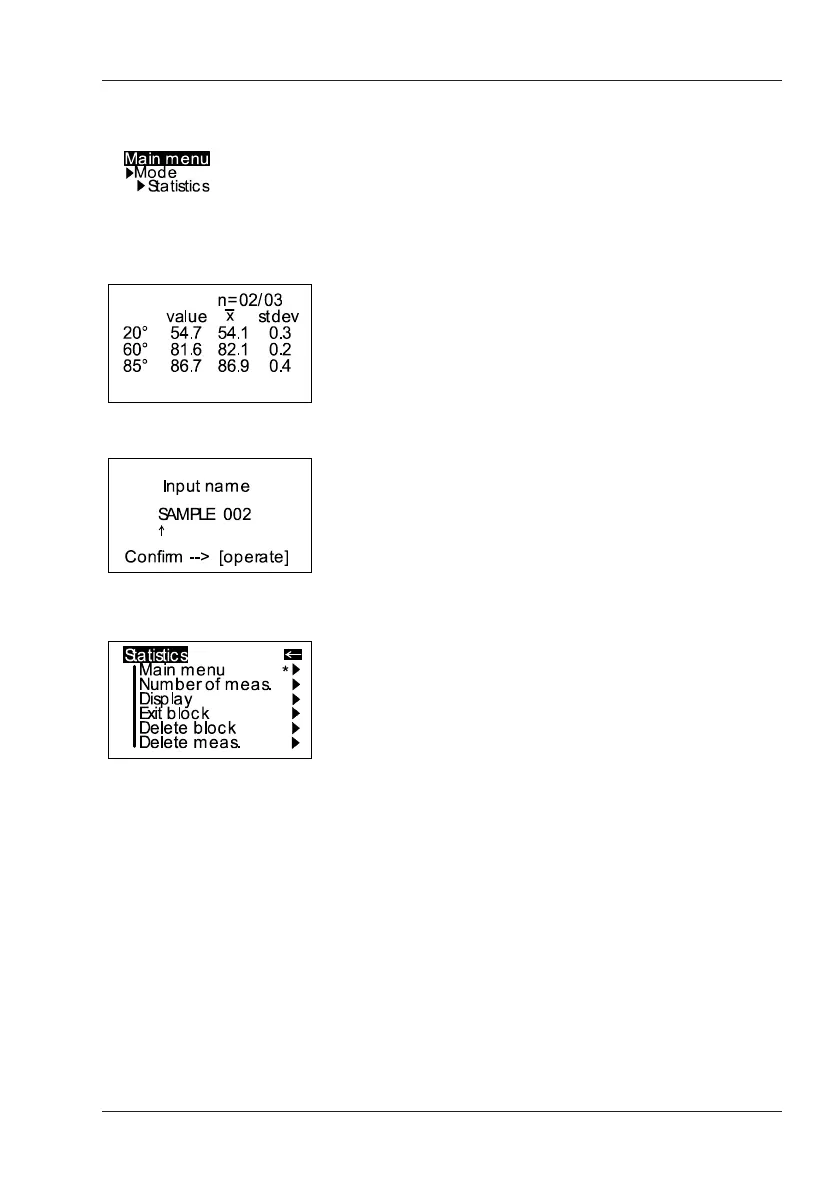
You can make multiple measurements with each
sample in Statistics mode. These measurements
will be evaluated statistically and displayed.
The results can be saved and compared with a
standard. These functions must be previously
activated (refer to Memory or Difference).
Measurement Modes
When Memory is turned on, a name is suggested
after all measurements of a sample (block). You can
confirm this name directly or change it.
When the Statistics function is turned on, additional
functions are available depending on the context
after you press the scroll wheel.














 To Next Page