EasyManua.ls Logo

Kramer FC-18 - FC-18 Protocol 3000 Commands Reference; FC-18 CEC and EDID Command Syntax; FC-18 Display Status and Echo Commands

Kramer FC-18
72 pages
Print Icon
To Next Page IconTo Next Page
To Previous Page IconTo Previous Page
Loading...
Kramer Electronics Ltd.
FC-18 Technical Specifications
61
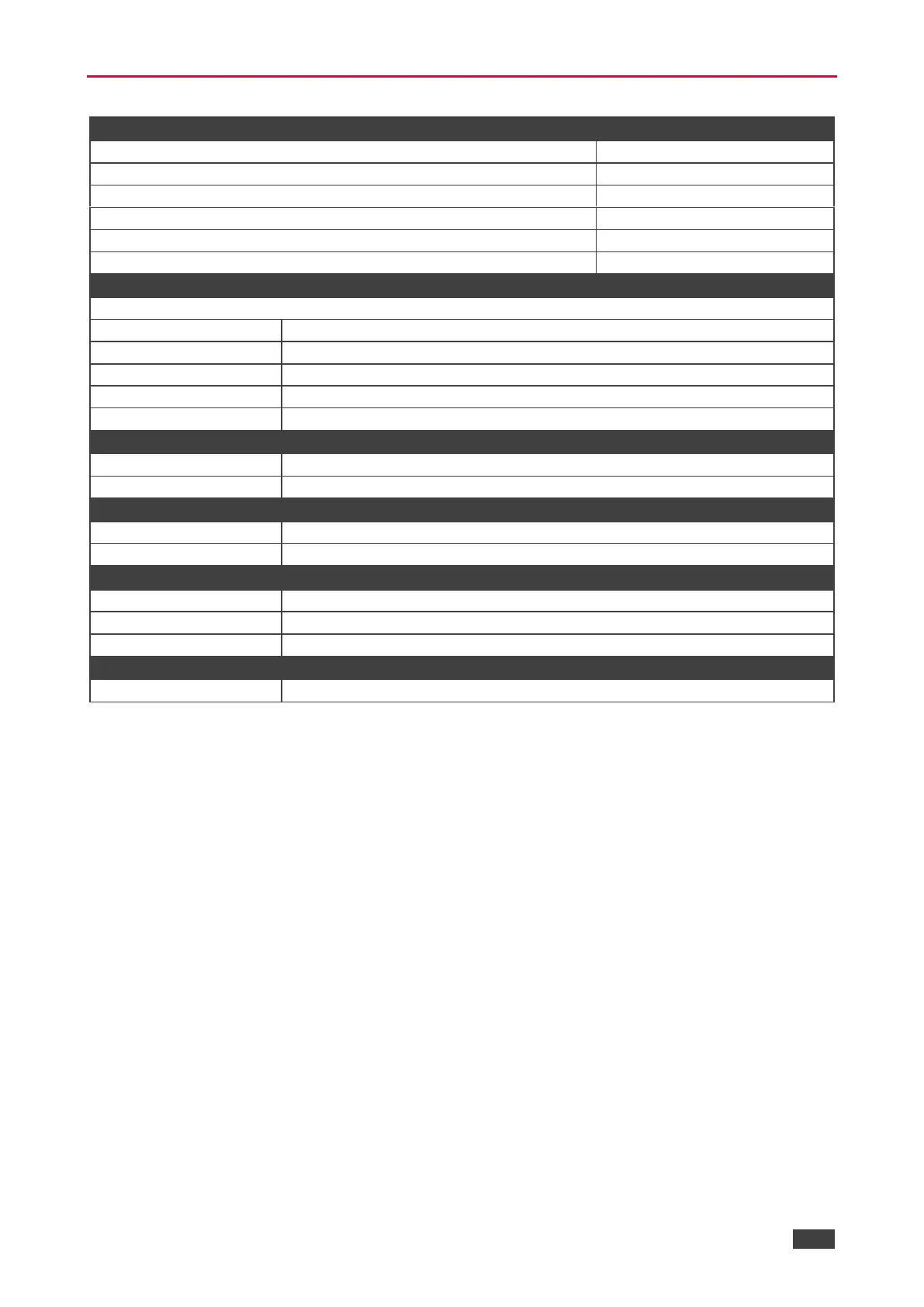
Default Communication Parameters
RS-232
Baud Rate:
115,200
Data Bits:
8
Stop Bits:
1
Parity:
None
Command Format:
ASCII
Example (disable video on the output):
#VMUTE1,1<CR>
Ethernet
To reset the IP settings to the factory reset values go to:
Static IP Address:
192.168.1.39
Subnet mask:
255.255.0.0
Default gateway:
192.168.0.1
TCP Port #:
5000
UDP Port #:
50000
Remote port for Ethernet Display Control
TCP Port #:
5002
UDP Port #:
50002
Remote port for Ethernet Tunneling
TCP Port #:
5001
UDP Port #:
50001
Factory Reset
Embedded web pages
Go to: Device Settings-> Soft factory reset
Full Factory Reset
Press and hold OFF button for 3 seconds.
Protocol 3000
#FACTORY<CR>
Security
Security User/Password
admin/admin

Other manuals for Kramer FC-18

Related product manuals