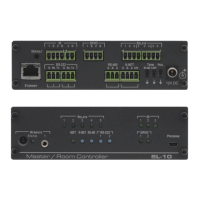
Mounting FC-18
This section provides instructions for mounting FC-18. Before installing, verify that the
environment is within the recommended range:
• Operation temperature – 0 to 40C (32 to 104F).
• Storage temperature – -40 to +70C (-40 to +158F).
• Humidity – 10% to 90%, RHL non-condensing.
• FC-18 must be placed upright in the correct horizontal position.
Caution:
• Mount FC-18 before connecting any cables or power.
Warning:
• Ensure that the environment (e.g., maximum ambient temperature & air flow) is
compatible for the device.
• Avoid uneven mechanical loading.
• Appropriate consideration of equipment nameplate ratings should be used for avoiding
overloading of the circuits.
• Reliable earthing of rack-mounted equipment should be maintained.
Mount FC-18 in a rack:
Use the recommended rack adapter
(see www.kramerav.com/product/FC-18).
Mount FC-18 on a surface using one of the following methods:
• Attach the rubber feet and place the unit on a flat surface.
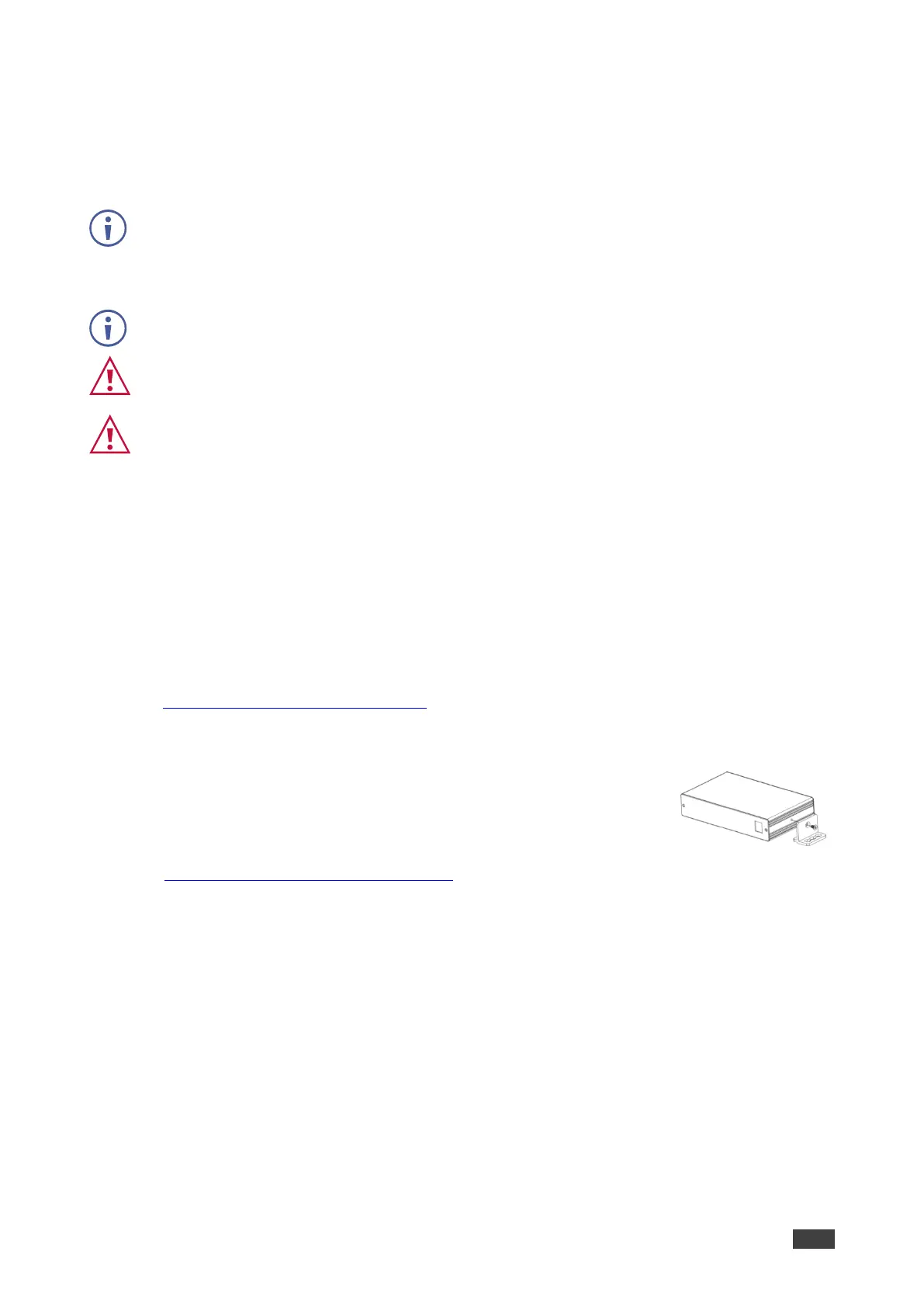
• Fasten a bracket (included) on each side of the unit and attach it to
a flat surface. For more information go to
www.kramerav.com/downloads/FC-18.



 To Next Page