6 Operating the TP-578H
6.1 The K-Link Setup 4-way DIP-switch
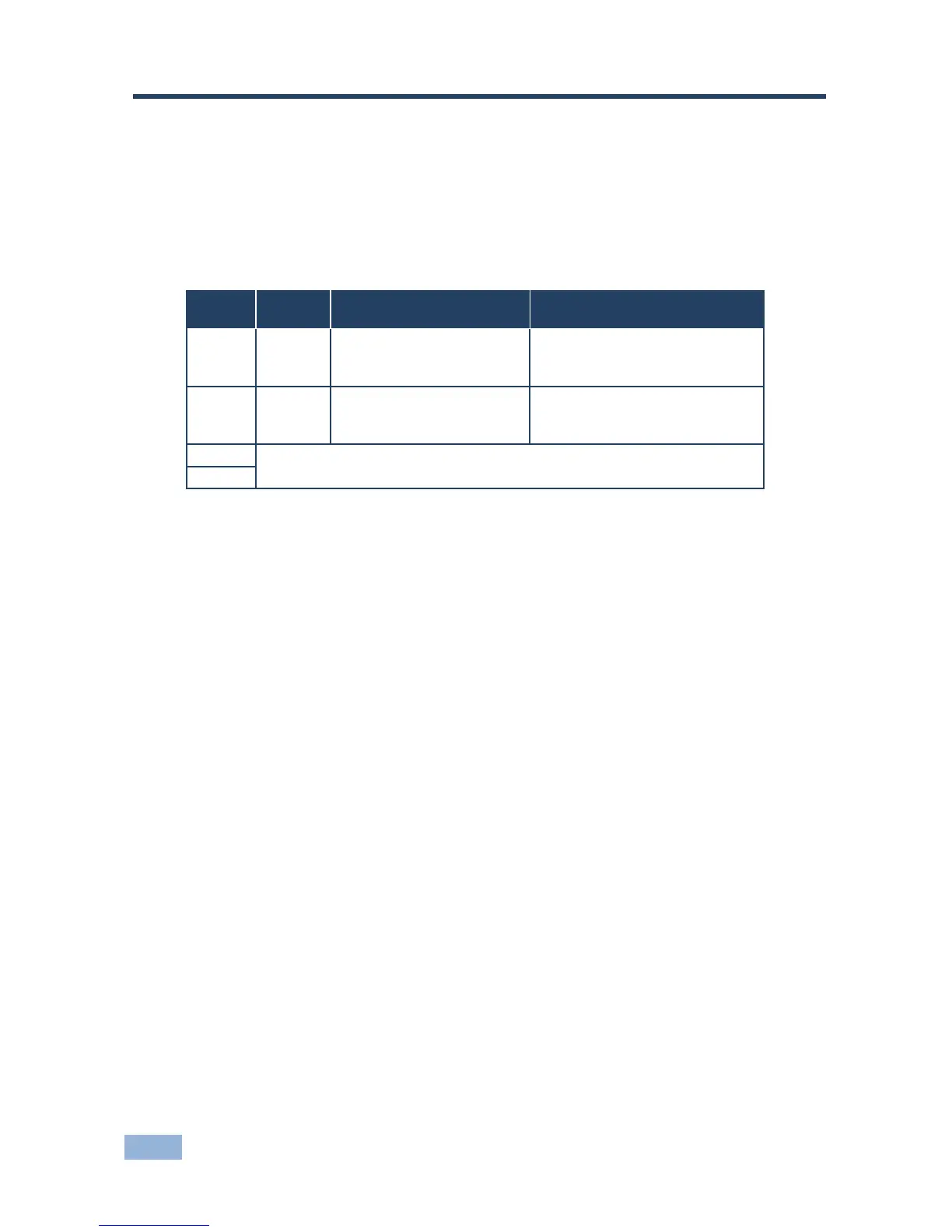
The Setup 4-way dip-switch lets you lock the EDID and set the output timeout.
When a switch is down it is on and when it is up it is off.
6.2 Locking the EDID
You can lock the current EDID to prevent the EDID from being updated
automatically when a new display device is plugged in.
To lock the current EDID:
Set DIP-switch 1 to ON
Note: You can only modify the EDID using Protocol 3000 commands or the EDID
Designer when DIP-switch 1 is on.
6.3 Setting the Output Timeout
You can set the output to be disabled when there is no input detected for 5
minutes or to be always on.
To enable the timeout:
Set DIP-switch 2 to ON



 To Next Page