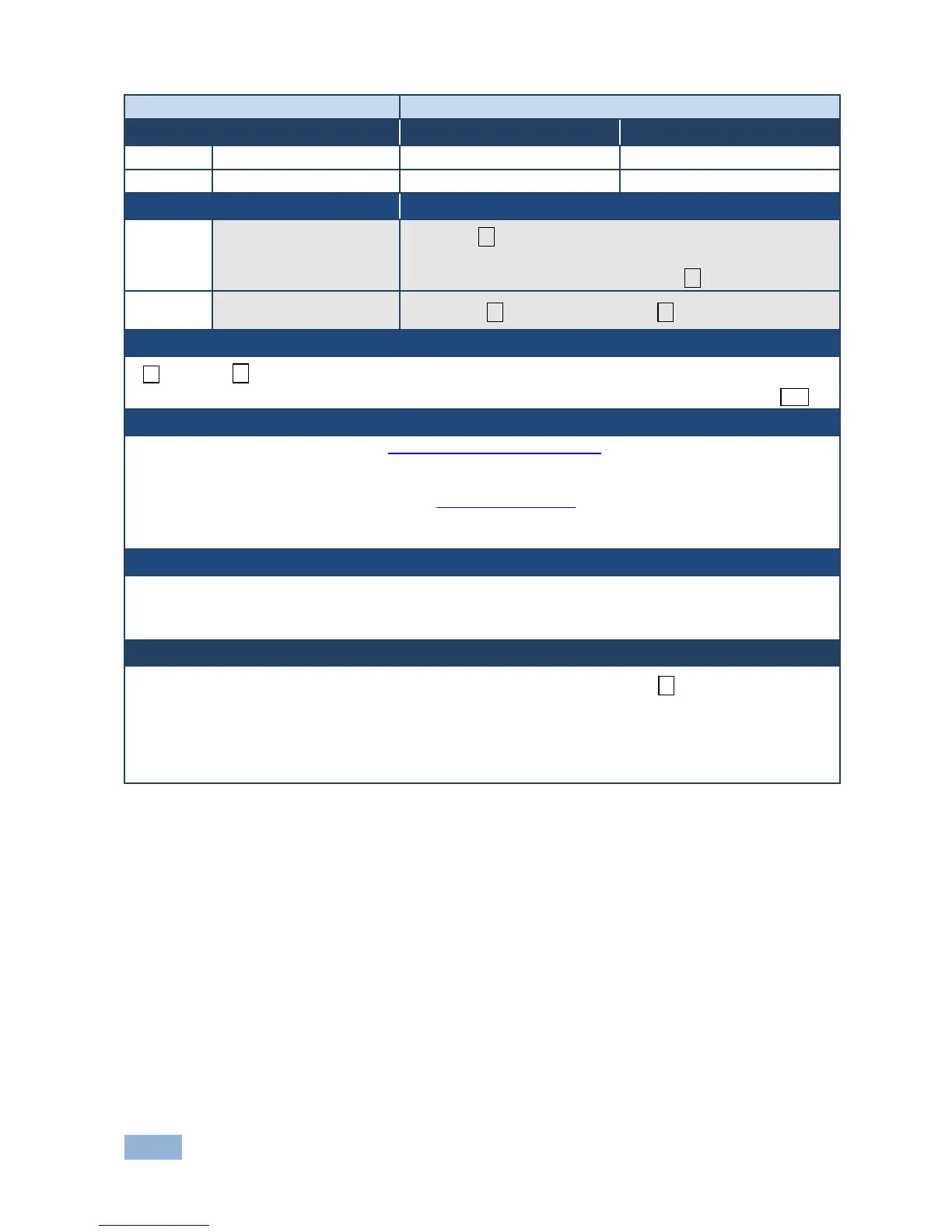
Set custom defined
scaled video output
resolution to “vic” index
#DEF-RES␠
Table_id,Width,Height,Htotal,VTotal,HSyncW,HSyncBackPorch,V
SyncW,VSyncBackPorch,FrRate,Interlaced␍
Get custom defined video
resolution
#DEF-RES?␠VIC_id, stage, stage_id ␍
~ nn@DEF-RES␠
Table_id,Width,Height,Htotal,VTotal,HSyncW,HSyncBackPorch,VSyncW,VSyncBackPorch,FrRate,Interlaced␍␊
Table_id - index in resolution table (see Section 10.2.3 Video Resolutions). Valid indexes for SET are 100-
104 only
Custom resolution parameters - by name (self-explanatory), numeric value
Interlaced - interlaced/progressive according to Section 10.2.1 On/Off (“ON”- I, “OFF” - P)
Stage - input/output
Stage_id - number of chosen stage (1...max number of inputs/outputs)
After execution, response is sent to the com port from which the Set/Get was received
After execution, response is sent to all com ports if DEF-RES was set by any other external control device
(button press, device menu and similar)
If a requested custom resolution is not defined, yet is in the device, it returns ERR␠003 (out of range)
Only indexes 100-104 are valid for custom defined resolution
In Get command when sending:
index 0 - device replies with detailed info of native resolution
index 255 - device replies with detailed info of current resolution



 To Next Page