EasyManua.ls Logo

Kramer TP-578H - Page 35

Kramer TP-578H
41 pages
Print Icon
To Next Page IconTo Next Page
To Previous Page IconTo Previous Page
Loading...
TP-578H - Protocol 3000
31
31
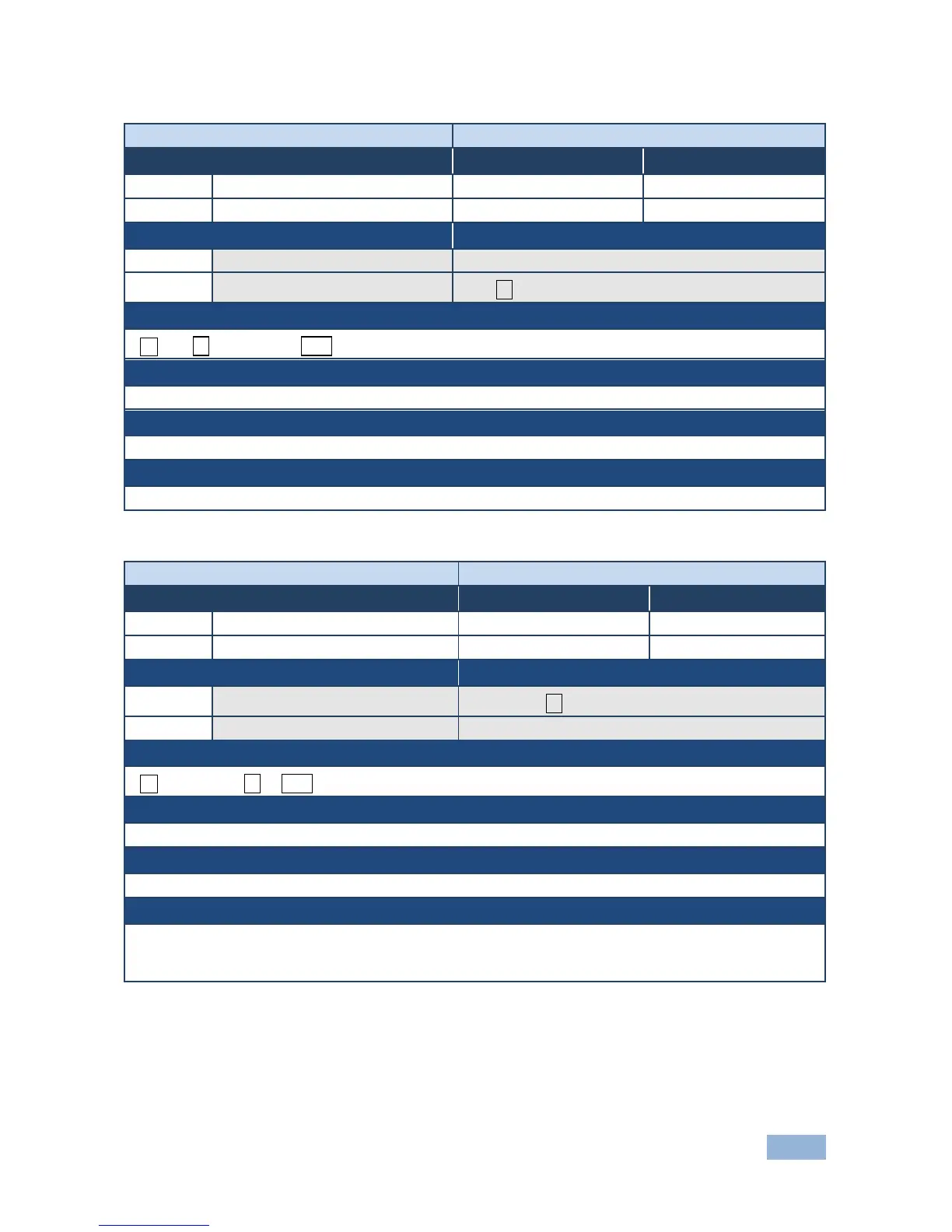
Command - SN?
Command Type - System-mandatory
Command Name
Permission
Transparency
Set:
-
-
-
Get:
SN?
End User
Public
Description
Syntax
Set:
-
-
Get:
Get device serial number
#SN?
Response
~nn@SNserial_number␍␊
Parameters
serial_number - 11 decimal digits, factory assigned
Response Triggers
Notes
For new products with 14 digit serial numbers, use only the last 11 digits
Command - UPGRADE
Command Type - System
Command Name
Permission
Transparency
Set:
UPGRADE
Administrator
Internal
Get:
-
-
-
Description
Syntax
Set:
Perform firmware upgrade
#UPGRADE
Get:
-
-
Response
~nn@UPGRADEOK␍␊
Parameters
Response Triggers
Notes
Not necessary for some devices
Firmware usually uploads to a device via a command like LDFW
Reset the device to complete the process

Related product manuals