EasyManua.ls Logo

Kramer WP-5VH2 - Page 75

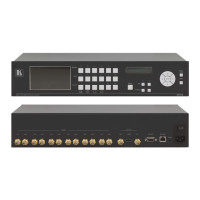
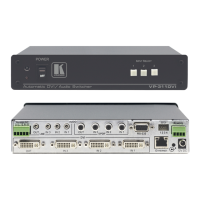
Kramer WP-5VH2
101 pages
Print Icon
To Next Page IconTo Next Page
To Previous Page IconTo Previous Page
Loading...
69
69
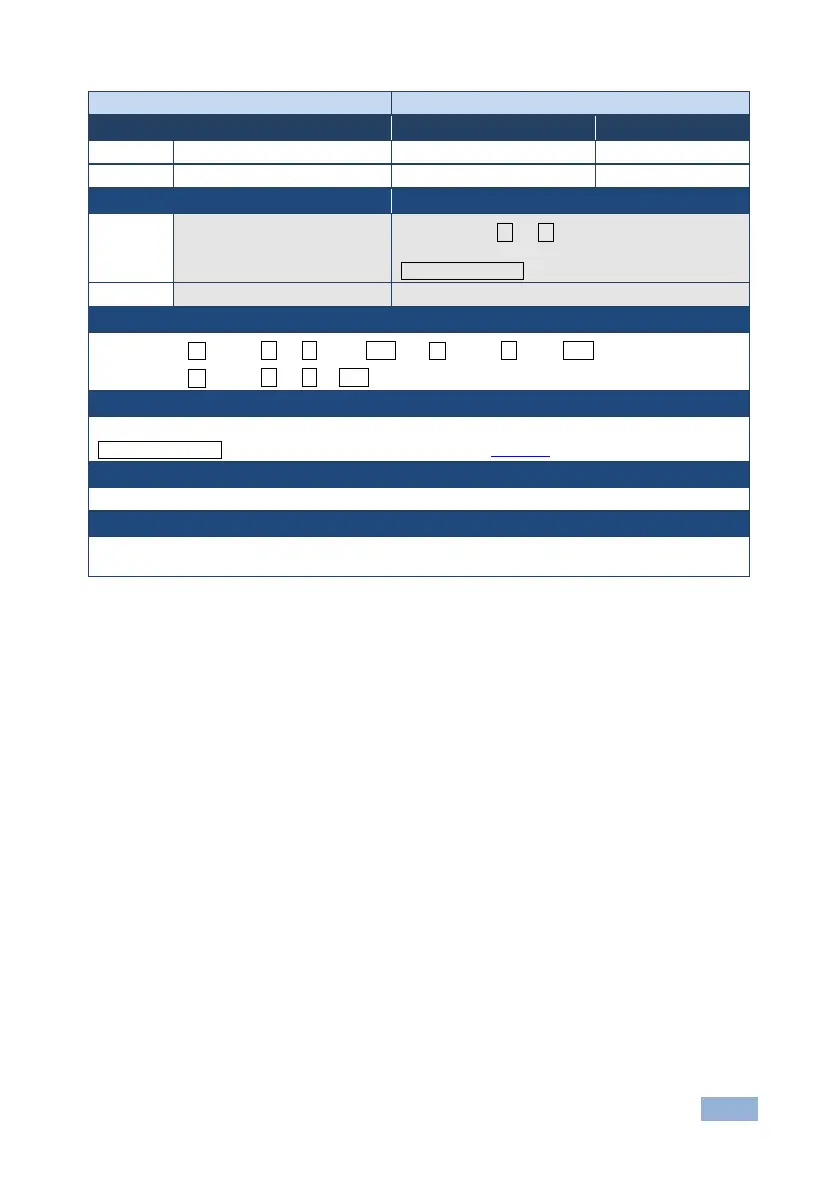
Command - LDFW
System - Packets
Command Name
Permission
Transparency
Set:
LDFW
Internal SW
Public
Get:
-
-
-
Description
Syntax
Set:
Load new firmware file
Step 1: #LDFWsize
Step 2: If ready was received, send
FIRMWARE_DATA
Get:
-
-
Response
Response 1: ~nn@LDFWsizeREADY␍␊ or ~ nn@LDFWERRnn␍␊
Response 2: ~nn@LDFWsizeOK␍␊
Parameters
size - size of firmware data that is sent
FIRMWARE_DATA - HEX or KFW file in protocol packets (see Section 4)
Response Triggers
Notes
In most devices firmware data is saved to flash memory, but the memory does not update until
receiving the “UPGRADE” command and is restarted. Use this command in dedicated SW application

Table of Contents

Related product manuals