Page | 32
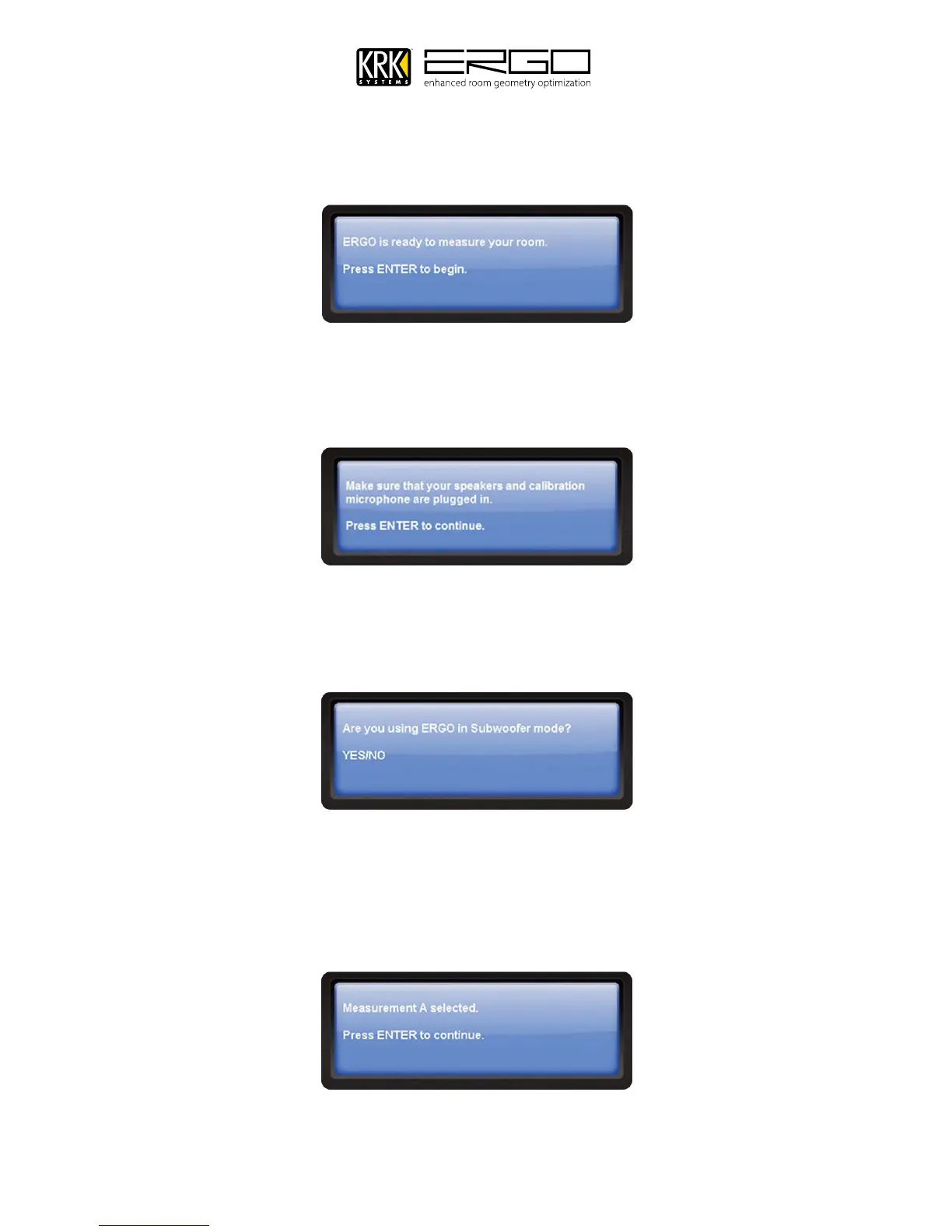
5. ERGO Cal will now search for ERGO and begin communicating, once complete you will see the message below,
please press ENTER to being the process. Note: You can cancel the calibration process at any time, if you are
interrupted or want to start again simply press cancel and return to the start of the procedure.
6. The next step will remind you to check connections, at this point you monitoring system should be on and the
volume should have been set to your normal monitoring level, or by following the chapter called “Setting
Monitor and Subwoofer Levels”.
7. You will then be asked if you are using ERGO in subwoofer (2.1) mode, your answer will determine how ERGO’s A
and B switches operate. If you select “No”, the A/B switches will alternate between the A and B monitors. If you
select “Yes” Switch A will control you main monitors, and switch B will control the subwoofer.
8. The next window may inform you of which, if any, buttons are selected on ERGO—A, B/Sub, both, or neither
and will instruct you to select the appropriate button. Note: Ensure you have selected the monitor path for the
monitors you wish to calibrate. You will receive confirmation as shown below (differing messages for each
choice – Measurement A shown). Press ENTER to continue.



 To Next Page