Chapter 4 Maintenance Mode Functions
100
Use the tools menu
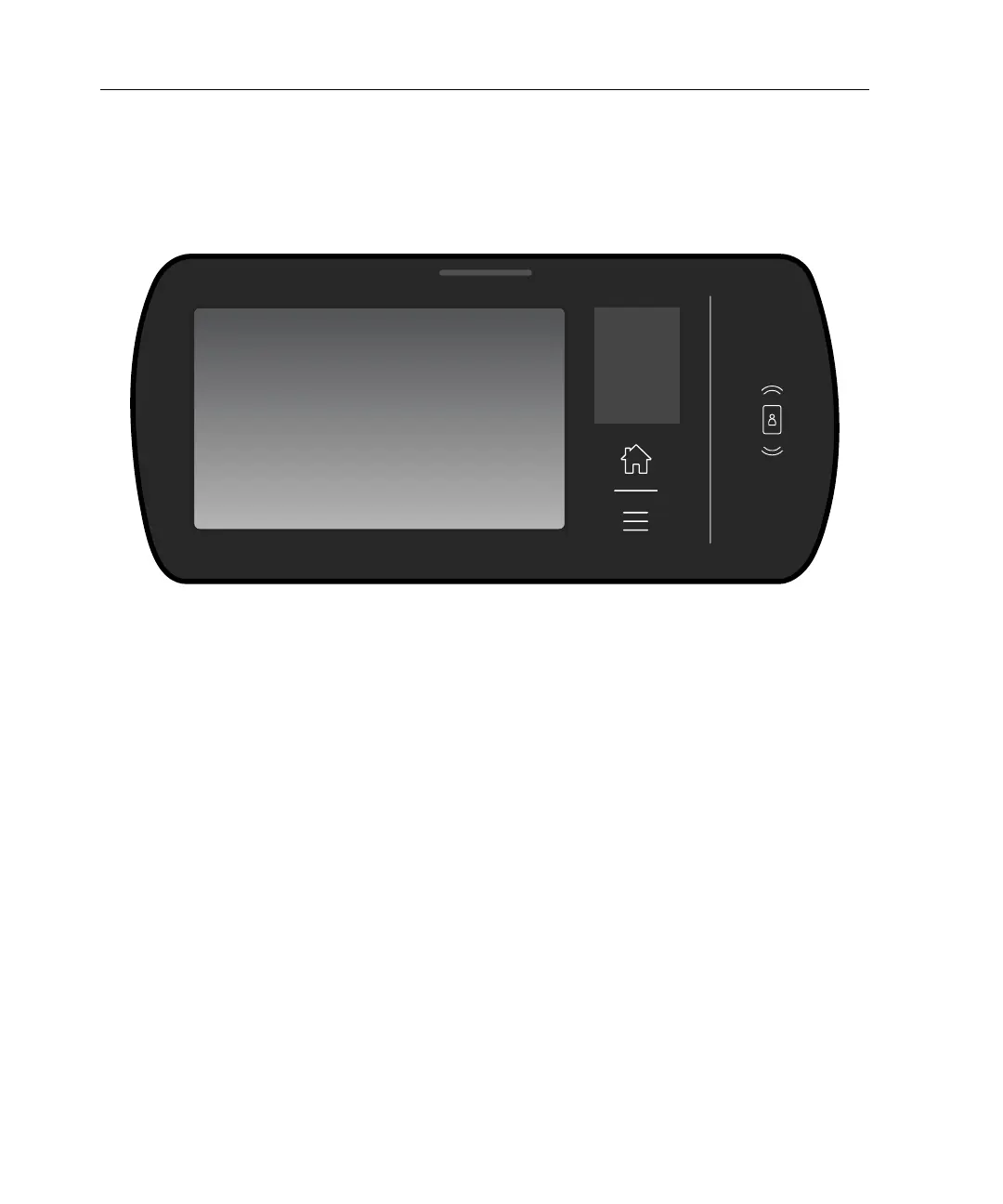
Press the tools menu icon on the front of the timeclock (below the home icon), and
tap Maintenance Mode. Enter the maintenance mode password, and tap Enter.
Use the maintenance mode button
1. Use the security wrench that was supplied with the InTouch DX to loosen the
screws on the sides of the timeclock. By design, the screws remain attached to
the mounting bracket.



 To Next Page